Dreamy Scrapbook Collage AI Prompt

Dreamy Scrapbook Collage AI Prompt: What Is This Style?
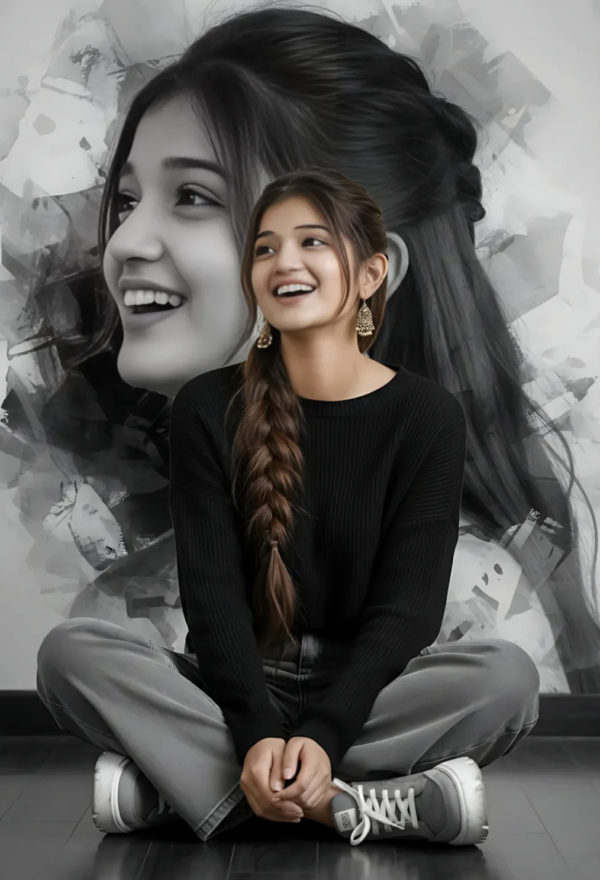
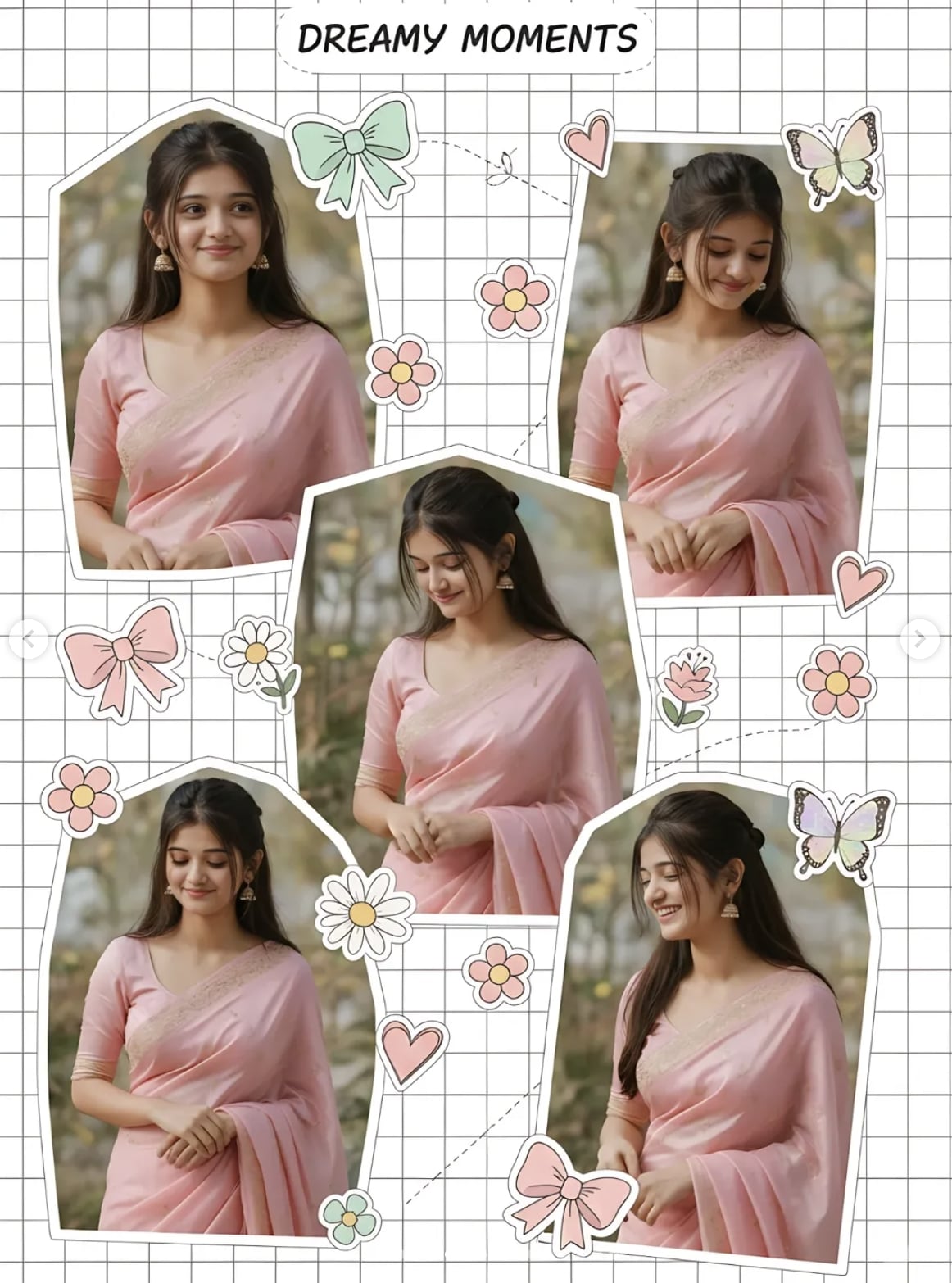
This dreamy scrapbook collage style gives a photo a cute, soft, feminine, Pinterest-inspired feel. This type of editing is ideal for anyone who wants their portrait photo to look like an aesthetic moodboard, especially with pastel colors, decorative stickers, and a cut-out collage effect.
Read Also: Cinematic Realistic Portrait AI Prompt | 2026 New Year AI Prompt
The photo doesn’t stay a normal portrait — it becomes a creative design piece. A white grid background, multiple poses, bows, flowers, hearts, butterflies, and soft lighting combine to give the image a polished scrapbook-page look. This prompt-style editing is genuinely useful for Instagram, Pinterest, a WhatsApp status, or a profile-style post.
Its biggest advantage is giving a dreamy presentation to a personal photo, without making the image too dramatic. Soft skin tones, a pastel pink shade, smooth composition, and decorative elements combine to make the overall frame elegant and trendy.
What Look This Prompt Style Gives
The output is usually very soft, cute, balanced. The main subject becomes the center of attraction, but multiple angles and poses add variation to the image. The cut-out effect clearly separates the subject from the background, keeping composition clean and stylish.
Color palette is an important part of this style. Pastel pink, white, light cream, baby tones, and subtle decorative accents give the photo a romantic and feminine mood. The background is usually bright or white-grid type, creating a scrapbook-page feel. Stickers like bows, butterflies, flowers, and hearts add a playful, trendy touch.
Visually, this style depends on smooth skin, gentle shadows, and soft lighting. Hard contrast or a dark background can weaken this look, while natural or diffused light makes the photo dreamy.
- Soft pastel colours and a feminine tone
- White grid or scrapbook-type background
- Multiple poses or angle variations
- Decorative stickers: bows, hearts, flowers, butterflies
- Clean cut-out effect for subject separation
- Smooth, polished, ultra-aesthetic mood
How to Use This Style: Step-by-Step Guide
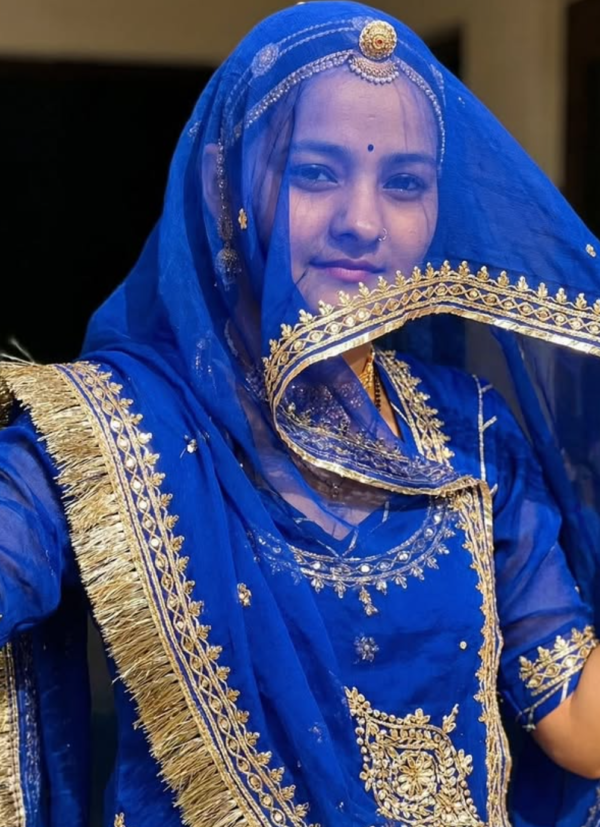
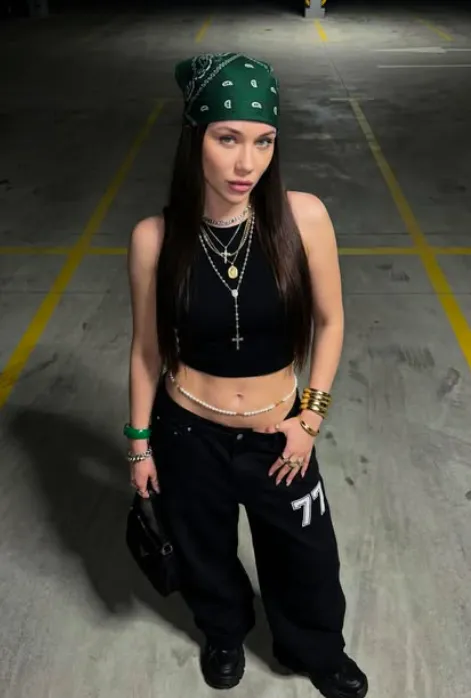
On mobile, keep the process simple. Select a clear portrait photo first, with the face visible and pose natural. Keep 2–4 different-angle photos ready if possible, since the scrapbook collage effect looks stronger with different expressions and poses.
Upload the photo to your editing tool or AI-based image editor. Prioritize collage layout, white background, pastel tone, and decorative sticker elements. If the app supports layering, cut out the subject and align it on the background. Then balance bows, flowers, hearts, and butterflies so the design doesn’t look crowded.
Finally, zoom in on the mobile screen and check face alignment, sticker placement, background spacing, and overall color harmony.
- Select your best clear photo.
- Keep 2–4 different-angle photos ready if possible.
- Upload the image to a photo editor or AI tool.
- Choose a white grid or light scrapbook background.
- Place the subject in a cut-out style.
- Apply pastel pink and soft lighting effects.
- Add bows, flowers, hearts, and butterflies.
- Check spacing and face clarity before final save.
Which Photos Work Best
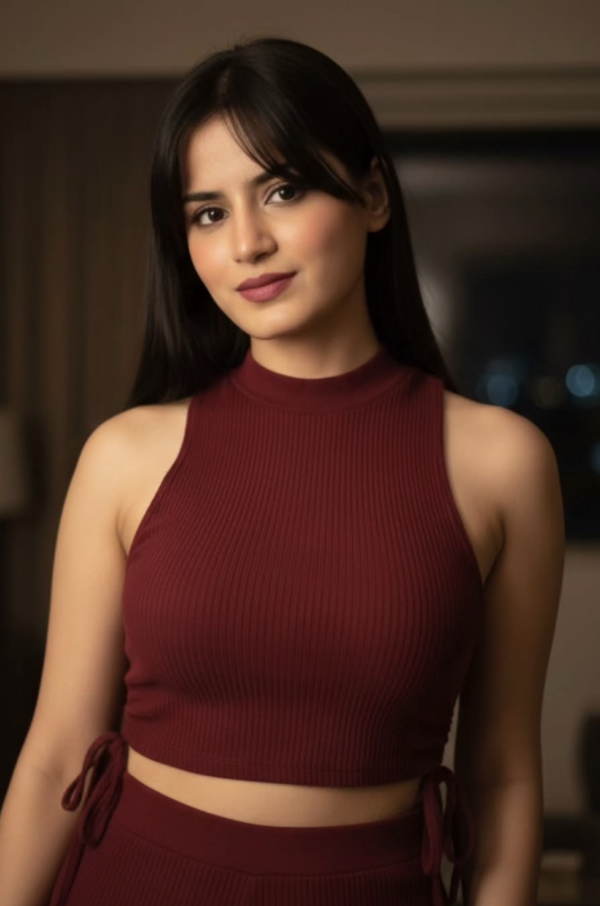
The best photos for this collage style have a sharp face and a natural expression. Front-facing or slight side-angle portraits work well, since the cut-out effect and multiple pose arrangement look cleaner.
Resolution matters too — a high-resolution photo shows skin details, saree/outfit texture, and decorative edit elements more crisply. A mobile camera photo works fine too, as long as focus is clear and the image isn’t over-compressed.
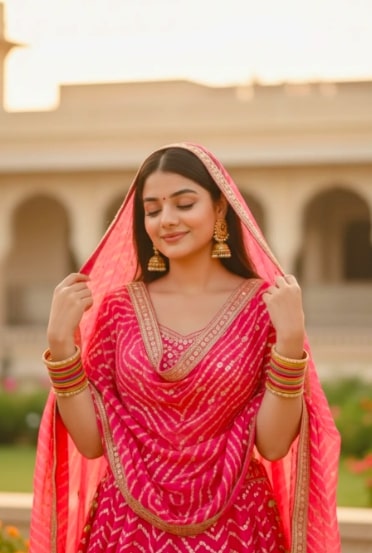
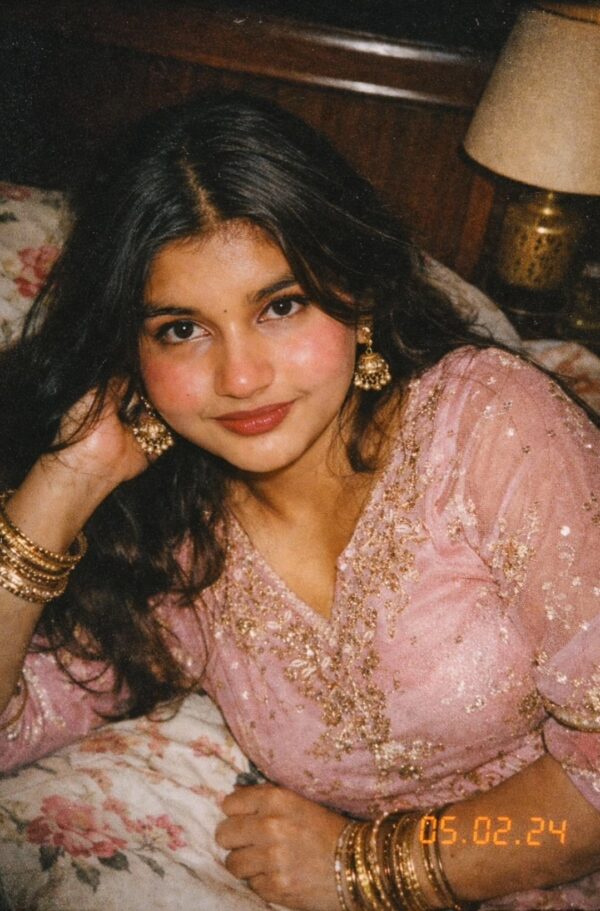
Clothing and background matter too. A shiny pastel pink outfit naturally matches this aesthetic. A plain or lightly textured background makes photos more versatile, since it’s easier for the editor to cut out the subject.
- Angle: front-facing, slight side pose, or multiple expressions
- Resolution: clear, high-quality, unblurred image
- Lighting: soft daylight, even indoor light, no harsh shadows
- Background: plain, light, or easy-to-cut background
- Clothing: pastel, feminine, soft-shade outfits like pink, cream, white
- Pose: natural and relaxed, with a clean face visible
Pro Tips for the Best Results
Start with a clean reference image with clear facial details and good lighting. The stronger the base photo, the sharper, more natural, and more premium the final collage-style edit looks.
- Use high-resolution source images so details stay crisp after editing.
- Choose photos with a clear face angle for better cut-out and collage placement.
- Keep the color palette soft and matching, especially for pastel shades.
- Balance decorative stickers like hearts, flowers, and bows so the subject remains the focus.
- Pick a clean background effect to make the scrapbook look neat and Pinterest-ready.
- Use multiple poses only when they complement each other, not clutter the layout.
Common Mistakes to Avoid
- Too many stickers: can hide the subject and make the collage look messy instead of elegant.
- Inconsistent colors: random shades can break the pastel aesthetic.
- Poor crop placement: an awkwardly cut face or pose feels unbalanced.
- Heavy contrast or harsh shadows: fight against the soft, feminine look.
- Ignoring image alignment: misplaced angles and elements make the scrapbook feel unfinished.
Best Use Cases
- Instagram posts: perfect for aesthetic feeds, personal pages, themed carousel content.
- Profile pictures: a stylized collage makes a DP look more unique and eye-catching.
- Thumbnails: great for beauty, fashion, editing, or lifestyle videos.
- Portfolios: useful for showcasing creative portrait edits stylishly.
- Reel covers: helps create a consistent, attractive cover image.
Variations You Can Try
- Pastel mood: pink, peach, mint, or lavender tones for a soft dreamy feel.
- Romantic style: hearts, flowers, gentle lighting for a tender feminine look.
- Cute playful version: brighter stickers, bubbly typography, fun layout spacing.
- Vintage scrapbook vibe: grain, paper textures, slightly muted colors for a retro mood.
- Seasonal edits: spring florals, summer brightness, autumn warmth, or winter cool tones.
Conclusion: Why This Style Is Worth Trying
This is a great choice if you want a dreamy scrapbook collage that feels cute, stylish, and highly shareable. It blends soft colors, decorative details, and a polished aesthetic in a way that works especially well for modern social media content.
FAQ: Dreamy Scrapbook Collage
How do I use the "Dreamy Scrapbook Collage" prompt?
Copy the prompt above, open Gemini or ChatGPT, upload a clear photo of yourself and paste the prompt. Generate the image and adjust the outfit or background if you want a variation.
Is this prompt free?
Yes. This prompt is free to copy and use for Instagram, reels, WhatsApp DP and profile pictures.
Which photo works best?
A sharp, front-facing, well-lit photo with no filter. A clear face helps the AI keep your identity in the final image.
Last updated: 8 October 2026
💬 Comments