Viral Insta AI Prompt
Viral Insta AI Prompt: What Is It and Who Is It For?
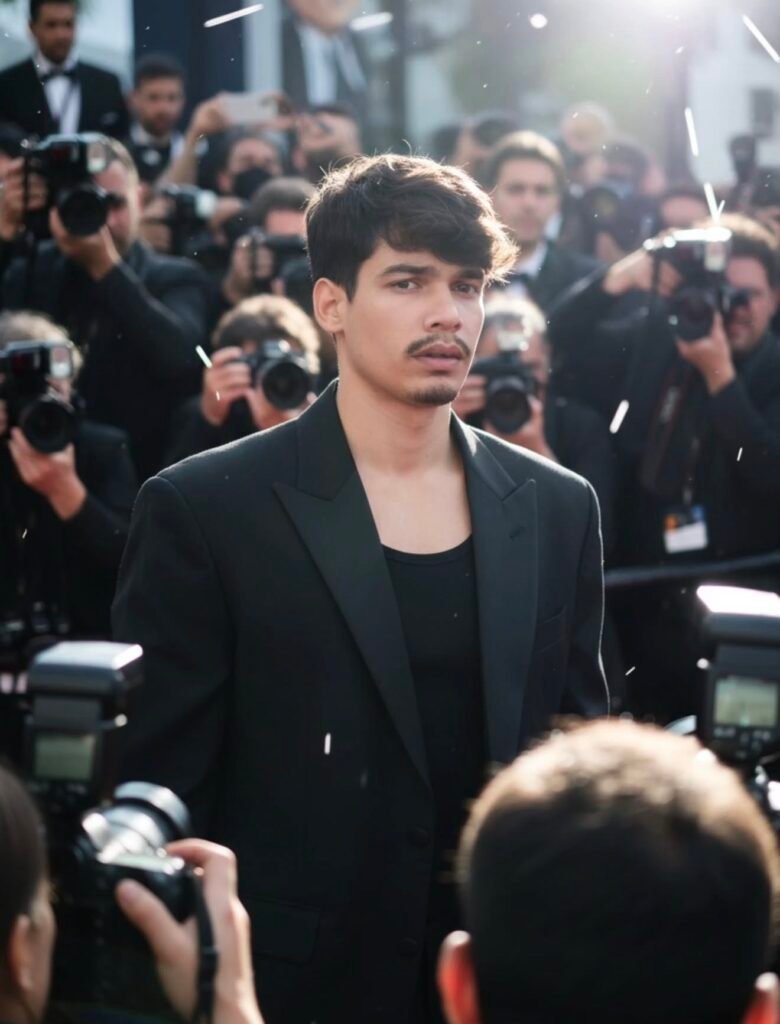
This viral Insta AI prompt has become popular with anyone who wants to turn an ordinary photo into a cinematic, celebrity-like, social-media-ready look. The goal is to take a simple portrait and give it attitude, glamour, confidence, and a sense of public attention.
Read Also: Cinematic Realistic Portrait AI Prompt | Gothic AI Image Prompt
This style is especially useful if you want to stand out on Instagram, create a premium look for a reel cover or profile post, or give your normal image a paparazzi-inspired dramatic vibe. The face reference stays the same, while the overall presentation becomes bold and attractive.
Background, lighting, outfit, and crowd effect all play an important role here. The result usually feels candid yet polished — like a celebrity captured in a red-carpet moment.
What This Prompt Style Delivers
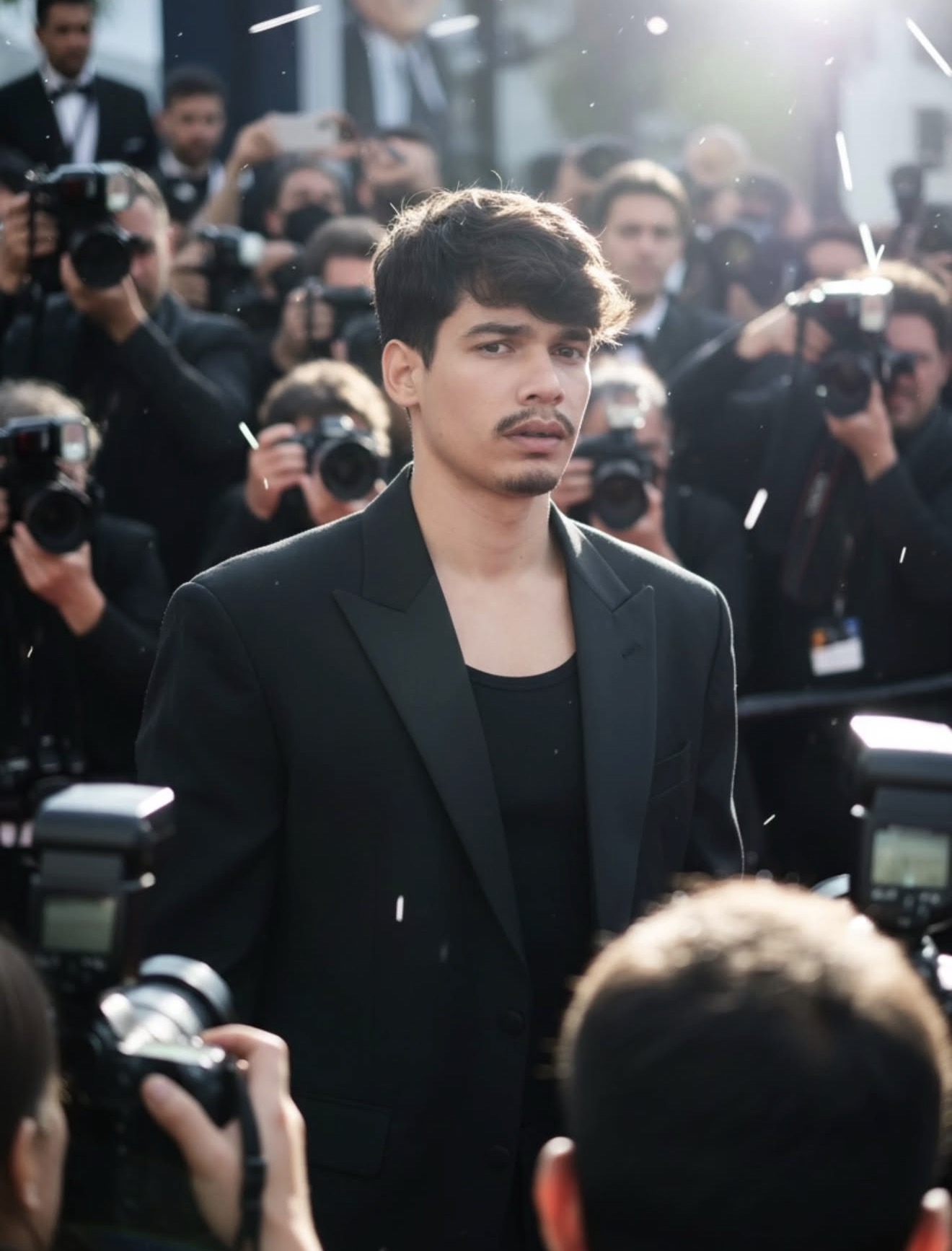
The biggest feature of this style is its paparazzi and celebrity atmosphere. The subject is often shown amid a crowd, with cameras, photographers, and flashes visible in the background, adding instant drama and realism.
Lighting typically feels like it’s coming from the side, creating depth on the face and outfit. A daylight look combined with camera flashes makes the image feel energetic and glamorous. Colors are usually dark and premium with heavy contrast — a black outfit, subtle skin tones, and bright flash highlights.
The composition focuses on the subject, but foreground elements like cameras and hands keep the frame busy and authentic. Done right, the final visual feels like a world-class celebrity moment.
- Lighting: Side daylight + flash effect
- Mood: Glamorous, confident, dramatic
- Colours: Black, neutral skin tones, bright highlights
- Composition: Subject center focus, paparazzi crowd around
- Realism: Candid-photo-like yet cinematic look
How to Use This Style: Step-by-Step Guide
If you’re a beginner trying this on mobile, keep the process simple. You’ll need a clear face reference photo where the face is clearly visible, then use it as input in the prompt-based style.
- Select your best face photo, with the face sharp and clearly visible.
- Open the image from your gallery and upload it to the editing tool.
- If the background is cluttered, choose a simpler, cleaner image instead.
- In the prompt/style options, select paparazzi, candid, celebrity, red-carpet, or glamour vibe.
- Tap generate/apply and let the output process.
- Compare the final image and save the version that looks most natural.
For best results, try multiple versions on the same photo — sometimes a small lighting or crop adjustment makes the output look far more realistic.
Which Photos Work Best
Not every photo works well for this style. The best results come from a portrait-mode reference with the face front-facing or at a slight side angle, and features clearly visible. A very dark, blurry, or over-edited photo weakens the paparazzi-style effect.
Clothing has a big impact on the final vibe. A black outfit, plain t-shirt, tank top, or clean solid colors give a more premium look, since they blend well with the dramatic lighting and flash effect. The background should ideally be simple so the editing model can isolate the subject easily.
- Angle: Front-facing or slight side profile
- Resolution: High-resolution, sharp face details
- Lighting: Natural daylight or soft side light
- Background: Plain, uncluttered, easy-to-edit
- Clothing: Black blazer, dark top, solid premium colours
- Expression: Calm, confident, candid look
Tips for a Realistic Output
Pose and expression matter a lot for a realistic result. An over-smile or extreme angle makes the candid paparazzi vibe weaker — a natural, serious, or confident expression with a relaxed subject works best.
If hair is clearly visible and shadows on the face aren’t too harsh, the AI-style edit looks smoother and more believable. Detail preservation matters here, since the audience should see the result as instantly premium and authentic. Always crop the photo to center the subject before uploading — this small step noticeably improves the final composition.
Pro Tips for the Best Results
A prompt alone isn’t enough for a clean, viral, premium look. The right reference image, clear face details, and matching the scene’s mood all make the output significantly better.
- Use a high-quality face reference with clearly visible features.
- Keep the background clutter-free so the main subject stays strong.
- Balance daylight, side lighting, and camera-flash details together.
- Match the outfit to the scene’s mood, especially for luxury or fashion shots.
- Stick to a single clear concept — celebrity candid, paparazzi crowd, or red-carpet atmosphere.
- Frame the final output for social media crop, especially Instagram post and story formats.
Common Mistakes to Avoid
The most common mistake is adding too many details at once. When background, lighting, pose, and outfit are all overcomplicated, the image loses focus — keeping the subject central and visually clean is key to this viral look.
- Ignoring face consistency — if the reference is unclear or the angle is very different, the result won’t look natural.
- Using harsh color filters and random effects, which make the image feel artificial instead of premium.
- Overcomplicated backgrounds that fight for attention.
- Mismatched lighting directions that flatten the subject.
A subtle cinematic tone with a priority on realism always works better.
Best Use Cases
This style works well for Instagram posts, profile pictures, thumbnails, and reel covers — anywhere you want an image that feels instantly premium, glamorous, and scroll-stopping.
- Instagram posts: bold candid-celebrity aesthetic.
- Profile pictures: a confident, premium identity look.
- Thumbnails: strong visual hook for videos.
- Reel covers: glamorous, click-worthy presentation.
Conclusion
This viral Insta style is a strong choice if you want your photo to feel like a genuine celebrity moment. With a clear reference photo, balanced lighting, and a focused concept, you can create a polished, social-media-ready result that stands out.
FAQ: Viral Insta
How do I use the "Viral Insta" prompt?
Copy the prompt above, open Gemini or ChatGPT, upload a clear photo of yourself and paste the prompt. Generate the image and adjust the outfit or background if you want a variation.
Is this prompt free?
Yes. This prompt is free to copy and use for Instagram, reels, WhatsApp DP and profile pictures.
Which photo works best?
A sharp, front-facing, well-lit photo with no filter. A clear face helps the AI keep your identity in the final image.
Last updated: 10 September 2026
More Boys AI photo prompts
 Boys Ganesh Chaturthi Heroic Entry Poster AI Prompt
 Boys Blockworld Blend
 Boys Ganpati Ji Half-Face Cheek to Cheek AI Prompt
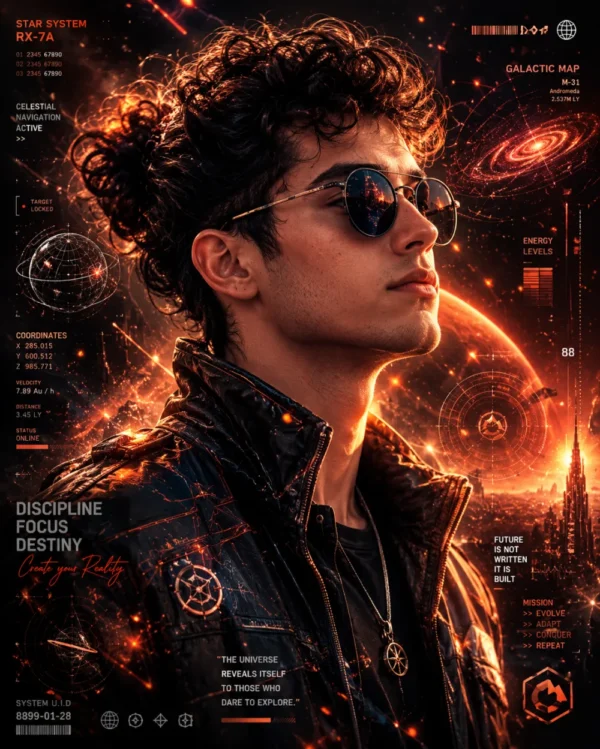 Boys A cinematic side-profile
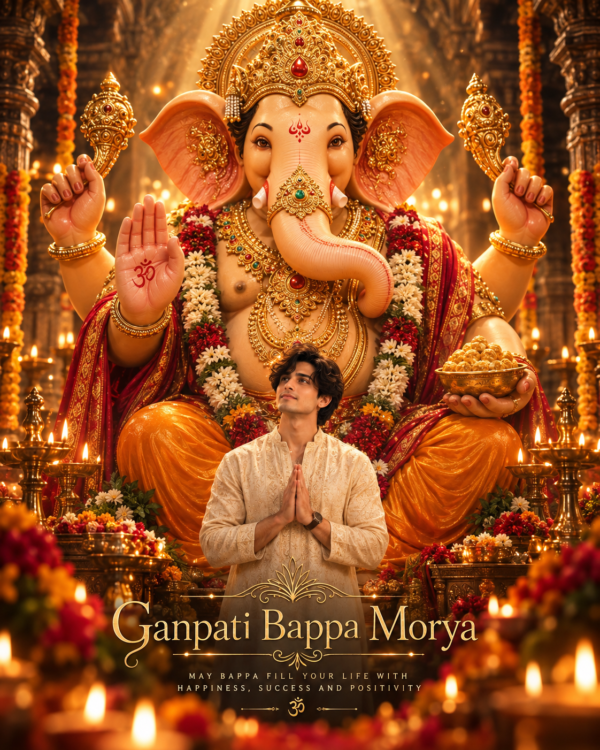 Boys Ganpati Bappa Morya Namaste Poster AI Prompt
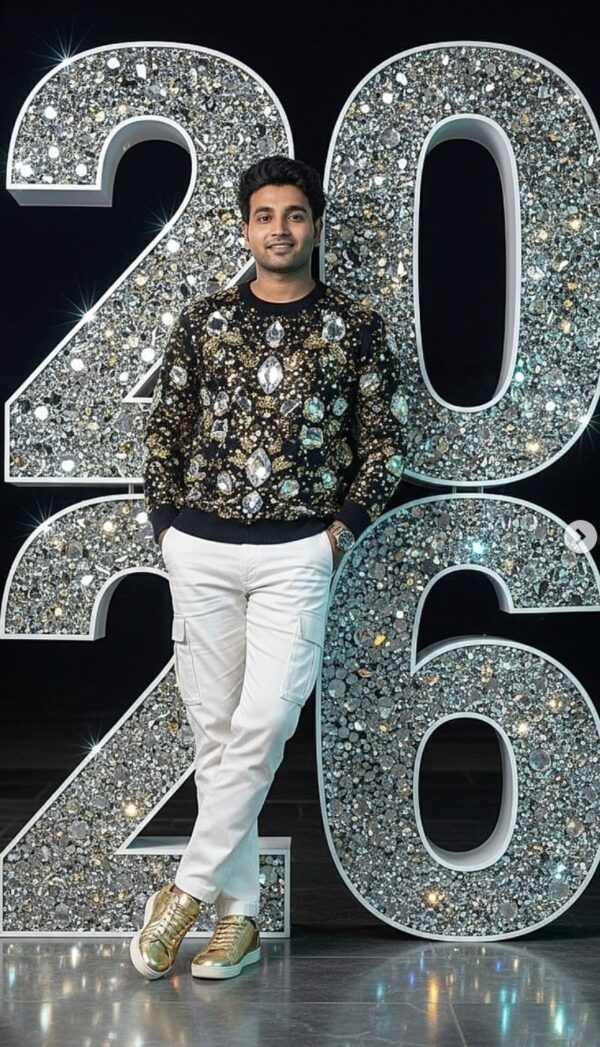 Boys 2026 New Year AI Photo Prompt for Boys
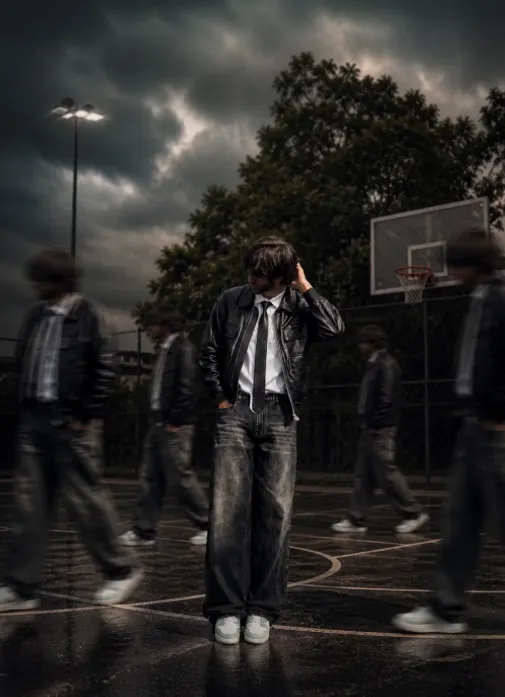 Boys Shadow Motion
 Boys 1980s Street Style AI Video Prompt (Gemini & Flow AI)
💬 Comments