1980s Street Style AI Video Prompt (Gemini & Flow AI)
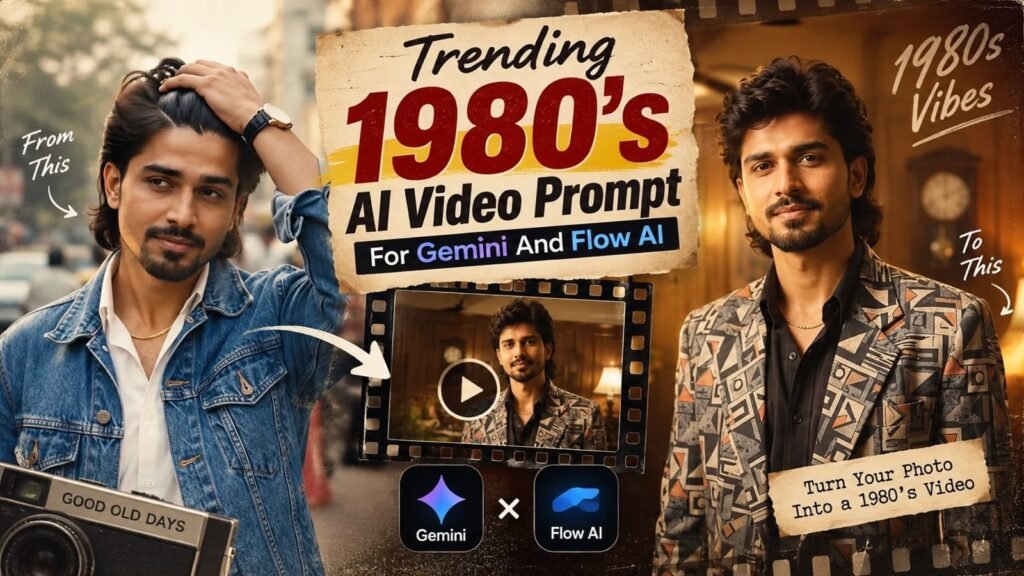
1980s Street Style AI Video Prompt (Gemini & Flow AI)
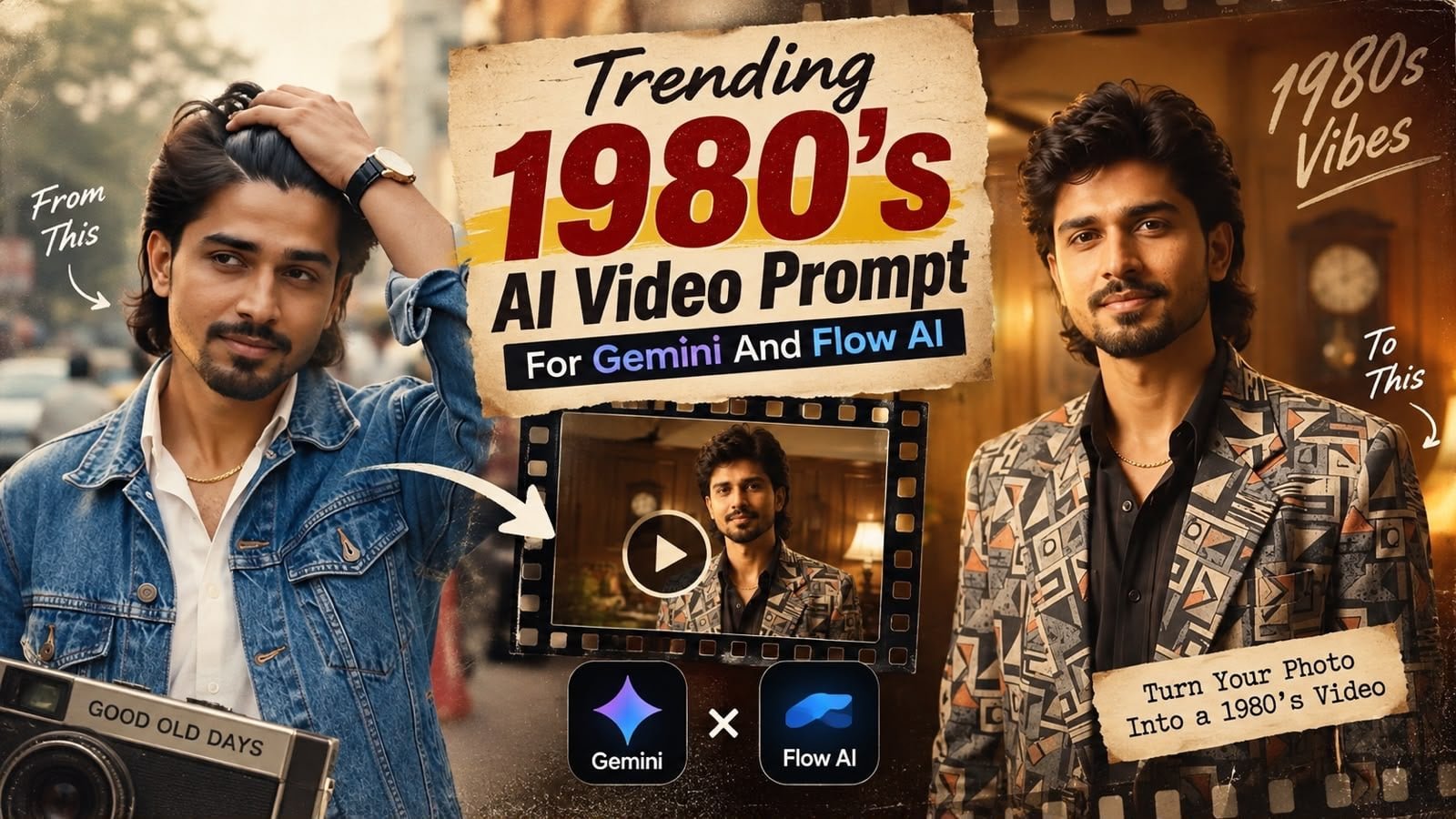
This 1980s AI video prompt is built for Gemini and Flow AI, walking through a scene-by-scene retro sequence — a bustling Indian street, a studio-style portrait cut, and a nostalgic indoor scene — designed to recreate an authentic 80s video aesthetic shot by shot.
Perfect if you’re searching for an 80s AI video generation prompt, a Gemini video prompt idea, or a scene-by-scene retro reel concept for Flow AI.
What This AI Video Prompt Delivers
- Multi-scene structure: four short, clearly timed shots for a complete short video.
- Denim jacket & gold chain styling: consistent retro wardrobe across scenes.
- Bustling Indian street setting: warm cinematic daylight and shallow depth of field.
- Studio portrait cutaway: a plain neutral background for a retro portrait beat.
- Nostalgic indoor scene: vintage furniture and warm indoor lighting.
Each scene is written with exact timing so the AI video tool can generate a coherent short sequence rather than one static clip.
How to Use This Street Style Video Prompt: Step-by-Step
- Open Gemini or Flow AI’s video generation tool.
- Paste the full scene-by-scene prompt exactly as written, including timestamps.
- Generate the sequence and review each scene transition.
- Regenerate individual scenes if the lighting or wardrobe consistency drifts between shots.
- Trim or reorder scenes in your editing app if you want a shorter final cut.
Tip: keeping the exact scene timings in the prompt helps the AI maintain pacing that matches a real short-form reel.
Which Source Photos Work Best for This Prompt
- Angle: a clear, front-facing reference photo if you’re using image-to-video generation.
- Lighting: even lighting keeps wardrobe colours consistent across scenes.
- Resolution: higher resolution reference images give sharper video frames.
Pro Tips for the Best Results
- Generate scenes individually first if your tool allows it, then combine them for smoother continuity.
- Keep the denim jacket and chain consistent by referencing the same description in every scene.
- Try regenerating scene 2 (the studio portrait cut) a few times — it often benefits most from small tweaks.
Common Mistakes to Avoid
- Dropping the scene timestamps: reduces pacing accuracy in the output.
- Changing wardrobe descriptions between scenes: breaks visual consistency.
- Skipping regeneration on weaker scenes: one inconsistent shot can break the whole sequence’s flow.
Best Use Cases for This Street Style Video
- Instagram Reels/YouTube Shorts: a ready-made retro short-form video concept.
- Retro-themed content series: a strong template for further 80s video experiments.
- Music video style edits: pairs well with classic 80s-inspired audio tracks.
Variations to Try
- Different street locations for scene 1 and scene 4.
- Different wardrobe colours while keeping the same retro silhouette.
- Extended version with additional scenes for a longer reel.
Conclusion: Try This 1980s Street Style Video Prompt
This scene-by-scene prompt gives Gemini and Flow AI a clear, structured way to generate an authentic 80s street-style short video. Try it with the exact scene timings included for the most coherent, cinematic result.





💬 Comments