Ethereal Filter AI Prompt
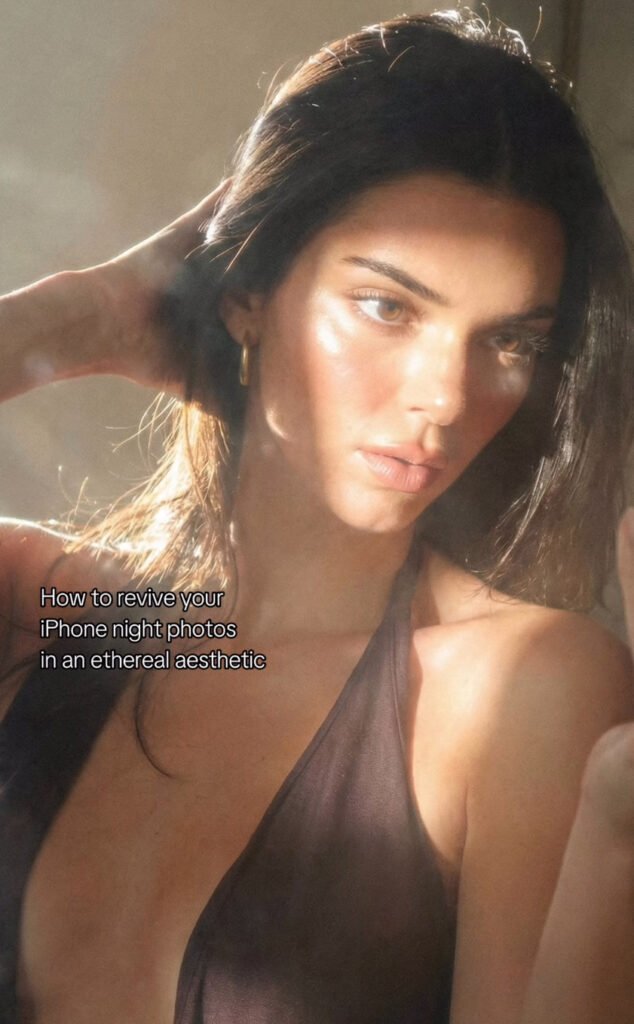
Ethereal Filter AI Prompt: What Is It and Who Is It For?
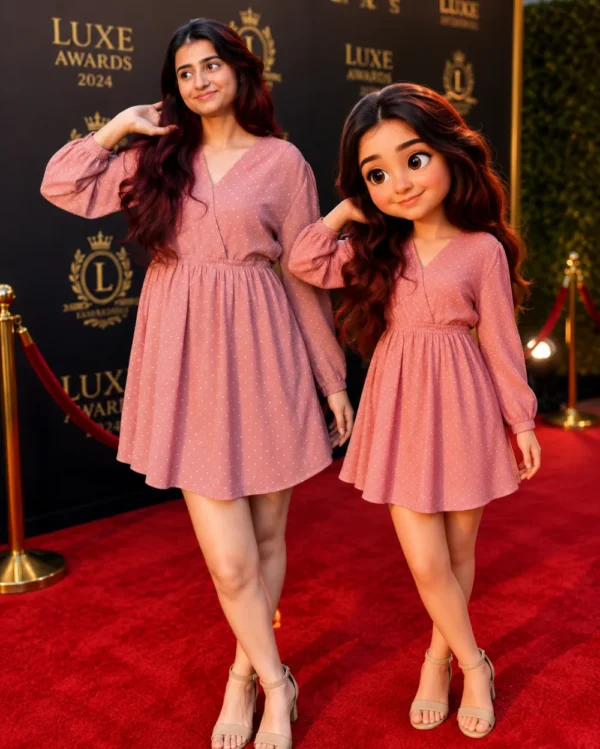
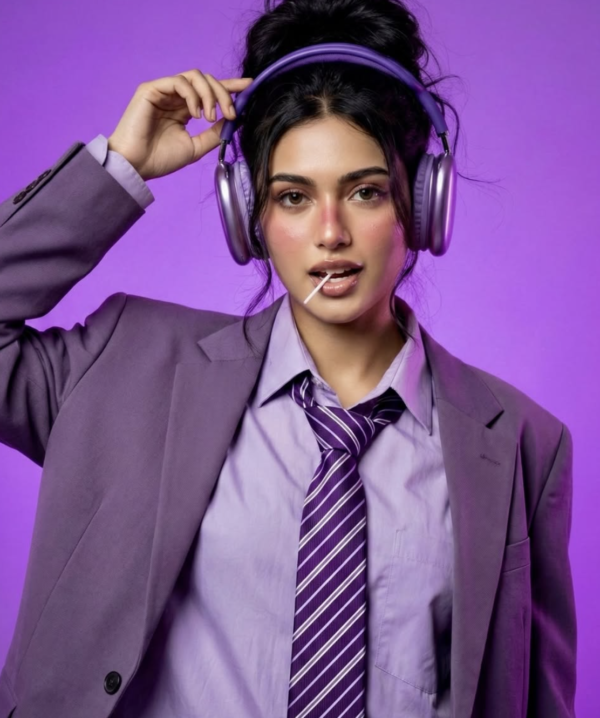
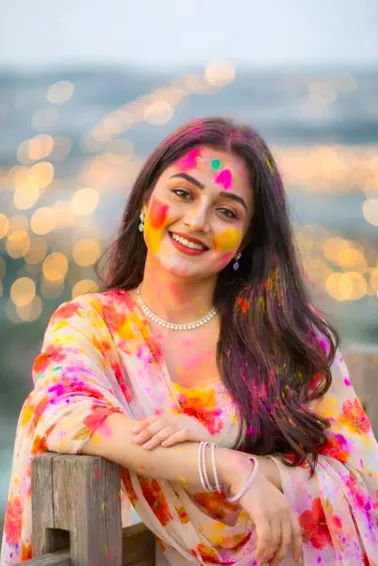
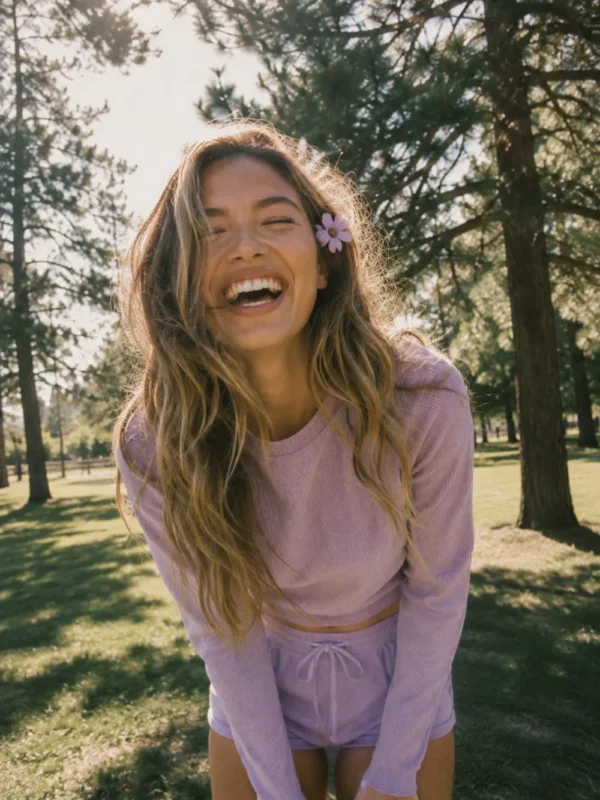
This ethereal filter AI prompt is perfect for anyone who wants their photo to look dreamy, soft, and cinematic while keeping the original subject exactly the same. This edit preserves face structure, skin texture, pose, and identity, making it especially useful for anyone who wants natural-looking enhancement.
Read Also: Cinematic Realistic Portrait AI Prompt | 2026 New Year AI Prompt
Whether it’s for Instagram, a portfolio, a profile picture, a wedding portrait, or mobile photography, this ethereal photo editing style is a strong choice for an elegant, soft aesthetic. There’s no heavy retouching or artificial beauty effect — instead, the image gets a warm glow, subtle haze, soft lighting, and film-like depth. The result feels modern and emotionally expressive at once.
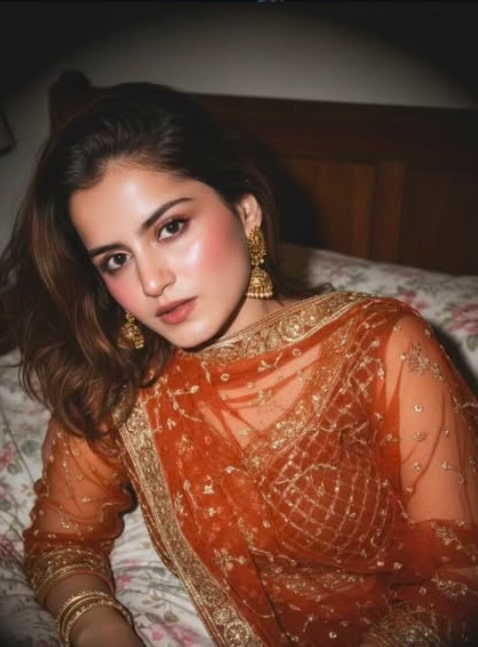
This style is beginner-friendly too — no complicated tools required. Select the right photo, upload it properly, and check the result. It’s especially useful for anyone who wants their real photo turned into a dreamy night-photography or golden-hour feel.
What Look This Ethereal Filter Gives
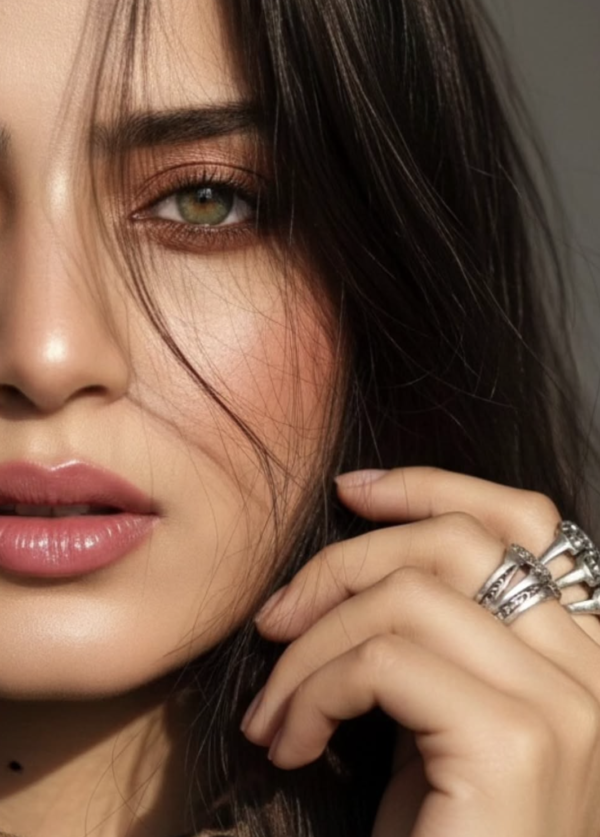
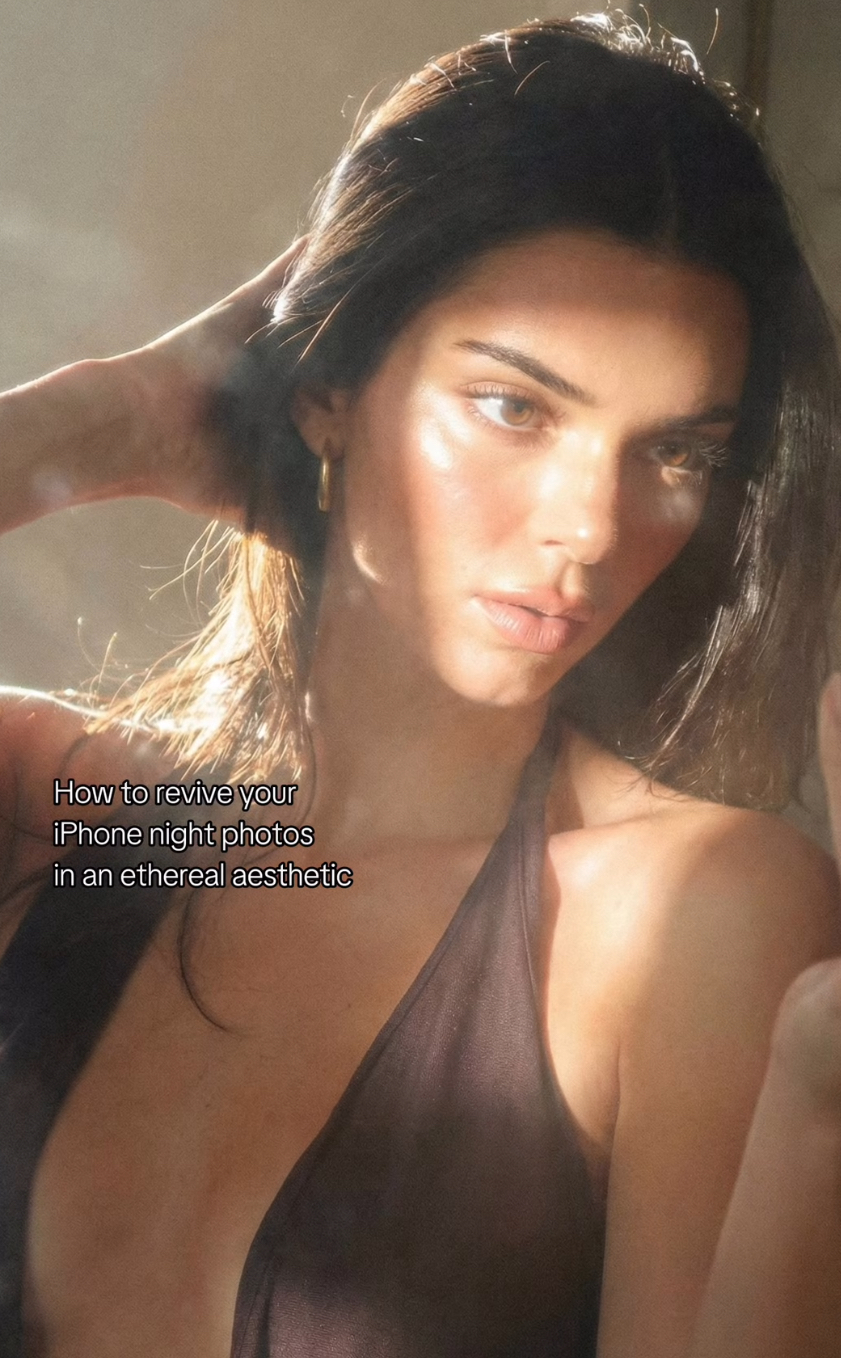
The most important feature of this style is soft cinematic lighting. Highlights look warm and glowing, shadows aren’t too hard, and the overall frame carries a gentle, polished feel. Skin tone stays natural, so the image doesn’t look over-edited or plastic — the balance that sets an ethereal filter apart from generic beauty filters.
The visual result usually includes light bloom, mild haze, and shallow depth of field. The background can go slightly soft-blur, making the subject more prominent. The color palette typically leans warm golden, creamy beige, muted brown, or soft night tones, giving the photo a poetic, calm, premium aesthetic.
This edit works especially well when you want to maintain natural realism. The face isn’t overly smoothed, body shape doesn’t change, and no unnecessary objects get added to the background — the image’s real character stays preserved while just its atmosphere and mood get elevated.
- Soft warm highlights and low-contrast shadows
- Dreamy glow with natural skin texture
- Film-like softness and subtle haze
- Editorial, aesthetic, refined composition feel
- Golden-hour or candlelight-inspired mood
How to Use This Prompt on Mobile: Step-by-Step Guide
Keep the process simple. Select your best photo, then upload it clearly. Since the mobile screen shows the photo small, zoom in to check that the face isn’t blurry and the subject sits properly centered in frame.
Apply the ethereal filter or a similar soft cinematic style. If the app or tool offers multiple settings, carefully tune glow, softness, contrast, and warmth — the photo should feel dreamy but not fake. Realism should always be the priority, especially when face details matter.
In the final step, compare the output and check that the original identity stays intact. If the eyes, nose, lips, hairstyle, or posture look unnatural, reduce the effect. The best edits are subtle ones that enhance the photo without making it look over-processed.
- Choose a clear portrait from your photo gallery.
- Upload it and check the crop.
- Select the ethereal or soft cinematic filter.
- Balance brightness, warmth, and softness.
- Keep contrast low-to-medium, not too high.
- Verify face texture and skin tone in the preview.
- If the background is too bright, reduce the effect slightly.
- Save and export the final image for social media or personal use.
Which Photos Work Best
The ethereal filter performs best on photos where the subject is clearly visible and light on the face is natural. Front-facing or slightly side-angled portraits usually give strong results since facial details are easier to preserve. Motion blur or excessive darkness weakens the dreamy effect.
Resolution matters — high-resolution photos preserve skin texture, eye detail, and hair strands better. Avoid compressed screenshots or low-quality images. A portrait-mode or well-focused camera shot is more reliable, and a clean background makes the subject look even more elegant.
Clothing and lighting affect the result heavily too. Soft colors, solid tones, and simple outfits naturally match the ethereal aesthetic. Bright neon clothes or busy patterns can sometimes overpower the glow effect. Natural daylight, window light, golden hour, or soft indoor light works best.
- Front-facing or slight side-angle portrait
- High-resolution, sharp and focused image
- Soft natural light or warm indoor light
- Clean background with minimal distractions
- Simple clothing in neutral or muted shades
- Face clearly visible
- Avoid harsh flash, heavy blur, and extreme shadows
Pro Tips for the Best Results
This filter looks best when you respect the original photo’s natural details. Its main charm is soft cinematic glow, warm highlights, and dreamy softness — so the cleaner the base photo, the more polished the output.
- Choose a high-quality photo; blur or low-light noise can weaken the ethereal effect.
- Keep the subject’s face centered or at rule-of-thirds position for premium-looking dreamy lighting.
- Use soft warm tones, especially for a golden-hour or candlelight mood.
- Keep the background clean and simple so focus stays on the subject.
- Keep light bloom and haze subtle — overdone glow looks artificial.
- Preserve natural skin texture — a realistic finish is what makes this style strong.
- Keep contrast low-to-medium for smooth, cinematic shadows.
Test a few different intensity versions on the same photo — sometimes a lighter glow looks more attractive, especially for a portrait, reel cover, or profile picture.
Common Mistakes That Can Ruin the Output
Over-editing is the most common mistake. When glow, smoothness, or brightness go too far, the subject’s real look gets lost. This filter’s goal isn’t to replace the face, but to present its original identity in soft cinematic light.
- Over-whitening skin: hides natural texture and makes the image look plastic.
- Excess bloom: washes out face details and weakens eyes/outline.
- Too much contrast: breaks the soft dreamy mood, making the photo look harsh.
- Wrong color temperature: overly cool or neon tones remove the ethereal warmth.
- Background clutter: pulls attention from the subject.
- Altering face shape: damages original identity, defeating the point of this style.
Follow a “less is more” approach — subtle changes feel the most premium, especially for a soft-focus night-photography aesthetic.
Best Use Cases
- Instagram posts: soft glow and warm highlights give the feed an aesthetic look.
- Profile pictures: a polished identity with natural face structure.
- Thumbnails: dreamy lighting creates a click-worthy visual.
- Reel covers: maintains a consistent cinematic theme.
- Portfolios: a premium feel for editorial and portrait collections.
- Story highlights: clean, soft-focus visuals strengthen brand style.
Variations to Try
- Warm gold: soft sunset highlights and dreamy skin glow.
- Soft pink: romantic, delicate, aesthetic portrait vibe.
- Muted beige: minimal editorial look and clean branding.
- Cool blue: night photography and calm mood.
- Autumn tone: earthy, cinematic, cozy seasonal feel.
- Winter haze: soft, misty, ethereal atmosphere.
Conclusion
The main goal of this style is an ethereal filter that makes the photo dreamy, soft, and cinematic while fully preserving the subject’s original identity. Balance natural texture, warm highlights, and subtle haze correctly, and the result looks elegant and premium — a clean, aesthetic look worth trying for Instagram, a profile picture, a thumbnail, a reel cover, or a portfolio.
FAQ: Ethereal Filter
How do I use the "Ethereal Filter" prompt?
Copy the prompt above, open Gemini or ChatGPT, upload a clear photo of yourself and paste the prompt. Generate the image and adjust the outfit or background if you want a variation.
Is this prompt free?
Yes. This prompt is free to copy and use for Instagram, reels, WhatsApp DP and profile pictures.
Which photo works best?
A sharp, front-facing, well-lit photo with no filter. A clear face helps the AI keep your identity in the final image.
Last updated: 10 September 2026

💬 Comments