Stylish Young Man AI Prompt

Stylish Young Man AI Prompt: Understanding This Photo Style
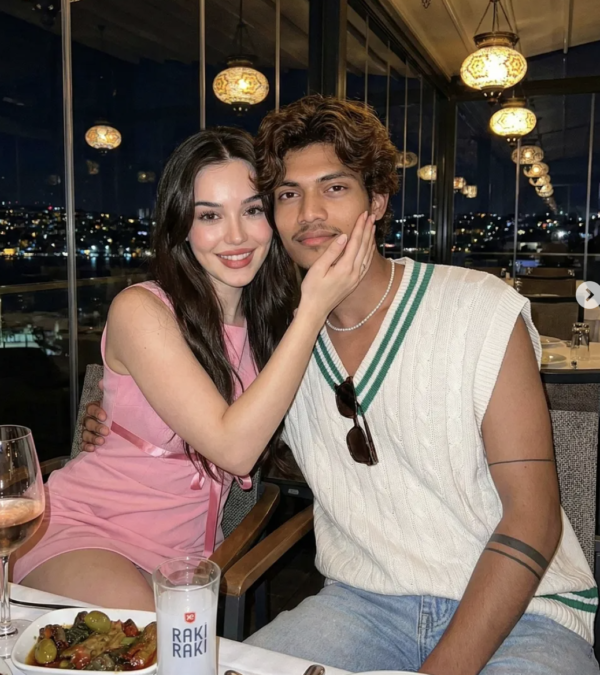
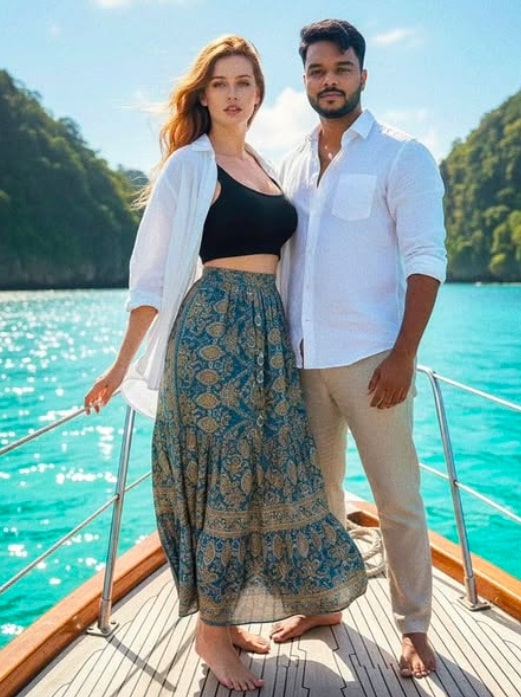
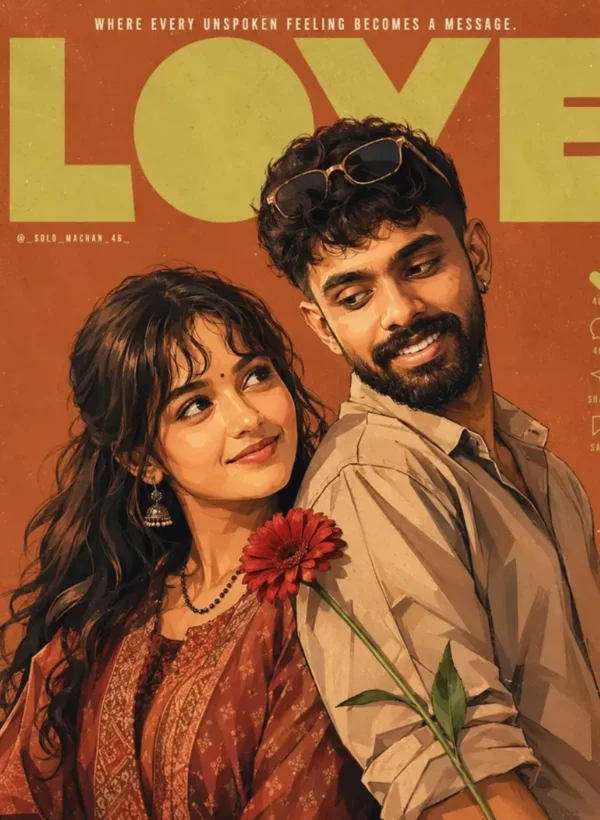
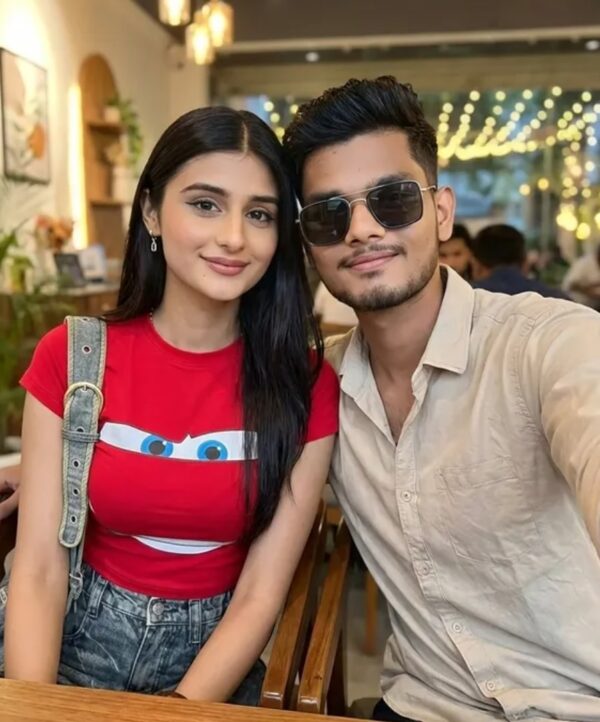
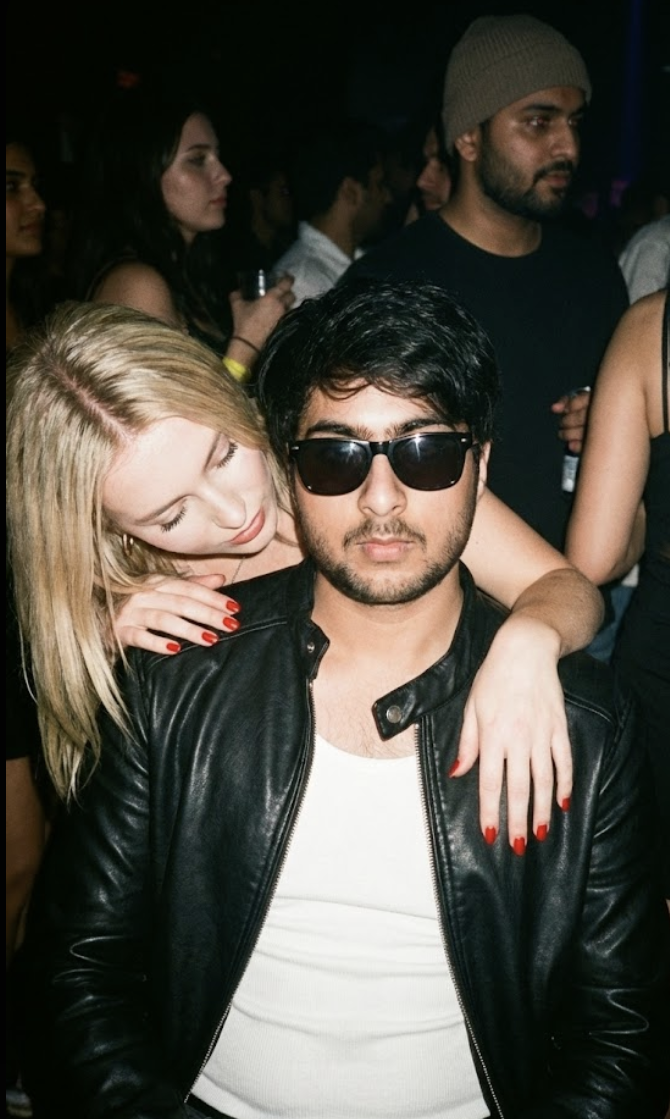
This stylish young man photo style is for anyone who wants their portrait editing to look bold, cinematic, and high-fashion. The result usually shows a young man with a sharp, confident, party-ready vibe, where face details stay clear and the overall frame carries a dramatic mood.
Read Also: Cinematic Realistic Portrait AI Prompt | 2026 New Year AI Prompt
If you do AI photo editing, portrait enhancement, or social media profile images on mobile, this style is genuinely useful. It converts a normal selfie into an image with modern fashion, nightlife mood, and a realistic camera-flash feel. It’s easy for beginners too — proper photo selection and basic steps can give a polished output.
This prompt-style is especially useful for anyone wanting a strong visual identity for Instagram, a DP, a reel cover, or profile branding. It’s not just about changing the face — it’s about presenting the whole portrait in a stylish, premium, realistic scene.
What Result This Style Gives
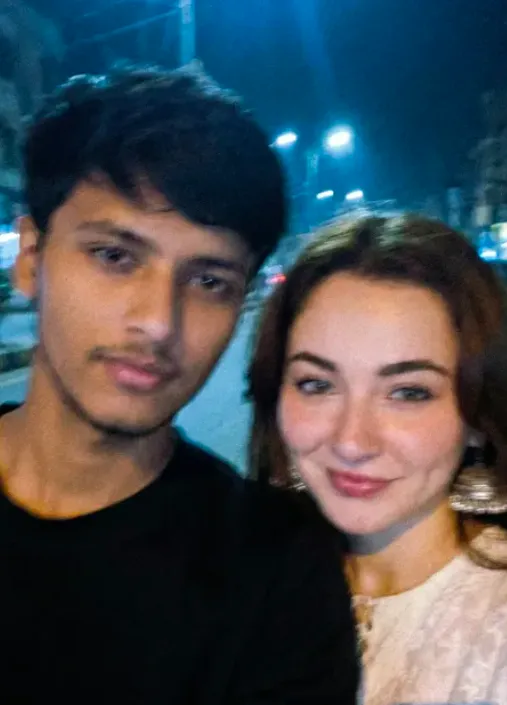
The biggest advantage of this style is that the output feels more cinematic and eye-catching than a normal portrait. Lighting is usually flash-based or has a direct highlight feel, making face features look crisp with a raw, high-contrast mood. Skin details, hair texture, beard definition, and fashion elements like glasses or a jacket become even more prominent.
The color palette is mostly dark, moody, urban. A dim nightclub, crowded party, or shadowy background impression makes the subject stand out even more. Composition is often a close portrait, keeping focus on face and upper body, giving the overall image a premium fashion-photography feel.
Realism is a key part too. The edited photo shouldn’t look like an artificial filter — instead it should feel like a disposable-camera vibe, hard-flash shadows, and a candid party moment. That’s why this style is a strong choice for anyone who wants a stylish transformation while preserving natural face identity.
- Strong flash lighting and hard shadows
- Dark, nightlife-inspired background
- Stylish clothing like a jacket, black outfit, or statement wear
- Realistic facial texture and sharp expression
- High-fashion, grunge, candid party mood
How to Use This Style: Step-by-Step Guide
Start by choosing your original photo. For best results, pick an image with a clear face, properly visible head, and no blur. On mobile, don’t ignore photo quality, since AI output mostly depends on the input.
Then upload your photo to an image editor or AI generator and select the same theme in the relevant style box or prompt section. For this look, carefully maintain subject details, outfit preference, and lighting mood — and be patient, since sometimes multiple generations are needed.
Finally, review the output — check that the face looks preserved like the original, the background feels realistic, and the clothing style visually matches. If colors are too bright or shadows too excessive, adjust for a better result.
- Select a clear front or slight side-angle photo.
- Upload the image to a mobile editor or AI tool.
- Keep the style/theme in the stylish young man, nightlife, flash-portrait direction.
- Turn on face preservation if available.
- Generate and check the result.
- Adjust contrast, brightness, or sharpness if needed.
- Save the final image in HD and use it on social media.
Which Photos Work Best
For best output, choose a photo where the subject’s face is clearly visible with a natural expression. Front-facing or slightly angled portraits work best, since the AI more easily understands the face structure. If the photo already has sunglasses or a fashion accessory, the result can look even more stylish.
The better the resolution, the cleaner the output. Avoid low-light or very blurry photos, since they reduce detail. A simple background is better, but an indoor party, urban wall, or dark setting already present can make the style feel naturally stronger.
Clothing plays an important role too. A black leather jacket, plain white vest, dark shirt, or street-style outfit suits this look perfectly. Neat hair grooming, a clean beard, and clear facial visibility make the final image look more realistic and premium.
- Angle: front-facing or slight side profile
- Resolution: high-quality, sharp image
- Lighting: soft natural light or clear indoor light
- Background: simple, dark, or urban setting
- Clothing: jacket, vest, dark fashion wear, or stylish casuals
- Face details: beard, eyes, hair, and expression clearly visible
Pro Tips for the Best Results
The biggest secret is keeping subject details clear and consistent. The more specific you are about face, hairstyle, outfit, expression, and lighting, the easier it becomes to get a polished, realistic portrait that still feels stylish and cinematic.
- Keep face details natural and stable so the portrait still looks like the same person.
- Use clear clothing references like jacket style, innerwear, or accessories for a stronger fashion look.
- Ask for strong flash lighting for a raw, candid, nightlife-style effect.
- Choose a moody background with people, shadows, or club atmosphere for depth.
- Keep the expression relaxed or nonchalant for a cool editorial vibe.
- Use high-resolution wording for a clean, detailed, premium look.
Common Mistakes to Avoid
Overloading the edit with too many style instructions at once is a common mistake — too many colors, props, or mood changes can make the final image lose its clean editorial feel.
- Avoid vague descriptions, since unclear instructions lead to random visual results.
- Don’t change the subject’s core features too much, or the portrait loses realism.
- Don’t overcrowd the frame with too many background people if the face should stay the main focus.
- Don’t mix unrelated lighting styles, which makes the image look unnatural.
- Don’t forget the fashion element, since the outfit is a major part of the style.
Avoid making the scene too polished if you actually want the raw disposable-camera feel — this image type’s charm comes from a slightly gritty, flash-heavy, party-photo look.
Best Use Cases
- Instagram posts: perfect for fashion edits, portrait dumps, and stylized nightlife shots.
- Profile pictures: works well for a cool, confident, premium-looking DP.
- YouTube thumbnails: useful for style, attitude, or party-themed content covers.
- Reel covers: great for short videos with a club, street, or aesthetic mood.
- Portfolio sections: useful for showing off portrait editing and fashion retouching skills.
Variations You Can Try
- Cool-toned version: blue, silver, or gray tones for a colder, sharper nightlife mood.
- Warm-toned version: amber, gold, or orange lighting for a richer party atmosphere.
- Rainy street version: move the scene outdoors for a dramatic urban edit.
- Winter look: a cold-season style with darker layers and misty light.
- Retro flash version: keep the disposable-camera feel but make colors more vintage and grainy.
- Luxury club version: a cleaner upscale interior with sharper fashion details.
Conclusion
This is a great style choice when you want a stylish, realistic, attention-grabbing portrait with a strong fashion feel. By keeping the subject clear, the lighting dramatic, and the background expressive, you can create edits that look bold, modern, and social-media ready.
FAQ: Stylish Young Man
How do I use the "Stylish Young Man" prompt?
Copy the prompt above, open Gemini or ChatGPT, upload a clear photo of yourself and paste the prompt. Generate the image and adjust the outfit or background if you want a variation.
Is this prompt free?
Yes. This prompt is free to copy and use for Instagram, reels, WhatsApp DP and profile pictures.
Which photo works best?
A sharp, front-facing, well-lit photo with no filter. A clear face helps the AI keep your identity in the final image.
Last updated: 8 October 2026
💬 Comments