Realistic Couple AI Prompt
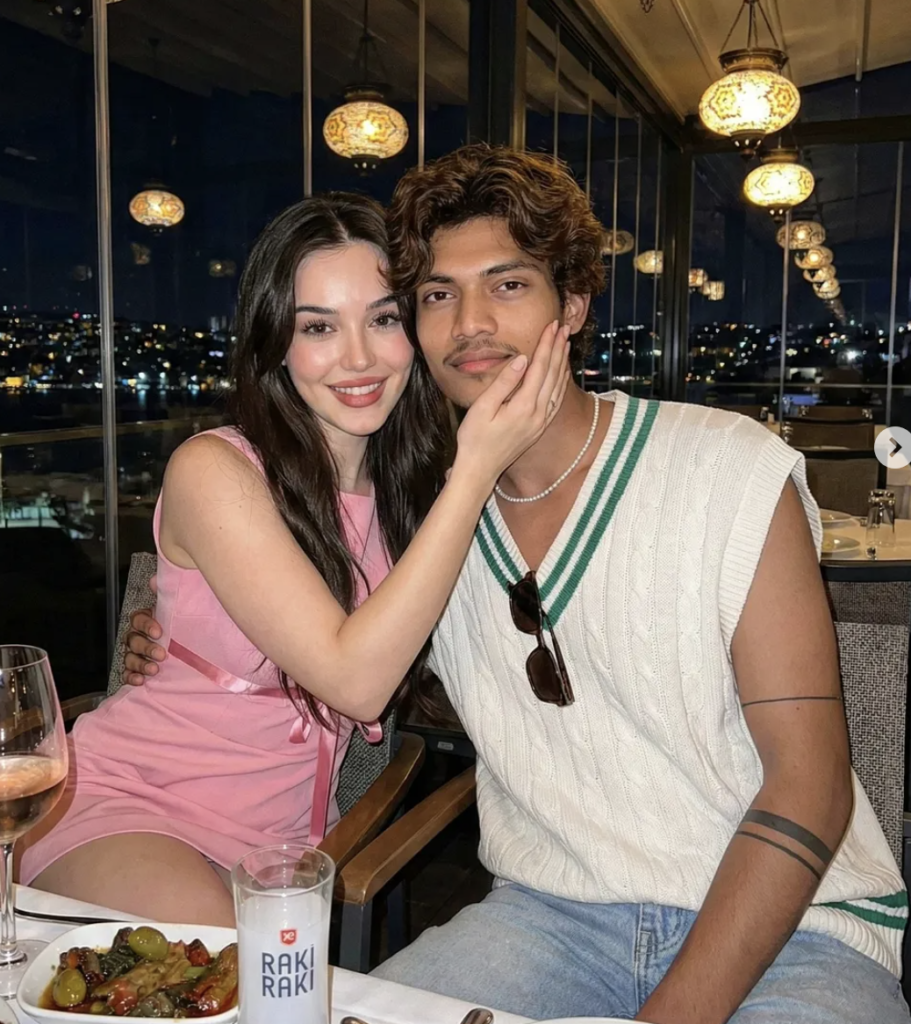
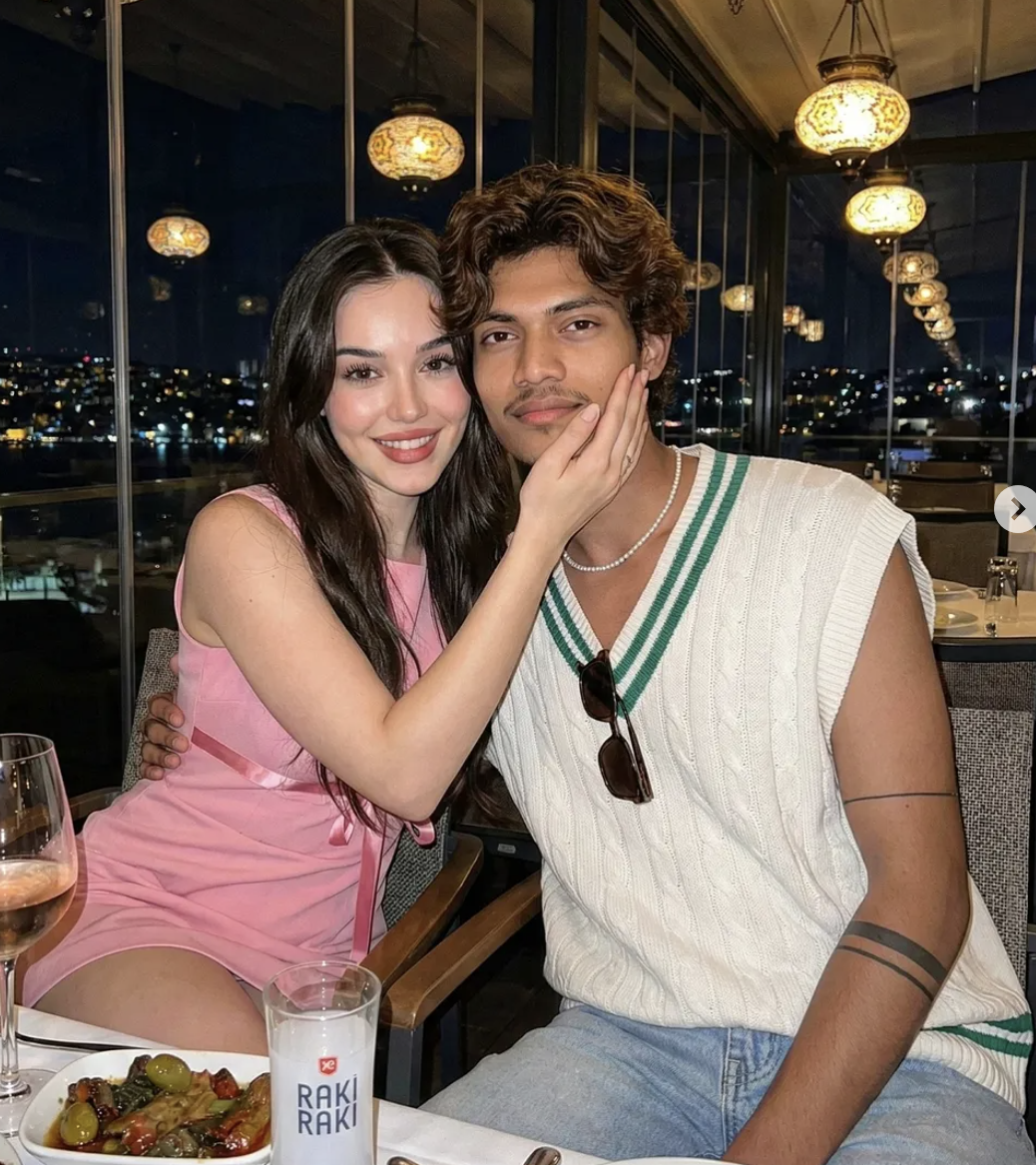
Realistic Couple AI Prompt: How This Style Works
This “realistic with girl” style is for anyone who wants a natural, cinematic, premium look for their photo. The face stays clean while the overall scene gets built so the image looks like the original photo, just noticeably more polished and attractive.
Read Also: Cinematic Realistic Portrait AI Prompt | 2026 New Year AI Prompt
This style is especially useful for a couple-style portrait, a dinner-date vibe, a rooftop-restaurant look, or a social-media-friendly realistic photo. If you edit on mobile using AI prompt-based photo generation, this format gives you an easy, fast, visually strong result.
The most important thing in this kind of realistic edit is balance: the face stays the same, the body pose looks natural, lighting feels realistic, and the background makes the scene believable — which is why this prompt works well for beginners too.
What Result This Realistic Photo Style Gives
The main output is a warm, romantic, high-detail realistic image. Soft flash lighting, blurred city lights, and a restaurant or rooftop environment feel come through, making the overall image feel like a premium portrait or lifestyle photograph.
The color palette is usually rich and appealing — pink, white, green, golden warm light, and a night-time background combine into a stylish image. Skin tone looks natural, hair detail stays sharp, and clothing textures show clearly.
Compositionally, the subject usually sits centered or balanced in frame so the face is clearly visible. Minimal background clutter and elements like lights, table setup, or a blurred skyline add depth — together creating realistic storytelling.
- Natural-looking face details with soft shadows
- Romantic, evening, or date-night mood
- Warm lighting with a premium ambience
- Blurred city background and realistic depth of field
- Clean, detailed clothing and accessories
How to Use This Prompt: Step-by-Step Guide
Start with your best reference photo. On mobile, select an image where the face is clear, expressions are natural, and blur is minimal — a realistic result only comes from a strong input photo.
Upload the image to your editing app or AI photo tool. Use the given style in the prompt box, but make sure the reference image and output face don’t mismatch. If the tool has a face-preservation or identity-lock option, turn it on.
After the result generates, zoom in and check it carefully. Look at the face, hands, hair, clothing borders, and background objects. If anything looks unnatural, regenerate or try a better source photo.
- Select your clearest photo from the gallery.
- Make sure the face is front-facing or at a slight side angle.
- Open your editing tool and upload the image.
- Apply the style/prompt while preserving the face reference.
- Check the result full-screen after generation.
- Use a better source photo if lighting or background looks weak.
- Save the final image and export for social media.
Which Photos Work Best
The best photos for this realistic edit have a sharp face and a clear subject angle. Front-facing or slightly turned face photos generally give better results, since the AI has an easier time understanding facial structure. Avoid low-light or heavily blurred images.
Resolution matters — a high-resolution image gives a more natural look for hair strands, eyes, skin tone, and clothing texture. Heavily compressed images can introduce artifacts or distorted details.
Background and clothing affect the result too. A simple background, plain wall, soft outdoor light, or evening environment works best. Clean outfits, solid colors, or minimal patterns are more practical since the AI maintains details on them better.
- Angle: front face or slight side profile
- Resolution: high-quality, clear, non-blurry image
- Lighting: soft natural light or balanced indoor light
- Background: simple, clean, uncluttered
- Clothing: plain, neat, well-defined outfit
- Expression: natural smile or calm realistic pose
These realistic couple-style edits turn out better the more carefully you choose the input photo — a strong reference image means a better face match, a cleaner output, and a more believable final result.
Pro Tips for the Best Results
Focus on composition first. The cleaner the face cutout, lighting, background depth, and outfit details, the more natural the output looks — especially for a couple, an indoor dinner scene, or a night ambience, where small details define the whole result.
Keep both the reference image and the prompt direction balanced. Too many elements can make the image cluttered, so keep outfit, pose, expression, and setting simple but rich. Subtle face symmetry, soft shadows, and natural skin tone make a big difference in realistic editing.
- Keep the reference face clear: face outline, eyes, hairline, and lighting angle should match for a natural result.
- Add background depth: rooftop lights, blurred city views, glass reflections, and warm ambience increase realism.
- Keep outfit details consistent: colors, fabric texture, and accessories should stay coherent.
- Choose a natural pose: relaxed body language feels more authentic than over-posed expressions.
- Use soft highlights: keep flash-photography-style highlights controlled so the face doesn’t overexpose.
- Balance table elements: food plates, drinks, and props should be visible without pulling attention from the subject.
Keep final polish as the last step — get the image structure right first, then work lightly on color grading, glow, contrast, and skin smoothing. That way the result feels edited, but not fake.
Common Mistakes to Avoid
One frequent mistake in realistic edits is pushing detail too far. When lighting gets too harsh, the face is blurry, or the outfit doesn’t match the scene, the whole composition starts looking artificial. The goal is a polished but believable image.
- Over-editing skin: makes the face look plastic, killing realism.
- Wrong lighting direction: a mismatch between subject and background lighting makes the image feel fake.
- Too many props: crowds the scene and weakens the main subject.
- Unnatural hand placement: odd hand positions break a believable candid couple moment.
- Color mismatch: clashing clothes, skin tone, and environment colors break harmony.
- Background too sharp: a realistic rooftop dinner scene needs depth, so keep the background slightly soft.
Remember, the real secret of realistic editing isn’t perfection — it’s natural balance.
Best Use Cases
- Instagram posts: aesthetic feed, couple mood, luxury dinner vibe, or cinematic portrait posts.
- Profile pictures: a classy DP with a soft realistic face look.
- Thumbnails: eye-catching thumbnail style for fashion, romance, or AI-art content.
- Portfolios: polished sample images showing creative editing skills.
- Reel covers: high-impact cover images that grab attention on scroll.
Variations You Can Try
- Moody version: darker background, deeper shadows, cinematic contrast.
- Warm version: golden lighting, soft skin tone, cozy restaurant ambience.
- Cool-tone version: blue hour, silver highlights, modern city-night feel.
- Seasonal version: summer rooftop, winter jacket layer, or festive evening decor.
- Colour swap: pink dress, white outfit, black dress, cream tones, or pastel shades.
- Location swap: café, terrace, lounge, or beachside dinner setup instead of a rooftop restaurant.
Conclusion
If you want realistic, stylish, premium-looking edits, this prompt is a strong creative direction. The right lighting, natural pose, balanced props, and clean composition combine to make the image look genuinely professional.
FAQ: Realistic Couple
How do I use the "Realistic Couple" prompt?
Copy the prompt above, open Gemini or ChatGPT, upload a clear photo of yourself and paste the prompt. Generate the image and adjust the outfit or background if you want a variation.
Is this prompt free?
Yes. This prompt is free to copy and use for Instagram, reels, WhatsApp DP and profile pictures.
Which photo works best?
A sharp, front-facing, well-lit photo with no filter. A clear face helps the AI keep your identity in the final image.
Last updated: 8 October 2026
More Couple AI photo prompts
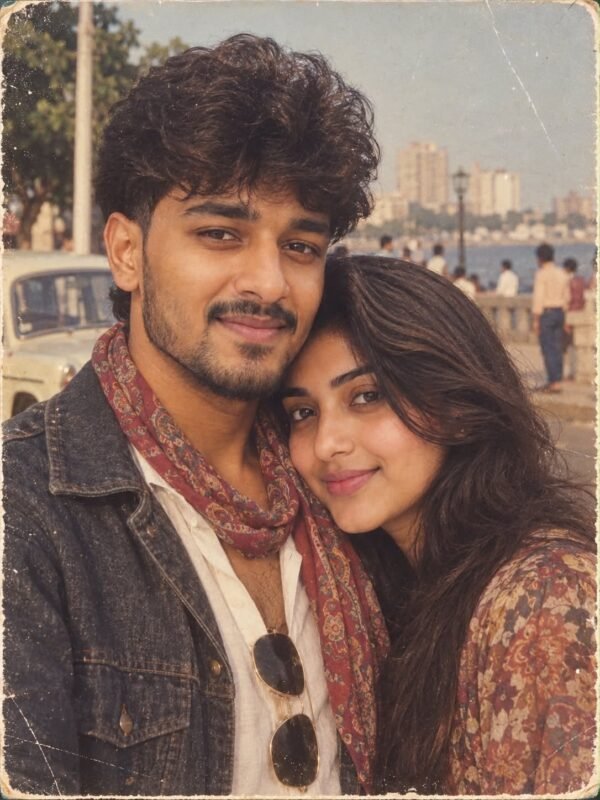 Couple 1980s Vintage Scarf AI Photo Editing Prompt
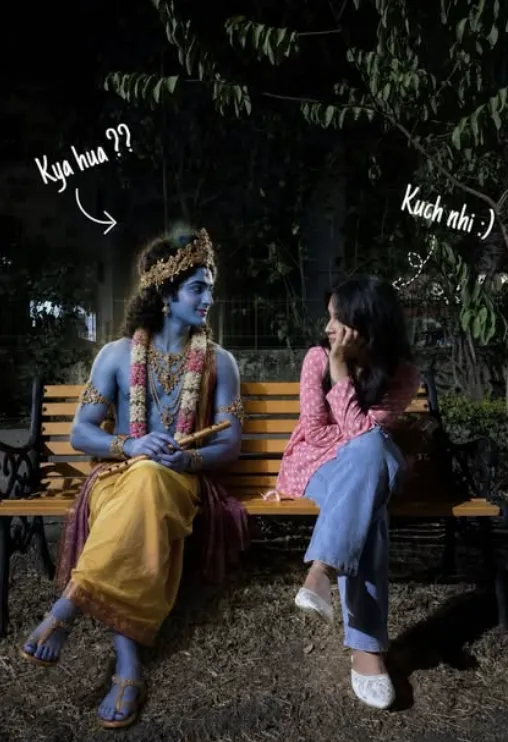 Couple Sit with lord Krishna
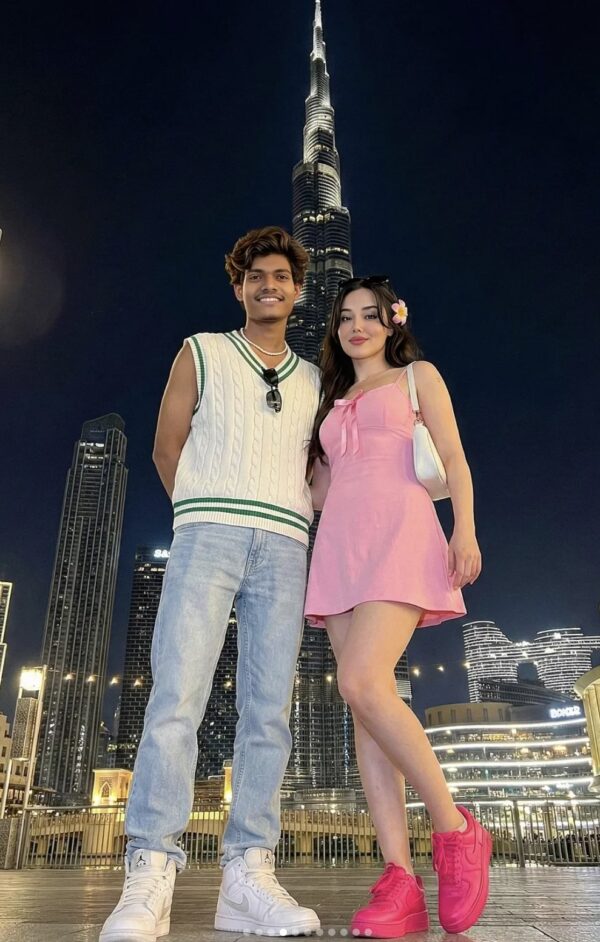 Couple Burj Khalifa Couple AI Prompt
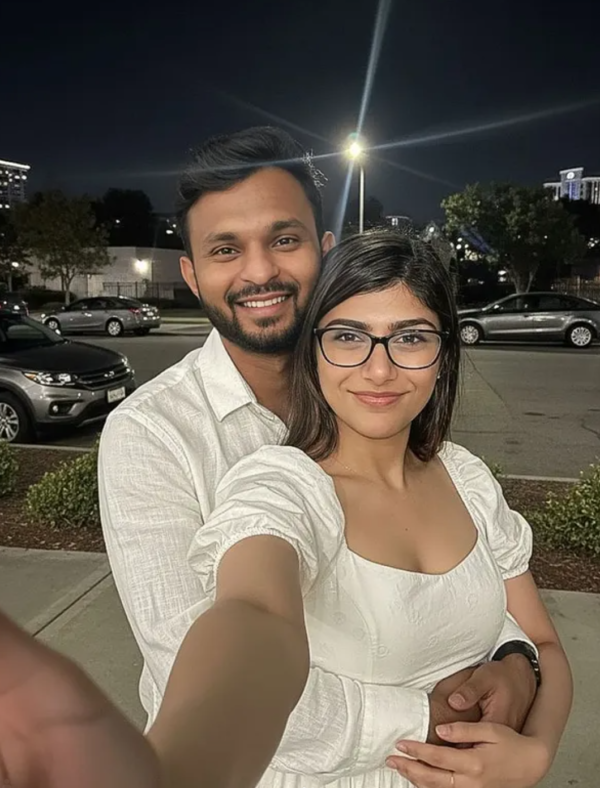 Couple Nighttime Selfie with mia khalifa
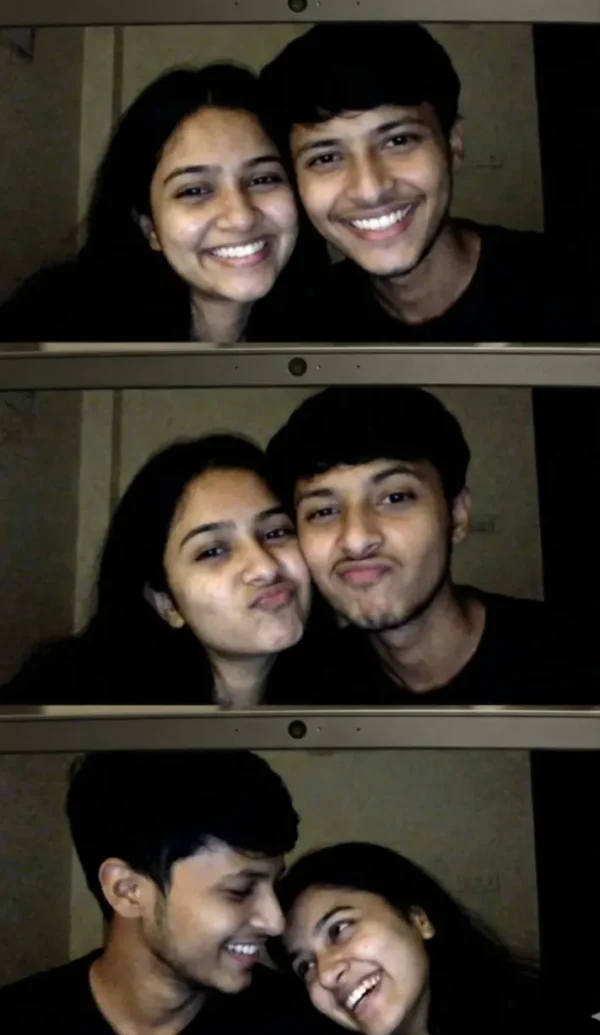 Couple selfie of a young Indian couple
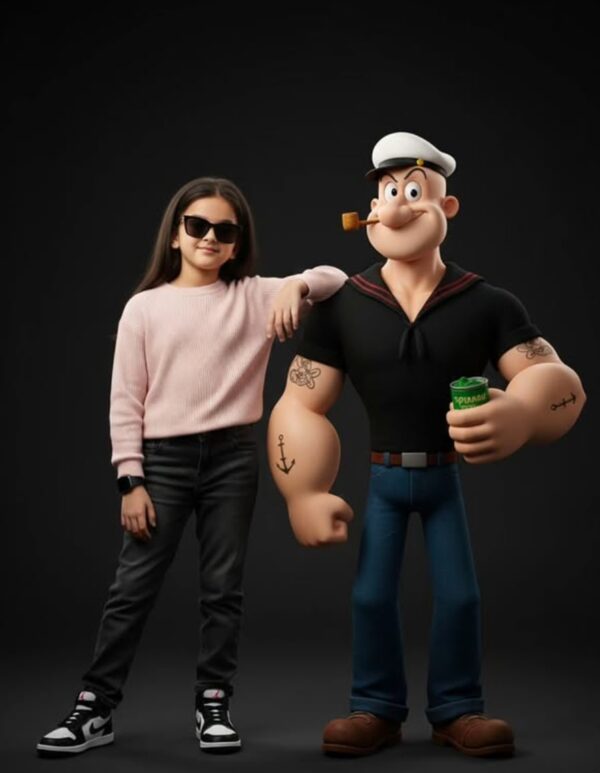 Couple Ultra-Realistic Studio Portrait With 3D Cartoon Character
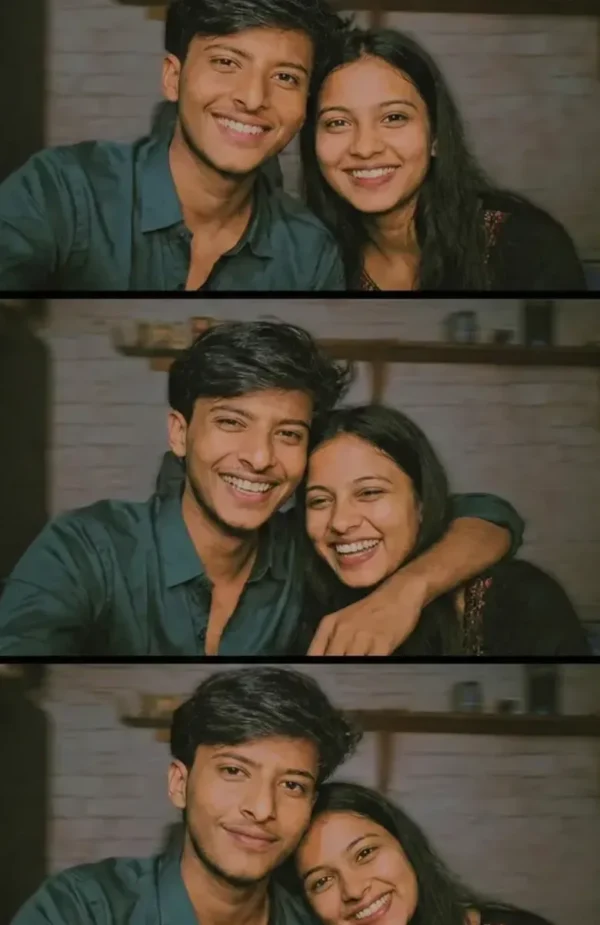 Couple Raw Moments: An Ultra-Real Photobooth Love Capture
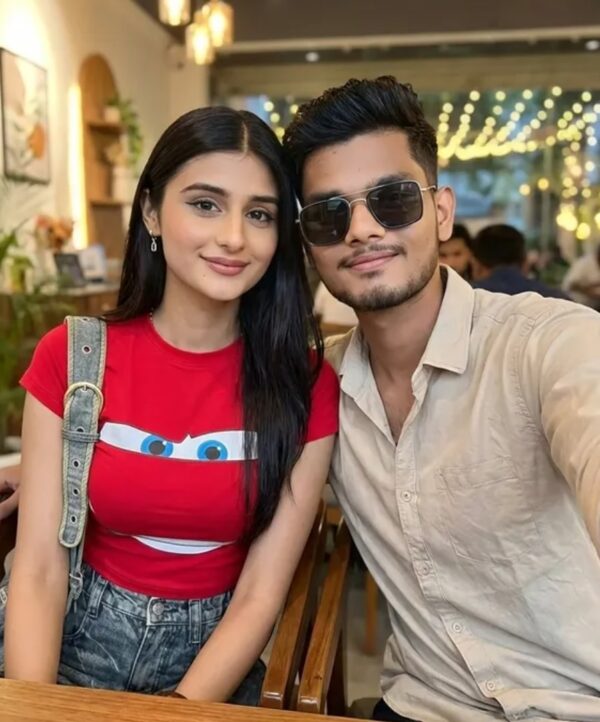 Couple Ultra-Realistic Photo With Payal Gaming
💬 Comments