Burj Khalifa Couple AI Prompt

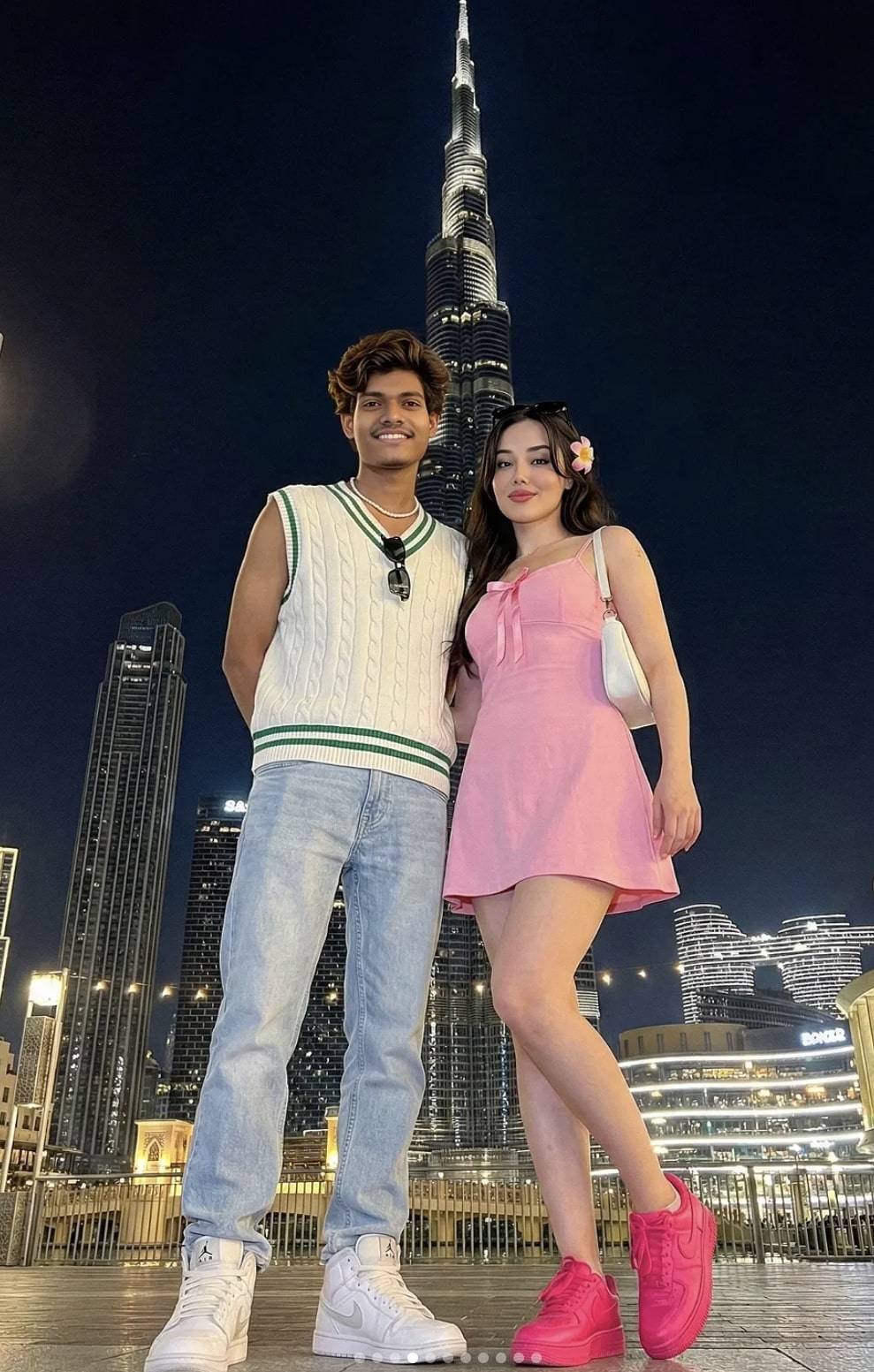
Burj Khalifa Couple AI Prompt: What Is This Style?
This Burj Khalifa couple AI prompt gives your photo a cinematic, luxury, travel-in-Dubai look. Instead of a casual selfie or pose, it builds a realistic night portrait with the iconic Burj Khalifa in the background, giving the subject’s clothing, lighting, and pose a rich visual feel.
Read Also: Cinematic Realistic Portrait AI Prompt | 2026 New Year AI Prompt
This style is especially useful for Instagram, Facebook, WhatsApp DP, reel thumbnails, or any AI photo editing content where you want a standout image. If you want your photo to feel like nightlife, a premium city vibe, and polished fashion, this prompt-style editing delivers.
The focus isn’t just the person — it’s the whole scene. Background, light reflection, city glow, pose balance, and outfit coordination all combine into a believable, high-end image.
What This Photo Style Gives You
The first thing that grabs attention is night lighting. Dubai city lights, illuminated skyscrapers, and bright building glow make the image glamorous. A low-angle perspective makes the Burj Khalifa look even taller and more dramatic, adding depth and grandeur.
The visual mood is usually urban, fashionable, premium. Realistic skin tones, sharp outfit details, natural shadows, and balanced background lights keep the image from looking fake — a good edit makes it feel like the photo was genuinely taken in Downtown Dubai.
Composition matters a lot too. The subject usually sits in the foreground while the tower is centered or slightly dramatically framed behind them, creating a strong mix of portrait and landmark photography that’s engaging for social media.
- Lighting: Night city glow, soft subject highlights, realistic reflections
- Mood: Luxurious, stylish, romantic, cinematic
- Colours: Warm skin tones, dark night background, bright building lights, fashion accent colours
- Composition: Full-body or half-body framing with strong background depth
- Realism: Natural shadows, believable pose, clean photo blending
How to Use This Style: Step-by-Step
This AI photo editing style works easily on mobile too. Choose your base photo first, then set up the reference for the result you want. The clearer the face details, pose, and image quality, the more realistic the final result.
The most important thing is your input photo — a low-quality, blurred, or heavily filtered photo makes a professional Burj Khalifa look harder to achieve. Choose the right image first, then work on outfit and background matching.
- Choose your best base photo: with a clear face and natural body posture.
- Check image quality: sharp, not overexposed, no heavy shadow on the face.
- Open your app or editor: one with AI generation, background replacement, or portrait enhancement.
- Apply the reference style: Burj Khalifa night look, realistic couple pose, city lights.
- Match pose and framing: crop and align for a full-body output.
- Enhance outfit details: keep clothing texture, shoes, accessories, and hair natural.
- Adjust background blending: merge the tower, skyscrapers, and light sources cleanly with the subject.
- Final retouch: balance skin smoothing, brightness, contrast, and sharpness so the photo doesn’t look artificial.
Which Photos Work Best
For best results, choose a photo where the subject faces forward with a stable posture. A side angle or heavily tilted pose can make a realistic background blend tougher — straight shoulders and a natural expression give a more polished result.
Resolution matters a lot — a high-resolution photo keeps face details, hair strands, and outfit edges sharp, which helps maintain realism during editing. Sharp input is especially important for night-scene editing, since a low-quality photo can look blurry quickly against a dark background.
Lighting and clothing affect the final look too. Soft daylight or evenly lit indoor photos work better since they preserve facial detail easily. Keep the background plain or lightly textured so adding the Burj Khalifa city scene causes less distraction. Simple but stylish clothing strengthens the urban fashion vibe.
- Angle: Front-facing or slight three-quarter angle works best
- Resolution: Use a clear, high-resolution photo
- Lighting: Soft, even lighting is preferable
- Background: A plain wall, neutral room, or lightly blurred background is best
- Clothing: Choose simple, fashionable, well-defined outfits
- Pose: A natural standing pose or relaxed couple-style posture looks good
Pro Tips for the Best Results
Focus on composition first. Background, pose, lighting, and outfit all need to be balanced for a realistic, premium image — light sources and reflections matter a lot in night scenes.
- Use a clear face reference so facial structure stays consistent.
- Keep clothing colors in contrast with the background so the subject pops.
- Add elements like soft glow, street lights, and building lights for a night-photography look.
- Keep hands, feet, and posture natural in a full-body pose.
- Keep background clutter low so focus stays on the subject and main landmark.
- Try a square or vertical composition for Instagram-ready output.
Small accessories — sunglasses, necklace, bag, sneakers, hair styling — give the image a realistic feel. Keeping skin tones and shadows soft reduces an over-edited look.
Common Mistakes to Avoid
- Lighting mismatch: if the subject looks like daylight while the background is a night scene, the result looks fake.
- Overloading the scene: too much outfit, accessories, skyline, building lights, and pose at once makes the image feel busy.
- Too many accessories: distract from both the face and outfit, reducing realism.
- Wrong lighting direction: inconsistent shadows make the photo look edited, not natural.
- Unnatural pose: a stiff pose removes movement and confidence.
- Background scale error: if the landmark is too small or too big, depth suffers.
- Color clash: clashing outfit and background colors make the image feel harsh.
- Face inconsistency: too much change from the reference face breaks the likeness.
Neat framing matters a lot too — for a full-body look, avoid cutting off the feet or leaving too much unnecessary space above the head.
Best Use Cases
- Instagram posts: perfect for stylish couple or solo shots.
- Profile pictures: a close crop gives a clean, premium look.
- Thumbnails: a high-click-appeal, eye-catching cover image.
- Portfolios: a strong addition to creative, fashion, or AI-art collections.
- Reel covers: useful for consistent branding and an aesthetic feed.
This also works for travel-style edits, anniversary visuals, couple announcement posts, or special occasion graphics — iconic architecture in the background gives the image a global, premium feel.
Variations You Can Try
- Mood variations: happy, romantic, classy, bold, dreamy, or cinematic.
- Colour variations: pink, white, black, pastel, neon, or monochrome themes.
- Setting variations: rooftop, street, bridge, luxury hotel, skyline, or landmark background.
- Season variations: summer glow, winter night, rainy reflections, or festive lights.
- Style variations: casual streetwear, formal fashion, vacation look, or date-night look.
Conclusion: Try This Style for a Premium Realistic Look
If you want realistic, stylish, social-media-ready visuals, this style is a strong choice. With the right lighting, balanced composition, natural pose, and thoughtful outfit details, you can build an image that instantly looks professional.
FAQ: Burj Khalifa Couple
How do I use the "Burj Khalifa Couple" prompt?
Copy the prompt above, open Gemini or ChatGPT, upload a clear photo of yourself and paste the prompt. Generate the image and adjust the outfit or background if you want a variation.
Is this prompt free?
Yes. This prompt is free to copy and use for Instagram, reels, WhatsApp DP and profile pictures.
Which photo works best?
A sharp, front-facing, well-lit photo with no filter. A clear face helps the AI keep your identity in the final image.
Last updated: 8 October 2026
More Couple AI photo prompts
 Couple Ultra-Realistic Studio Portrait With 3D Cartoon Character
 Couple Realistic Couple AI Prompt
 Couple selfie of a young Indian couple
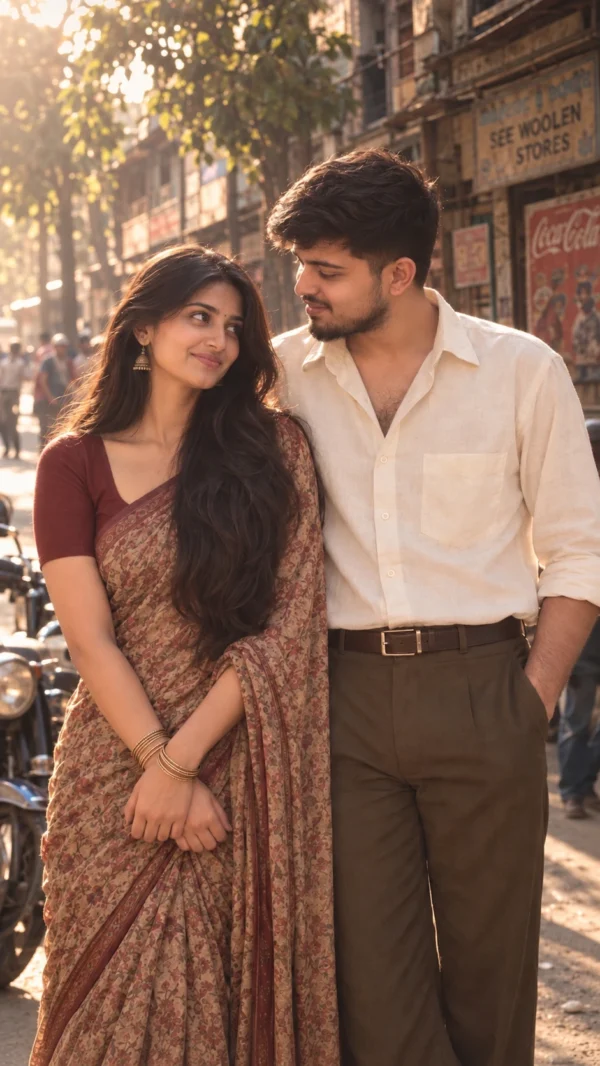 Couple 1980s Vintage Couple AI Photo Prompt
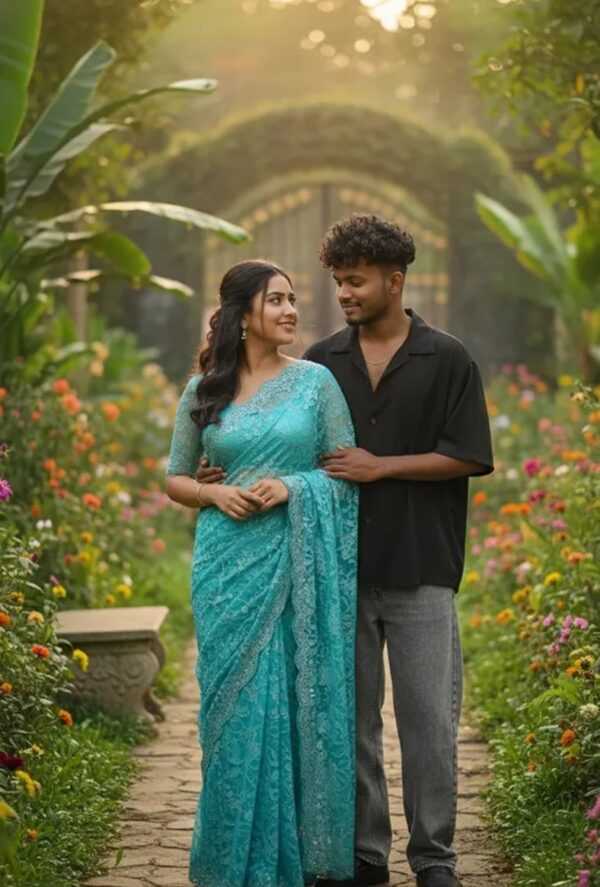 Couple Hyper-Realistic Romantic Portrait of Young Indian Couple
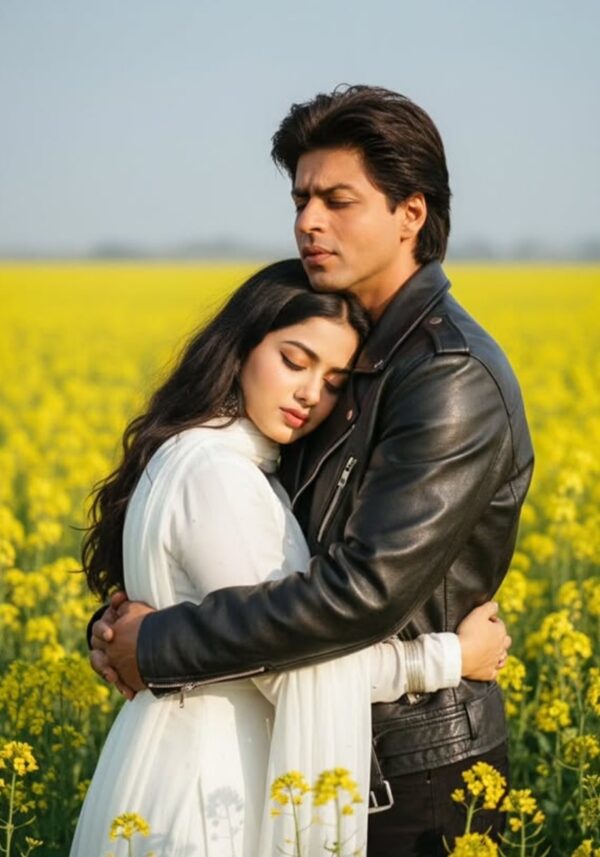 Couple Romantic Bollywood-Style Mustard Field Portrait
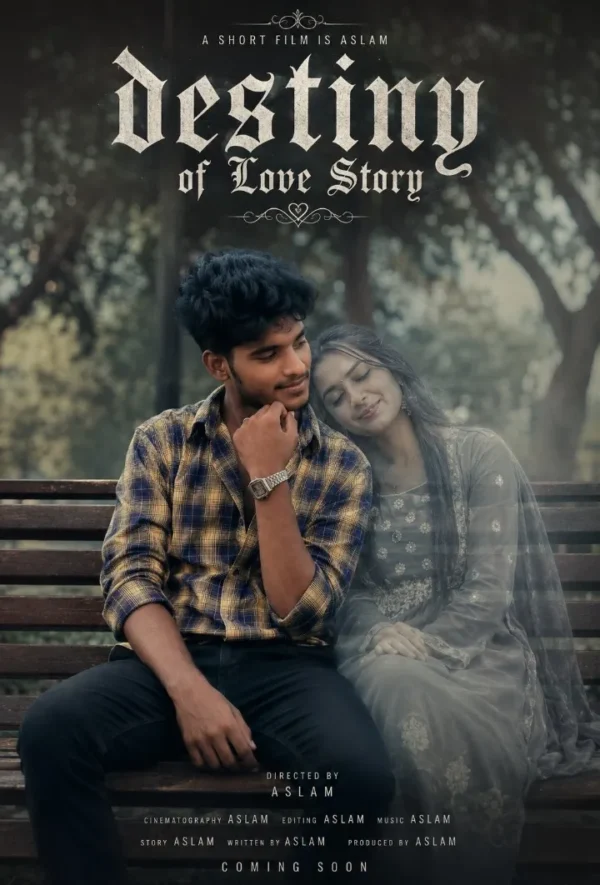 Couple Destiny of love story
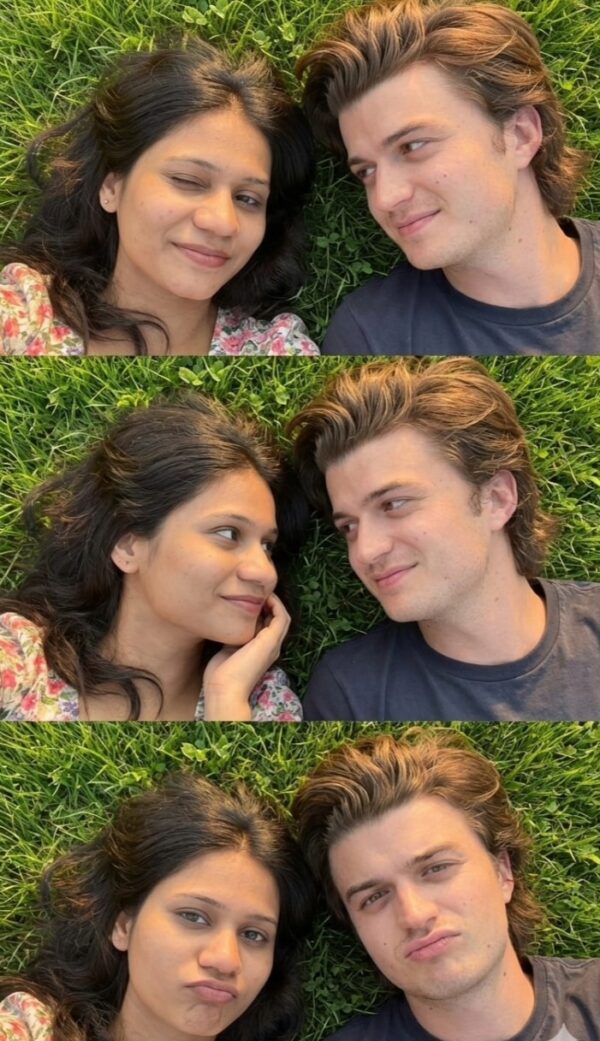 Couple Cute Romantic Couple Grass Selfie Collage
💬 Comments