Ethereal Filter HDR AI Prompt
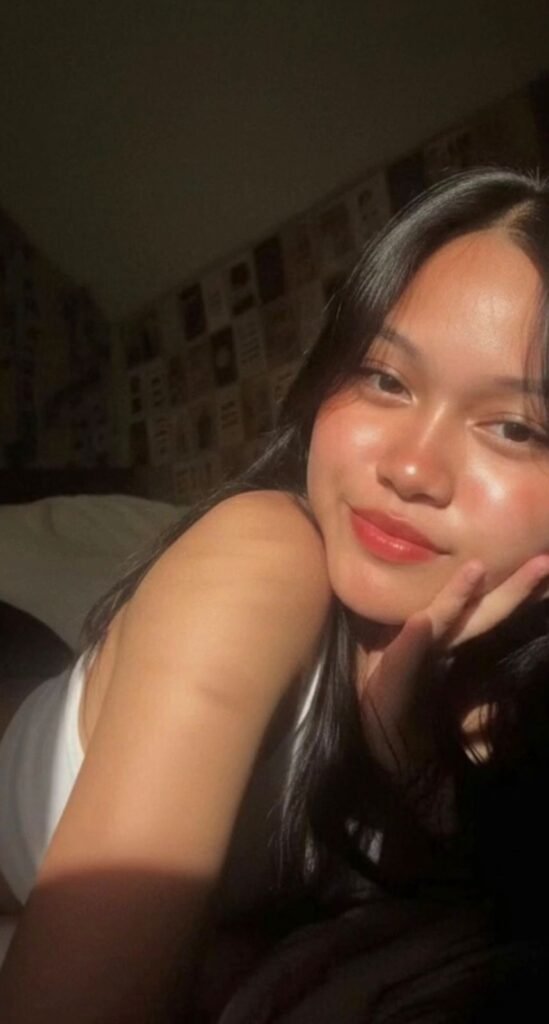
Ethereal Filter HDR AI Prompt: An Introduction
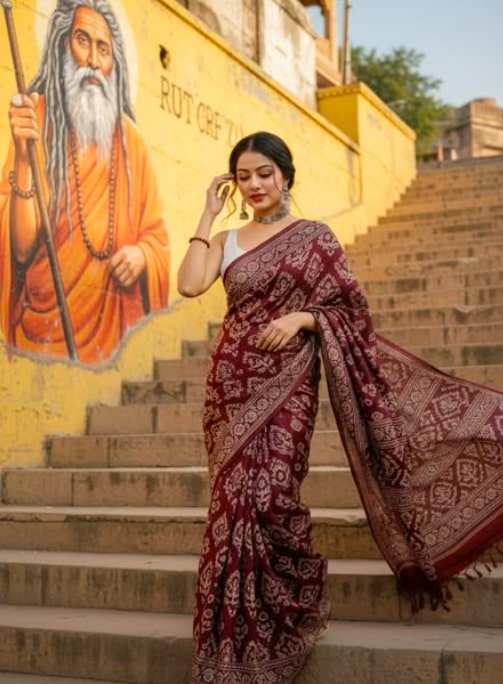
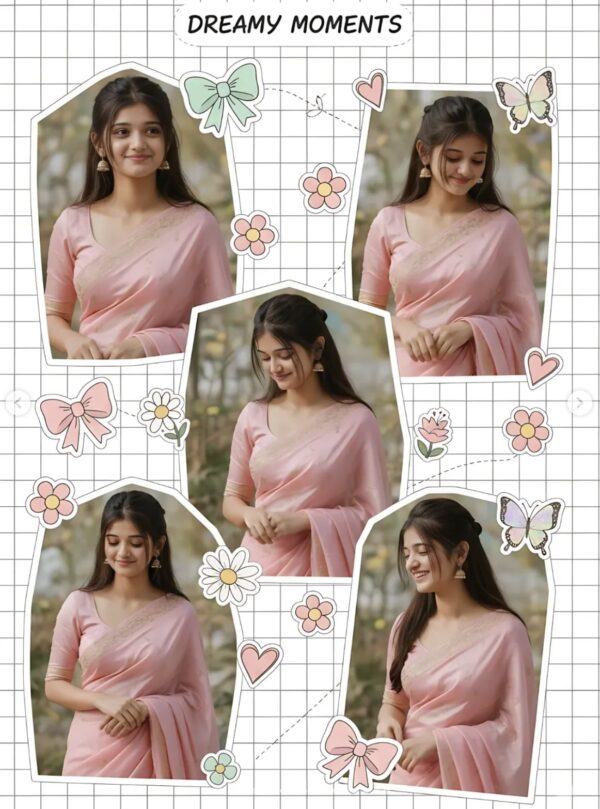
This Ethereal Filter HDR style is perfect for creators who want their photos to have a soft, cinematic, premium digital-camera look. It isn’t flashy, but it carries a subtle charm that instantly makes an image feel classy.
Read Also: Cinematic Realistic Portrait AI Prompt | 2026 New Year AI Prompt
This filter suits anyone who wants a polished feel for a portrait, selfie, fashion photo, or mood-based aesthetic shot. It’s easy to recreate on mobile too, once you understand how to use light, shadow, and color balance correctly.
The main goal of Ethereal Filter HDR is adding depth, softness, and realism without over-editing. The subject’s natural look stays preserved while the overall frame gains a cinematic atmosphere — which is why this style is popular from beginners to advanced editors.
What Look Ethereal Filter HDR Gives You
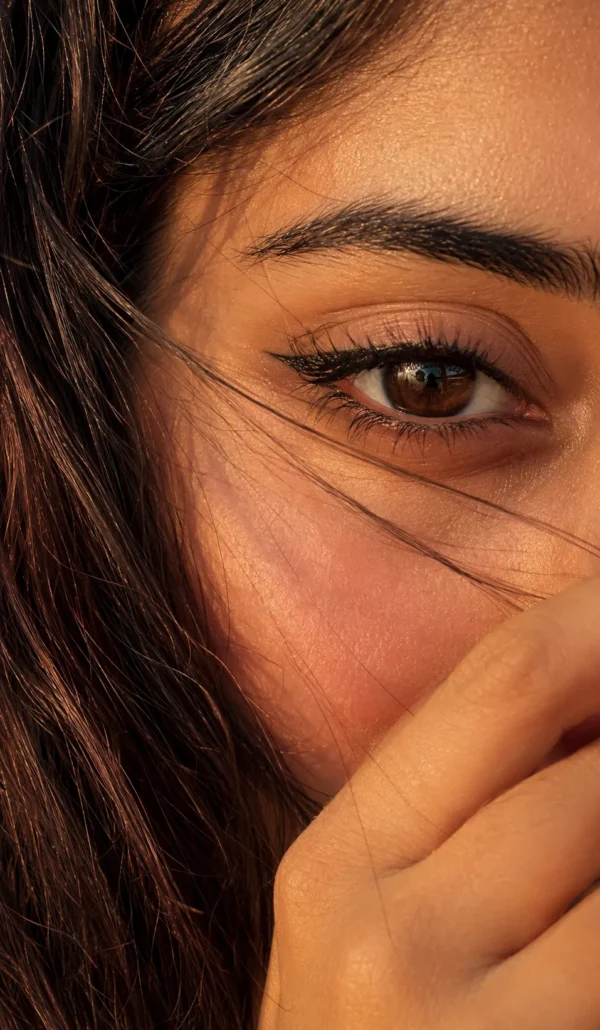
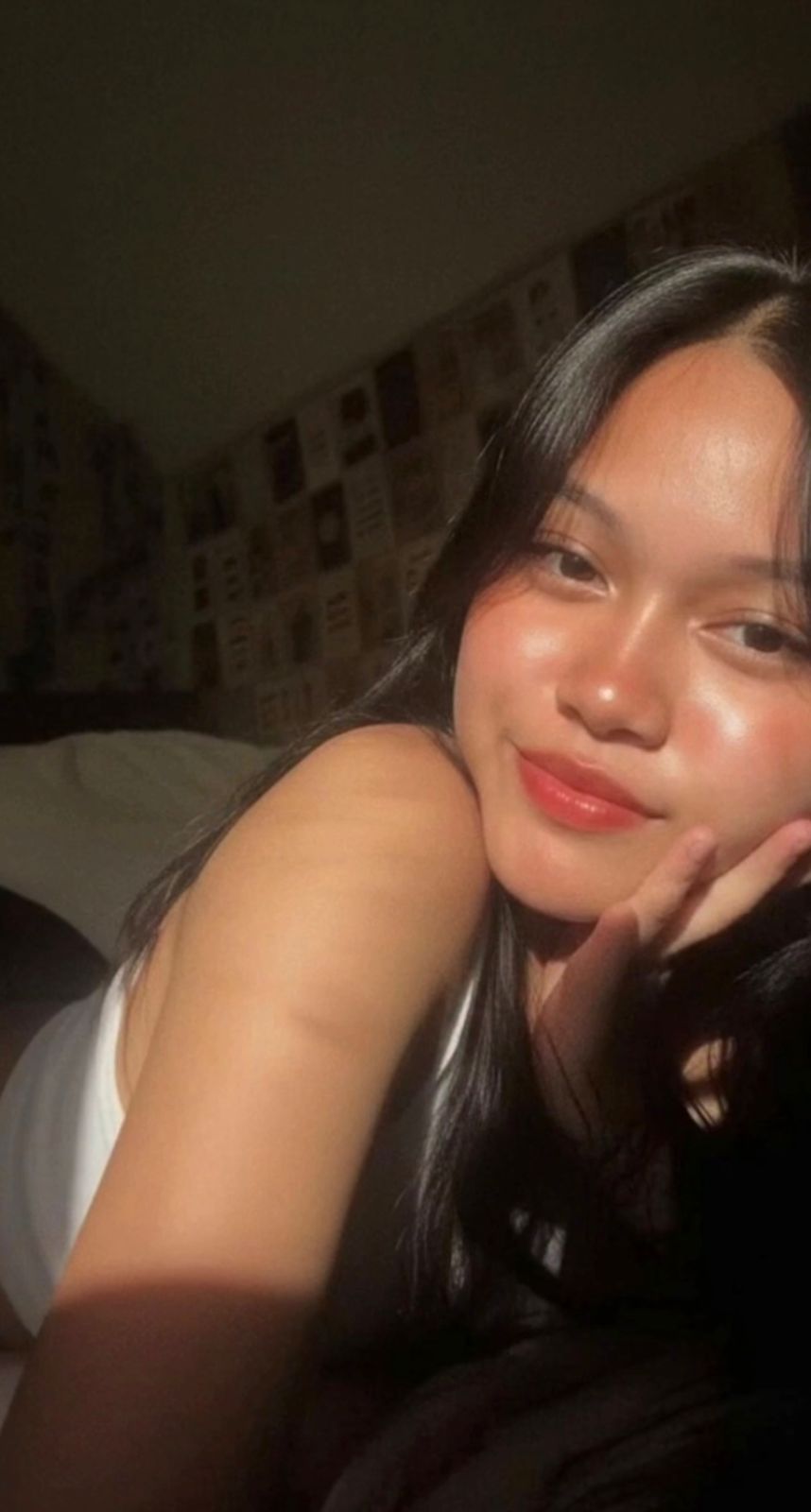
The output is usually soft yet dramatic. The balance of light and shadow gives the photo a dreamy mood, and skin tones look warmer, more luminous, and natural. The result feels like it was captured on an early-2000s compact camera or a premium casual fashion shoot.
The color palette carries pastel softness, muted highlights, and warm whites. Contrast is a touch stronger than normal, but without black crush or harsh oversaturation. This look is especially good when the background is simple and the subject is clearly visible.
In visual terms, you’ll generally get:
- Soft lighting from the top-left direction
- Gentle shadows that define face and body contours
- Natural skin texture with minimal retouching
- Subtle grain for a film-like feel
- A dreamy, quiet, intimate mood
- Clean composition where the subject stays the main focus
How to Use Ethereal Filter HDR
If you’re a beginner editing on mobile, start with a photo where the subject’s face is clear and motion blur is minimal. Open the image in your app and gently adjust brightness, contrast, and shadows — the goal is realistic, not heavy fake-HDR.
Next, soften the highlights slightly and increase warmth a little. If skin tone looks dull, warm the temperature slightly for a peachy, luminous feel. Grain is optional, but very subtle grain makes the image feel authentic and aesthetic.
Step-by-step easy guide:
- Select your best-quality photo, preferably a clear portrait or fashion shot.
- Open the image in the editor and keep the crop close to the original composition.
- Adjust exposure/brightness very slightly for a natural light feel.
- Keep contrast moderate; make shadows soft but visible.
- Gently tweak warmth and color tone for a pastel cinematic effect.
- Don’t overdo sharpness; maintain clarity only.
- Add subtle grain or texture and export.
If you’re using an AI-based prompt workflow, the same logic applies — preserve the original subject, pose, and background, and only apply the style transformation. This is especially useful for converting multiple portraits into one consistent aesthetic.
Which Photos Work Best for This Filter
The best photos for this filter have a clearly visible face and a natural-looking light source. Window light, outdoor shade, or soft indoor light matches this look very well. If the light comes from the top-left or side, the photo already has cinematic depth built in.
A simple background gives better results — a cluttered background can lose the subtle effect of Ethereal HDR. For clothing, plain, neutral, or soft-toned outfits — white, beige, pastel blue, light pink, grey — feel more elegant. Heavy patterns or neon colors can distract from this aesthetic.
Practical photo tips:
- Angle: Slight front-facing or 3/4-angle portraits work best
- Resolution: High-resolution photo to preserve detail
- Lighting: Soft natural light, better than harsh flash
- Background: Clean wall, window light, room corner, or minimal outdoor scene
- Clothing: Solid colors and soft fabrics work best
- Expression: Calm, neutral, or thoughtful expression strengthens the mood
If face or hair are already blurry, the result won’t be as clean — clarity is the most important thing when selecting an image. The better the base photo, the more polished and realistic the Ethereal Filter HDR output.
Pro Tips for the Best Results
Start with a photo that already has decent lighting and a clear face. Since this style works best when the subject stays natural and realistic, a sharp source image helps the final edit look more polished and less forced.
- Use a high-resolution photo so the final output stays crisp and detailed.
- Prefer natural light or soft indoor light instead of harsh flash.
- Keep the subject centered or slightly off-center for a more editorial feel.
- Choose images with simple, uncluttered backgrounds for cleaner results.
- Use one clear subject so the edit stays focused and doesn’t feel crowded.
- If available, upscale the image after editing for sharper skin texture and finer contrast.
Match the photo to the mood you want — a softer portrait for a dreamier feel, or stronger expression and defined shadows for a bolder, magazine-like result.
Common Mistakes to Avoid
Using a blurry or low-quality image and expecting a premium edit is a common mistake — a weak starting photo loses detail in the face, hair, and background. A better source image almost always creates a better outcome.
- Avoid heavily cropped images, since important facial details may get lost.
- Avoid photos with extreme motion blur.
- Don’t overload the background with too many objects.
- Avoid unnatural color choices that clash with the soft vintage-style mood.
- Don’t over-sharpen the face, since it can make the image look artificial.
Keep the original subject’s face, hair, and pose consistent — that balance is what makes this style effective for a polished but natural result.
Best Use Cases
- Instagram posts: great for aesthetic feeds, portrait dumps, and trendy photo posts.
- Profile pictures: useful for personal branding and stylish bios.
- Thumbnails: makes YouTube or blog thumbnails look more cinematic and clickable.
- Portfolios: good for model shots or editorial-style showcases.
- Reel covers: works well for a consistent, polished visual theme.
Variations You Can Try
- Mood variations: dreamy, moody, romantic, confident, nostalgic, editorial.
- Colour variations: warm beige, peach tones, muted pastels, soft gold, cool blue shadows.
- Setting variations: indoor window light, outdoor daylight, city background, bedroom portraits.
- Season variations: summer glow, rainy softness, autumn warmth, winter coolness.
Conclusion: Try This Cinematic Everyday Look
This is a simple but powerful way to turn an ordinary photo into something soft, stylish, and visually memorable. It keeps the subject natural while adding a cinematic atmosphere that works beautifully for modern social media and personal branding.
FAQ: Ethereal Filter HDR
How do I use the "Ethereal Filter HDR" prompt?
Copy the prompt above, open Gemini or ChatGPT, upload a clear photo of yourself and paste the prompt. Generate the image and adjust the outfit or background if you want a variation.
Is this prompt free?
Yes. This prompt is free to copy and use for Instagram, reels, WhatsApp DP and profile pictures.
Which photo works best?
A sharp, front-facing, well-lit photo with no filter. A clear face helps the AI keep your identity in the final image.
Last updated: 10 September 2026
💬 Comments