Blue Apex
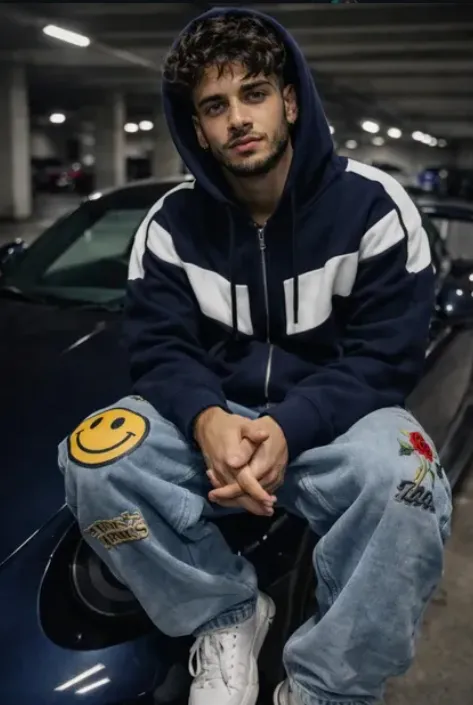
Blue Apex: bold street-style portrait prompt for high-end fashion edits
Blue Apex एक cinematic, ultra-realistic photo-editing style है जो खास तौर पर उन लोगों के लिए बनाया गया है जो अपने portraits को luxury street-fashion look में बदलना चाहते हैं. Om Editing Top जैसे trendy editing concepts में यह style इसलिए popular है क्योंकि इसमें subject, outfit, car, lighting, aur overall mood ko ek premium editorial feel milti hai.
Read Also: cinematic-style realistic portrait | 2026 New Year
यह prompt उन creators के लिए useful है जो Instagram reels, profile photos, poster edits, AI photo transformations, या car-lifestyle visual content बनाना चाहते हैं. Style का core idea simple hai: subject ko confident, realistic, aur fashionable look mein present karna, while keeping the image natural, sharp, and believable.
अगर आप mobile par photo edit kar rahe hain aur चाहते हैं कि final result studio-shot jaisa लगे, तो Blue Apex type prompt बहुत मदद करता है. Isme attitude, luxury, streetwear, aur urban background ka balance aata hai, jiski wajah se image sirf edited nahi lagti, बल्कि ek real fashion campaign ka part लगती है.
Blue Apex style me aapko kya output milta hai
Is type ka edit usually dark blue aur cool-toned visual theme ke around banta hai. Dark garage setting, soft overhead lighting, aur car surface par realistic reflections image ko premium feel deti hain. Subject ke face aur outfit par natural skin texture aur fabric details preserve rehte hain, isliye result artificial nahi लगता.
Composition bhi kaafi important hoti hai. Subject ko car ke front par confidently place kiya jata hai, jis se foreground aur background ka strong contrast banta hai. Wide street-photo look ke saath shallow depth of field image ko cinematic banati hai aur viewer ka focus direct subject par rakhti hai.
Color palette mein navy blue, light blue, white, aur subtle red-yellow accents ka combination ek clean but bold aesthetic create karta hai. Ye style especially un photos mein achha kaam karta hai jahan clothing ke details, shoe contrast, aur car body reflections clearly visible हों.
- Lighting: soft, overhead, realistic, with gentle shadow falloff
- Mood: relaxed, confident, luxury street attitude
- Colours: dark blue, navy, light blue, white, with accent pops
- Composition: centered subject, strong car presence, editorial framing
- Realism: natural skin, realistic reflections, no heavy stylization
Blue Apex prompt kaise use karein: beginner-friendly step-by-step guide
Agar aap total beginner hain, to sabse pehle ek clear base photo choose karein. Best result tab aata hai jab original image me face visible ho, body pose clear ho, aur subject ka outline background se alag nazar aaye. Mobile se bhi aap is style ko apply kar sakte hain, bas photo quality achhi honi chahiye.
Prompt-based editing me exact details ka matter bahut hota hai. Isliye aapko pehle photo upload karni hoti hai, phir style generate karne se pehle ensure karna hota hai ki face angle, lighting, aur clothing base image se compatible ho. Agar source image blur ya low-light hai, to final edit mein details weak ho sakti hain.
Step-by-step process ko simple rakho, aur har stage par preview check karo. Isse aap unwanted changes, distorted hands, ya unnatural face proportions se bach sakte hain. Blue Apex jaisi street-fashion edit me realism maintain karna sabse important hota hai.
- Apni best quality photo select karein jisme face clearly visible ho.
- Background simple ya moderately dark rakhein taaki subject cleanly separate ho.
- Mobile editor ya AI photo tool me image upload karein.
- Style prompt apply karein aur output preview check karein.
- Agar face ya outfit details distort ho rahe hain, to input photo change karein.
- Final image ko save karne se pehle brightness, contrast, aur sharpness lightly adjust karein.
Pro tip ye hai ki ek hi photo par multiple variations try karein. Kabhi kabhi same pose different crop ya slightly better lighting ke saath bahut superior result deta hai. Agar aap social media ke liye edit bana rahe hain, to portrait framing aur clean subject placement image ko aur zyada premium bana dete hain.
Kaun si photos Blue Apex style ke liye sabse achhi hoti hain
Best input photos wo hoti hain jisme subject ka pose naturally strong ho aur camera angle thoda front-facing ya slightly low-angle ho. Aisa angle car-lifestyle aur fashion edit ke saath better merge hota hai. Agar face straight camera ki taraf hai, to output me eye contact aur confidence dono zyada strong lagte hain.
Resolution high honi chahiye, ideally sharp mobile photo ya DSLR-quality image. Low-resolution images me hoodie texture, jeans details, aur shoe highlights properly render nahi hote. Lighting bhi soft hone chahiye—hard flash ya overexposed sunlight se shadows messy ho sakti hain.
Background ke liye plain, garage-like, urban, ya dark neutral setting zyada kaam karti hai. Clothing me layered streetwear, hoodies, oversized jeans, sneakers, aur bold color accents achhe lagte hain. Agar outfit already busy hai, to background ko simple rakhein taaki composition balanced rahe.
- Angle: front-facing ya slight low-angle portrait
- Resolution: clear, high-detail, minimum blur
- Lighting: soft indoor, diffused, or garage-style shadows
- Background: clean, urban, dark, or minimal clutter
- Clothing: streetwear, hoodies, baggy jeans, sneakers, layered looks
Agar aap chahte hain ki output aur bhi strong लगे, to photo me subject ka posture relaxed but confident hona chahiye. Hands, shoulders, aur head position agar stable ho to AI edit natural feel deta hai. Blue Apex jaisi style me small details—jaise fabric folds, car reflections, aur skin texture—final image ko believable banate hain.
Pro Tips for the Best Results with Om Editing Top
To get the strongest results with Om Editing Top, start with a clear source image and a prompt that is specific about the look you want. When the face reference is sharp and the pose is simple, the final edit usually feels more natural and consistent. Small details like lighting, outfit colors, and background type can make a big difference in how polished the image looks.
It also helps to think like a photographer before generating the edit. Decide whether you want a street-fashion feel, a luxury car aesthetic, or a cinematic urban portrait. The more clearly you define the mood, the easier it is to keep the output aligned with your vision. If you want your Om Editing Top image to look premium, consistency between clothing, lighting, and setting matters a lot.
- Use a high-quality face reference with good lighting and minimal blur.
- Keep the subject description clear, especially for clothing, pose, and camera angle.
- Choose one main style direction, such as realistic fashion, luxury, or moody night photography.
- Ask for natural skin texture and realistic shadows to avoid an over-edited look.
- Match the background to the outfit so the whole image feels balanced.
- Keep the composition simple if you want the subject and car details to stand out more.
Another useful tip is to test small variations instead of changing everything at once. If one version looks too busy, reduce the number of background elements or simplify the colors. That way, you can refine your Om Editing Top output step by step and get a result that looks closer to a real photo shoot.
Common Mistakes to Avoid in This Style
One of the biggest mistakes is making the prompt too crowded. If you add too many style directions, props, or effects, the final image can lose focus and look less realistic. In Om Editing Top edits, clarity usually works better than overloading the scene with extra detail.
Another common issue is ignoring the face reference quality. If the source image is low resolution, badly lit, or heavily angled, the output may not keep the person’s identity as well. The same goes for outfit descriptions that conflict with each other, because mixed instructions can confuse the overall composition.
- Using vague prompts: This can produce generic results with weak visual identity.
- Overstuffing the scene: Too many objects or effects can distract from the subject.
- Choosing unrealistic lighting: Harsh or mismatched light can break the photo realism.
- Changing the face too much: This hurts consistency when the goal is identity preservation.
- Ignoring outfit and background harmony: Inconsistent colors can make the edit feel unplanned.
- Forgetting image proportions: Bad framing can make the pose or car placement look unnatural.
It is also smart to avoid heavy visual effects if the goal is a clean fashion-style edit. Strong filters, exaggerated glow, or cartoon-like polish can reduce the premium feel. A successful Om Editing Top result usually looks believable first and stylish second, not the other way around.
Best Use Cases and Ideas for This Style
Om Editing Top images work really well for Instagram posts because they grab attention fast and fit modern profile aesthetics. A luxury car portrait, street-fashion pose, or cinematic garage scene can create a strong first impression on a feed. These visuals are especially useful when you want your content to look premium and designed rather than casual.
They are also a great fit for profile pictures, reels covers, thumbnails, and portfolio samples. If someone is building a personal brand, a stylish edit can help create a memorable identity. For creators, this kind of image works well when the goal is to show confidence, fashion sense, or a cool urban vibe.
- Instagram posts: Great for high-impact feed visuals and aesthetic grids.
- Profile pictures: Useful when you want a clean, stylish identity-focused image.
- YouTube thumbnails: Works well for bold, attention-grabbing channel visuals.
- Reels covers: Helps maintain a consistent and premium-looking content style.
- Portfolio edits: Good for showcasing fashion, car culture, or creative portrait concepts.
These edits also suit themed content ideas like nighttime garage shots, luxury lifestyle visuals, streetwear showcases, or car-meets-fashion concepts. If you want your Om Editing Top artwork to feel more shareable, think about where it will appear first and design the image around that platform’s style.
Variations You Can Try with This Style
One of the best parts of Om Editing Top is that you can change the mood without losing the core idea. A small shift in color palette, time of day, or setting can turn the same concept into something completely fresh. This makes it easy to experiment until you find the version that matches your style.
You can try cooler tones for a more dramatic and urban feel, or warmer tones for a richer, more cinematic mood. Background changes also matter a lot. An underground parking garage gives a moody luxury look, while a rooftop, city street, or neon-lit alley can make the image feel more energetic and trendy.
- Mood variations: relaxed, confident, bold, cinematic, moody, luxury, minimal.
- Colour variations: dark blue, black, silver, white, neon accents, warm streetlight tones.
- Setting variations: parking garage, rooftop parking, city street, showroom, tunnel, night alley.
- Seasonal variations: rainy night, winter chill, summer evening, foggy autumn, bright daylight.
- Style variations: street fashion, luxury portrait, editorial look, car-culture vibe, social media aesthetic.
You can also experiment with different camera feels, such as a wider street-photo look or a tighter portrait composition. If you keep the same subject identity and swap only the atmosphere, your this style collection will feel varied while still staying cohesive. That is a great way to build multiple posts from one idea.
Conclusion: Try This Style for a Premium Modern Look
this prompt is a powerful style direction for anyone who wants a clean, realistic, and visually striking edit. With the right reference image, clear prompt structure, and a balanced mix of fashion, lighting, and background, you can create results that look polished and attention-worthy.
If you want your next image to stand out on Instagram, in a thumbnail, or in a personal portfolio, this is a strong style to try. Start with one concept, test a few variations, and refine the details until the final this look image matches your vision.
FAQ: Blue Apex
How do I use the "Blue Apex" prompt?
Copy the prompt above, open Gemini or ChatGPT, upload a clear photo of yourself and paste the prompt. Generate the image and adjust the outfit or background if you want a variation.
Is this prompt free?
Yes. This prompt is free to copy and use for Instagram, reels, WhatsApp DP and profile pictures.
Which photo works best?
A sharp, front-facing, well-lit photo with no filter. A clear face helps the AI keep your identity in the final image.
Last updated: 17 August 2026
More Boys AI photo prompts
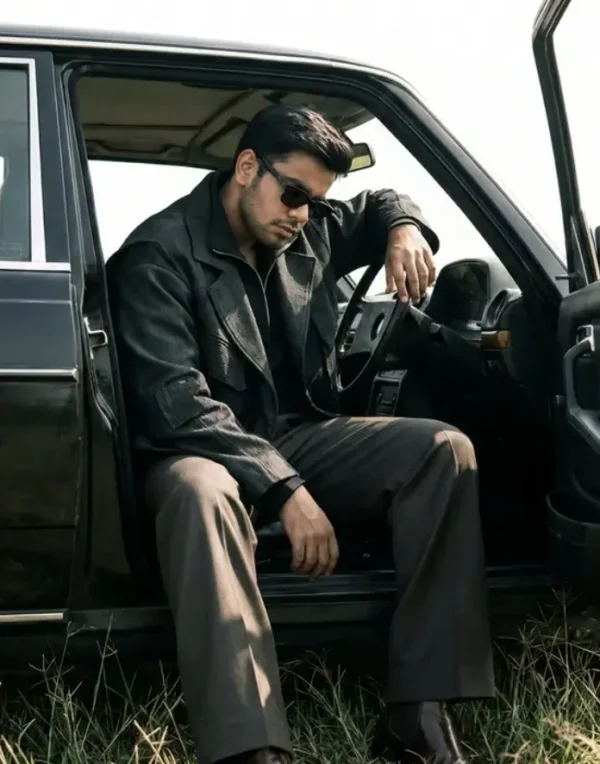 Boys Cinematic Minimalist Car Editorial Portrait
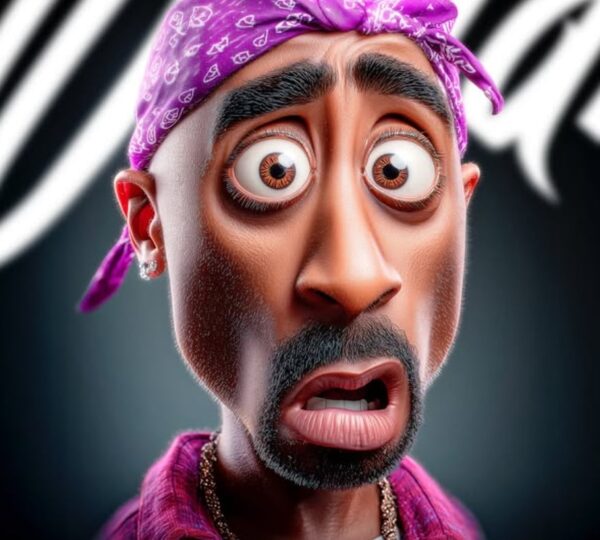 Boys Hyper-Expressive 3D Cartoon Portrait
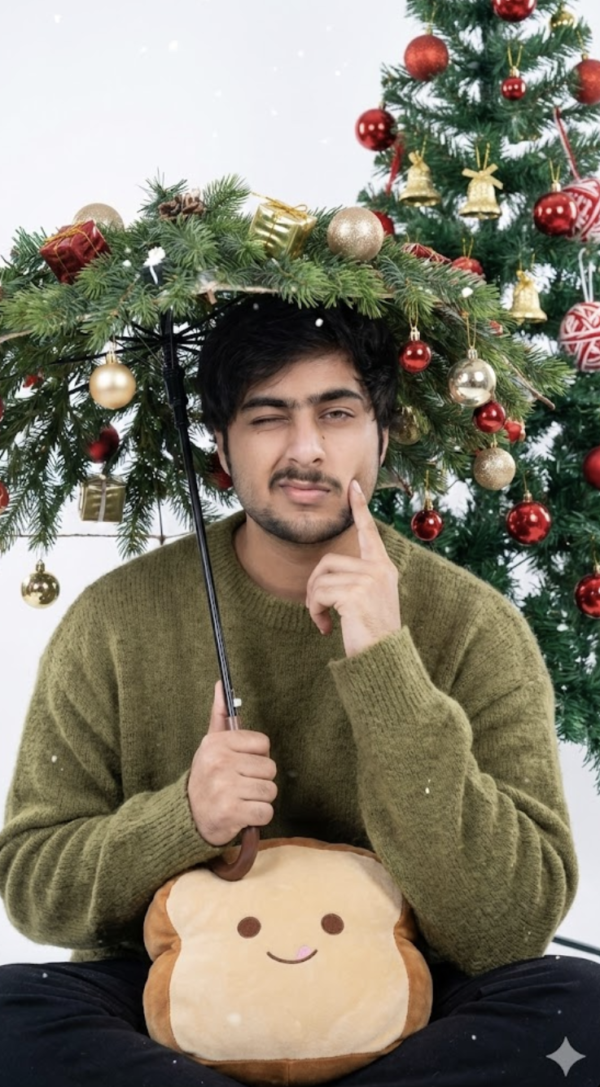 Boys 25 Dec Christmas AI Prompt
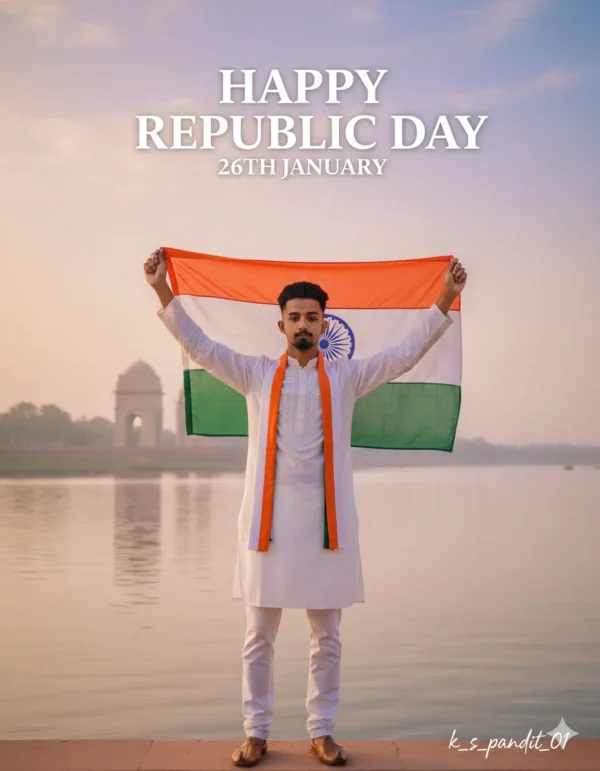 Boys Republic day
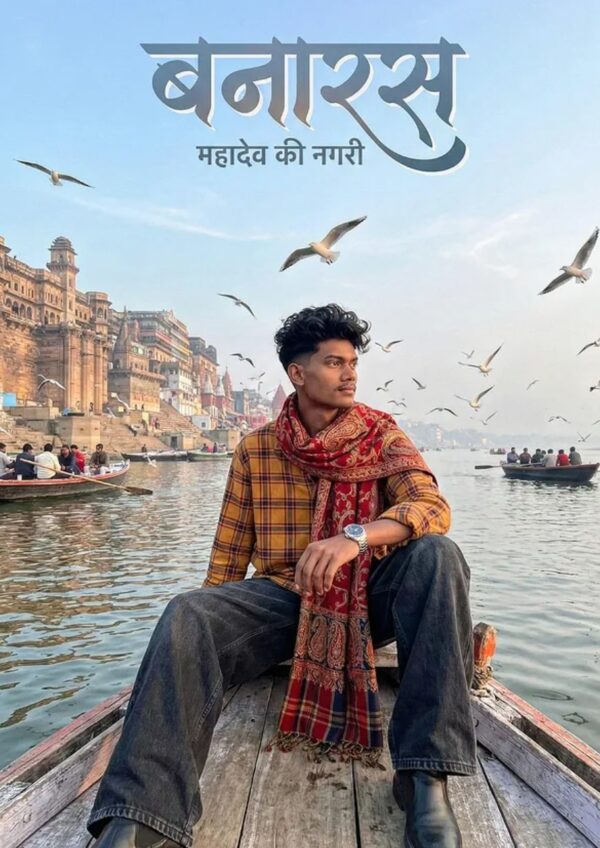 Boys Banaras River Portrait | Mahadev Ki Nagri Spiritual Shot
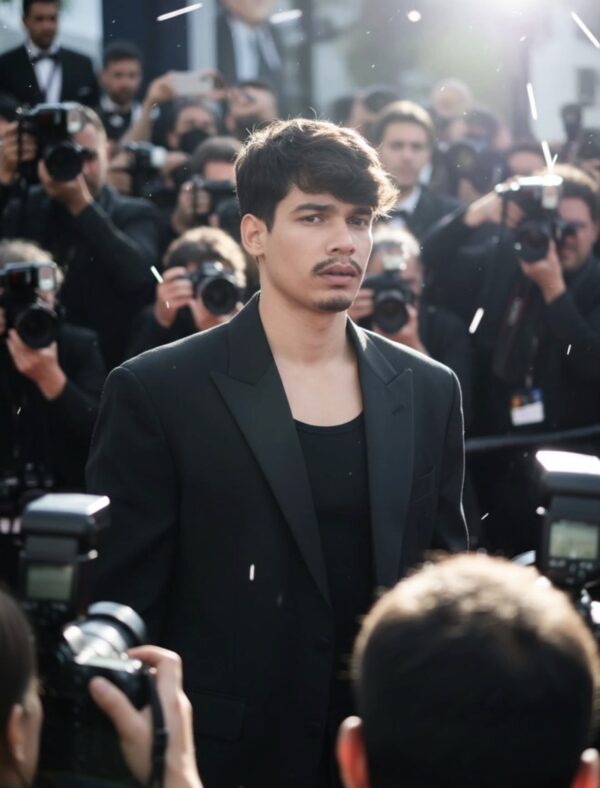 Boys Viral Insta AI Prompt
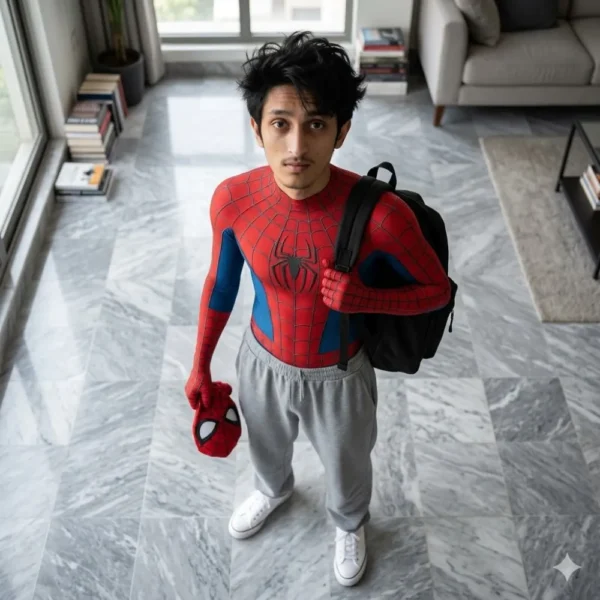 Boys Spider-Man Casual Day
 Boys Studio Portrait With Ganesha Idol AI Prompt For Boys
💬 Comments