Vintage Motion Bloom
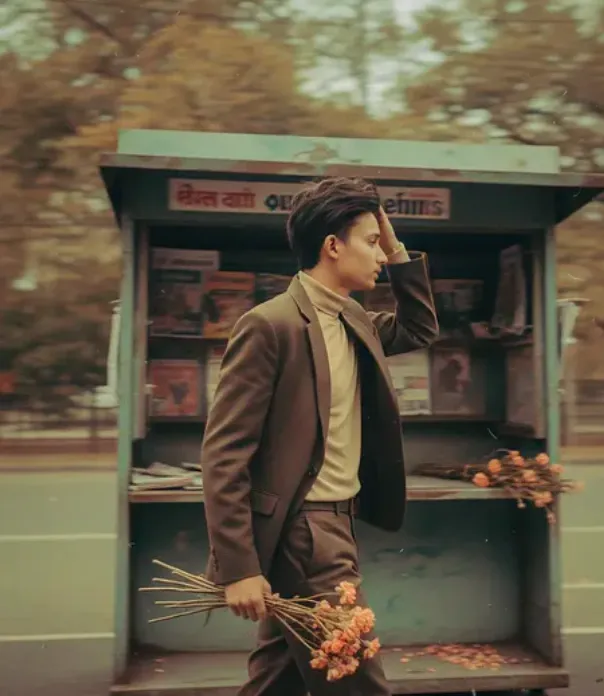
Vintage Motion Bloom: Om Editing Top Ka Style Kya Hai?
Om Editing Top style me “Vintage Motion Bloom” ek aisa photo edit concept hai jo old-film feel, soft motion blur, aur dreamy fashion portrait ko ek saath combine karta hai. Is look me subject usually cinematic lagta hai, jaise koi random photo nahi balki ek story ka frame ho.
Read Also: cinematic-style realistic portrait | 2026 New Year
Ye style un logon ke liye best hai jo Instagram, reels cover, profile photo, ya aesthetic poster type visual banana chahte hain. Agar aap vintage portrait editing, motion blur photography, ya moody fashion edit pasand karte hain, to ye prompt-style result aapko ek premium, artistic vibe de sakta hai.
Iska biggest charm hai uska atmosphere. Image me sharp clarity se zyada feeling important hoti hai—jaise subject move kar raha ho, background thoda old aur grainy ho, aur overall frame me ek nostalgic but trendy look aa jaye. Isi wajah se ye style creators, editors, और mobile editing beginners dono ke liye useful hai.
Ye Prompt/Photo Style Aapko Kya Deta Hai?
Is tarah ki editing ka output mostly cinematic vintage portrait hota hai, jisme warm tones, low saturation, aur film grain ka strong use hota hai. Subject ko aksar side profile ya slightly turned pose me dikhaya jata hai, jisse photo me depth aur movement ka feeling aata hai.
Lighting generally soft aur diffused hoti hai. Hard shadows ke bajay gentle highlights aur blurred edges zyada important hote hain. Background me old street, newsstand, urban corner, ya plain muted backdrop use ho sakta hai, taaki subject aur atmosphere dono ek dusre ko support karein.
Visual result ko aur interesting banane ke liye motion blur, double-image effect, aur trailing shadows use kiye jaate hain. Isse photo me ek dreamy, slightly mysterious mood aata hai. Colors usually orange, pink, beige, brown, dusty gold, aur faded neutral tones ke around rehte hain.
- Vintage feel: grainy texture, faded colors, old-film aesthetic
- Motion effect: panning blur, swaying outline, dynamic movement
- Mood: dreamy, nostalgic, stylish, slightly dramatic
- Composition: profile pose, subject-focused frame, blurred background
- Realism: natural face details ke saath edited cinematic finish
This Style Ko Mobile Par Kaise Use Karein?
Agar aap beginner hain, to pehla step simple hai: ek aisi photo choose karein jisme subject clear ho aur face side angle me nazar aa raha ho. Vertical portrait photos is style me zyada achchi lagti hain, especially jab body pose natural ho aur background clutter-free ho.
Uske baad editing app me photo open karke exposure, contrast, saturation, aur warmth ko carefully adjust karein. Is style me over-bright image kaam nahi karti; thoda muted, soft, aur cinematic base better hota hai. Agar app me blur, grain, ya motion effect tools hain, to unhe lightly use karein.
Phir subject ke around soft blur ya motion trail add karein. Important ye hai ki face completely destroy na ho—motion blur ka purpose movement feel dena hai, photo ko unreadable banana nahi. Final step me background ko thoda hazy rakhein, aur colors ko vintage tone me shift karein.
- Apni best portrait photo select karein.
- Photo ko crop karke subject ko frame ke center ya rule-of-thirds position me rakhein.
- Brightness thodi kam aur warmth thodi zyada karein.
- Saturation ko reduce karke faded look create karein.
- Film grain, blur, aur shadow effect lightly add karein.
- Agar possible ho to motion blur ya double exposure effect apply karein.
- Final preview dekhkar face details aur background balance check karein.
Kaunsi Photos Is Style Ke Liye Sabse Best Hain?
Best result ke liye aisi photo use karein jisme subject ka face ya profile angle strong ho. Ye style full frontal selfie se zyada editorial portrait me achcha lagta hai. Side pose, walking pose, ya slightly turned head image me natural movement create karta hai.
Resolution bhi matter karti hai. High-quality image use karenge to motion blur aur grain add karne ke baad bhi details clean rahengi. Low-light ya noisy photo se better hai ki aap sharp original image lein, phir effect editing me create karein.
Background simple ho to final look aur premium lagta hai. Street background, plain wall, old shop corner, or soft outdoor setting perfect rahegi. Clothing me beige, brown, cream, black, ya muted earth tones zyada suit karte hain, kyunki ye vintage filter ke saath naturally blend ho jaate hain.
- Angle: side profile, three-quarter pose, walking shot
- Resolution: high-resolution portrait, sharp face details
- Lighting: soft daylight, golden hour, ya diffused indoor light
- Background: simple, urban, old-school, ya lightly blurred
- Clothing: beige, brown, tan, muted colors, structured outfits
- Expression: calm, serious, thoughtful, ya slightly dreamy
Om Editing Top ke is vintage motion look me sabse important cheez hai balance. Aapko fashion, nostalgia, aur movement ko ek frame me lane ki koshish karni hoti hai. Jab subject clear bhi ho aur blur bhi story create kare, tabhi ye style truly impactful dikhta hai.
Pro Tips for the Best Om Editing Top Results
अगर आप Om Editing Top style में सबसे clean, cinematic और eye-catching result चाहते हैं, तो सबसे पहले reference image की quality पर ध्यान दें। Face, outfit, pose और lighting जितनी clear होगी, output उतना ही natural लगेगा. खासकर vintage motion bloom look में soft blur, grain, और shadow detail बहुत matter करते हैं, इसलिए input photo overexposed या बहुत dark नहीं होनी चाहिए.
Another important tip is to keep the prompt direction specific, but not overloaded. अगर आप color mood, outfit, background, और motion effect को clearly define करते हैं, तो image ज्यादा balanced बनती है. This style works best when you ask for subtle blur, warm tones, and a dreamy atmosphere instead of too many conflicting details. That’s how Om Editing Top edits look polished rather than messy.
- Use a high-quality portrait with a clear face and proper edge details.
- Keep the pose simple if you want the motion blur effect to stand out.
- Choose warm, muted colours for a vintage aesthetic.
- Ask for soft focus and grain only where it supports the scene, not everywhere.
- For profile-style edits, keep the subject centered or in a strong side profile.
- Match the background with the mood, like street corners, old stands, or urban texture.
- Try slight shadow trails and double-image effects for a more artistic finish.
If you want the best Om Editing Top visual, think like a photographer and not just like a prompt writer. Frame composition, light direction, and color harmony all help the final image feel intentional. When these details work together, the edit looks premium, story-driven, and perfect for social media use.
Common Mistakes to Avoid in This Style
One of the most common mistakes is adding too many effects at once. If the image already has motion blur, film grain, double exposure feel, and low saturation, then extra dramatic filters can make it look noisy instead of artistic. The goal of Om Editing Top is to create controlled vintage energy, not visual confusion.
Another mistake is using a source photo that doesn’t match the vibe. For example, a very bright selfie with harsh background clutter may reduce the impact of the old-film aesthetic. It’s better to use a portrait that already has some mood, clean composition, and enough space around the subject so the motion effect has room to breathe.
- Too much prompt detail: This can confuse the style direction and reduce consistency.
- Poor source image: Low clarity, bad framing, or heavy shadows can make the final result weak.
- Over-saturated colours: They break the vintage film look and make the output feel modern instead of timeless.
- Unclear subject positioning: If the face or body is not readable, the motion blur loses its purpose.
- Ignoring background balance: A cluttered background can distract from the subject and weaken the cinematic feel.
Also avoid expecting every output to look identical. With Om Editing Top, small variations in blur direction, grain texture, and shadow shape are normal. Instead of forcing perfection, aim for a consistent mood. That makes the edit feel more authentic, artistic, and usable across different social platforms.
Best Use Cases and Ideas for These Images
The Om Editing Top style works especially well for Instagram posts because it instantly stands out in the feed. The vintage tones, motion blur, and dreamy profile look create a strong visual identity, making the image feel more editorial than a standard portrait. If you want your profile to look curated and stylish, this effect can help build that aesthetic quickly.
It is also a great choice for profile pictures, especially when you want a mysterious, fashionable, or cinematic vibe. Even though motion blur adds softness, the face still keeps enough presence to feel expressive. For creators, this kind of edit is perfect for thumbnails, reels covers, and portfolio highlights because it catches attention without looking overdone.
- Instagram posts: Use it for fashion shots, mood posts, and creative portraits.
- Profile pictures: Ideal for a stylish, artistic, and memorable avatar.
- Thumbnails: Helps your content look more premium and visually distinct.
- Reels covers: Great for maintaining a consistent vintage theme across your page.
- Portfolios: Useful for photographers, editors, and designers who want a strong creative identity.
- Story highlights: Can be used to make highlight covers feel more aesthetic and branded.
You can also use this style images for personal branding, especially if your content focuses on fashion, editing tutorials, lifestyle, or creative storytelling. The style gives your visuals a signature look, which helps people recognize your work faster. That’s one reason this kind of cinematic portrait edit is so popular among digital creators.
Variations You Can Try with This Style
One of the best things about this prompt is how flexible it can be. By changing the mood, you can turn the same portrait idea into something softer, moodier, more dramatic, or even more romantic. Small changes in colour grading and background details can completely shift the story of the image.
For example, a warm brown and orange palette creates a nostalgic autumn feel, while faded green or dusty blue tones can make the edit feel more lonely and cinematic. You can also experiment with different settings like city streets, old shops, rainy lanes, or indoor window light to give the subject a different emotional tone.
- Mood variations: dreamy, melancholic, bold, romantic, mysterious, or edgy.
- Colour variations: sepia, warm beige, faded orange, muted brown, soft pink, dusty blue.
- Seasonal variations: autumn leaves, winter fog, monsoon streets, summer dusk, spring blossoms.
- Setting variations: old newsstand, retro alley, cafe corner, roadside market, train platform.
- Texture variations: stronger film grain, lighter blur, more shadow trails, or a cleaner vintage finish.
You can even test different camera-inspired looks. A side profile with stronger blur feels more cinematic, while a front-facing portrait with softer grain feels more editorial. With this look, the more you experiment with atmosphere and composition, the easier it becomes to find a signature style that matches your content.
Conclusion: Try This Style for a Unique Vintage Motion Look
If you want a portrait edit that feels stylish, artistic, and full of story, yeh style is a strong choice. The mix of vintage film texture, soft motion blur, warm tones, and profile-based composition gives your image a memorable identity. It is the kind of edit that looks simple at first glance but feels rich in mood when viewed closely.
Whether you are creating content for Instagram, profile photos, thumbnails, or creative portfolios, this style can help your visuals stand out. Try a few variations, keep the composition clean, and let the atmosphere do the work. With the right balance, this edit can turn an ordinary portrait into a cinematic image people notice instantly.
FAQ: Vintage Motion Bloom
How do I use the "Vintage Motion Bloom" prompt?
Copy the prompt above, open Gemini or ChatGPT, upload a clear photo of yourself and paste the prompt. Generate the image and adjust the outfit or background if you want a variation.
Is this prompt free?
Yes. This prompt is free to copy and use for Instagram, reels, WhatsApp DP and profile pictures.
Which photo works best?
A sharp, front-facing, well-lit photo with no filter. A clear face helps the AI keep your identity in the final image.
Last updated: 17 August 2026
More Boys AI photo prompts
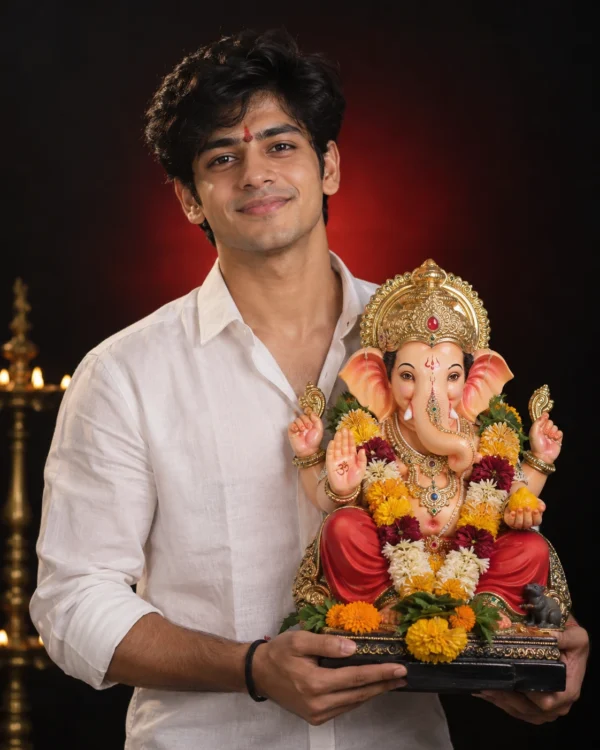 Boys Studio Portrait With Ganesha Idol AI Prompt For Boys
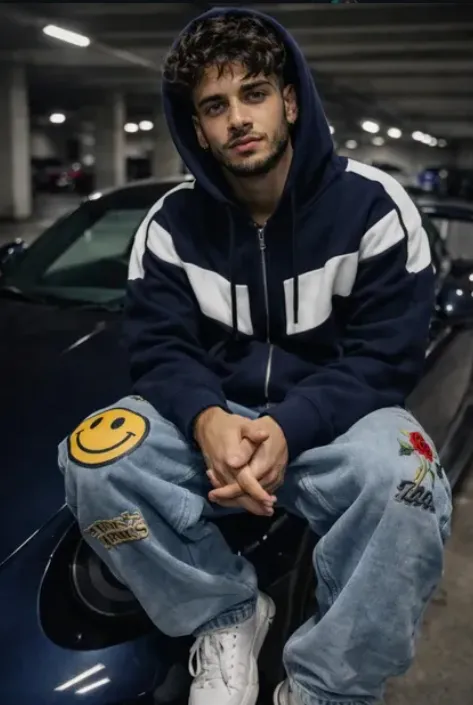 Boys Blue Apex
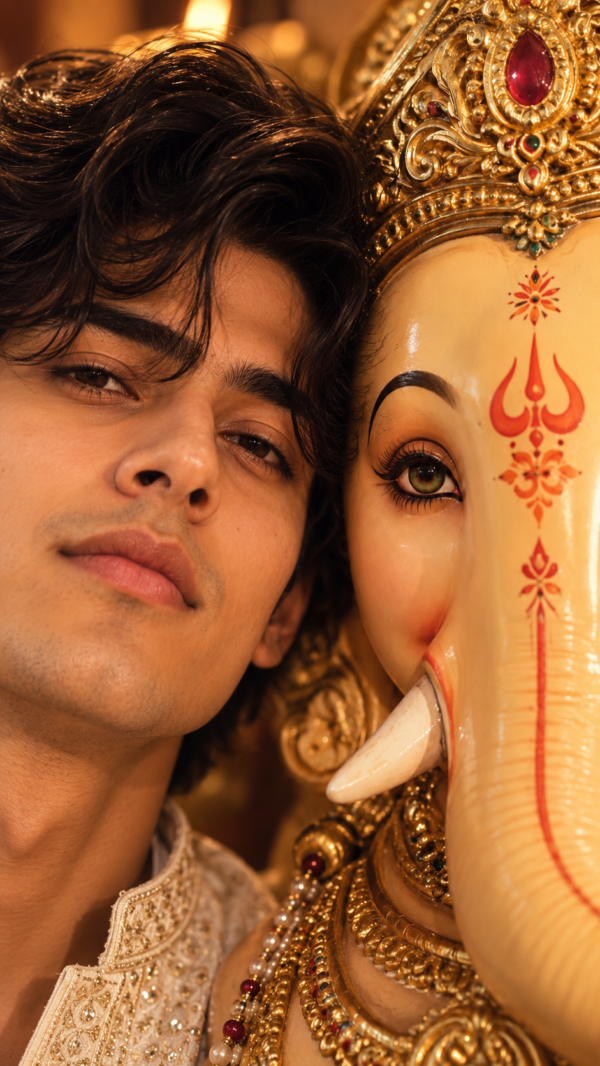 Boys Ganpati Ji Half-Face Cheek to Cheek AI Prompt
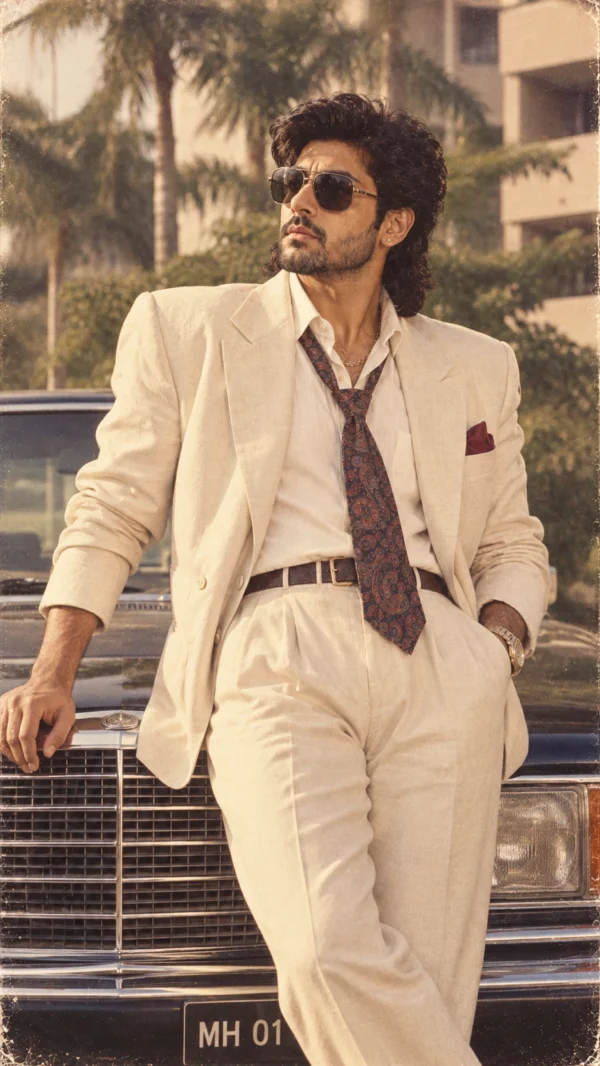 Boys 1980s Cream Suit AI Photo Prompt for Boys
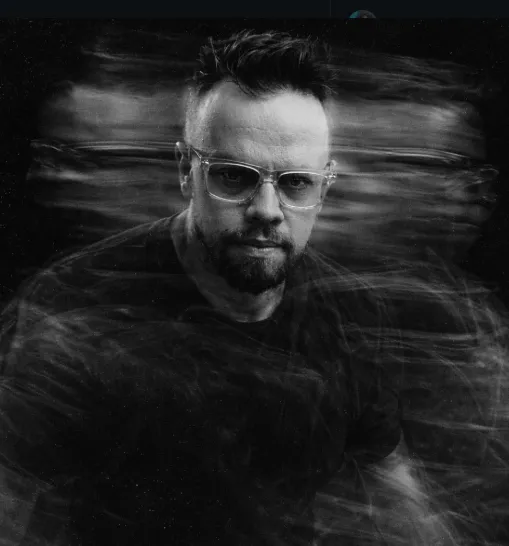 Boys Ghosted Intensity
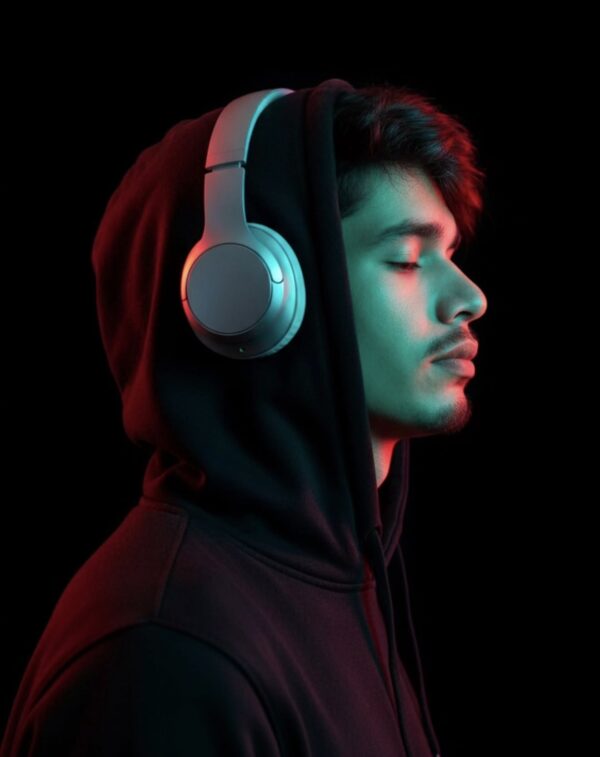 Boys Profile Portrait AI Prompt
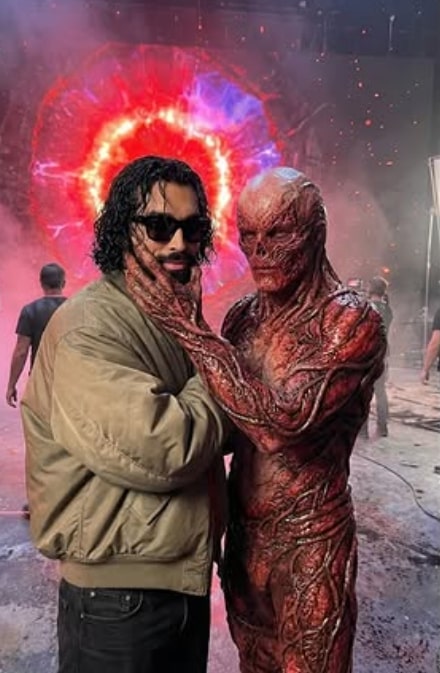 Boys Behind-the-Scenes Stranger Things Portrait | 8K Detail
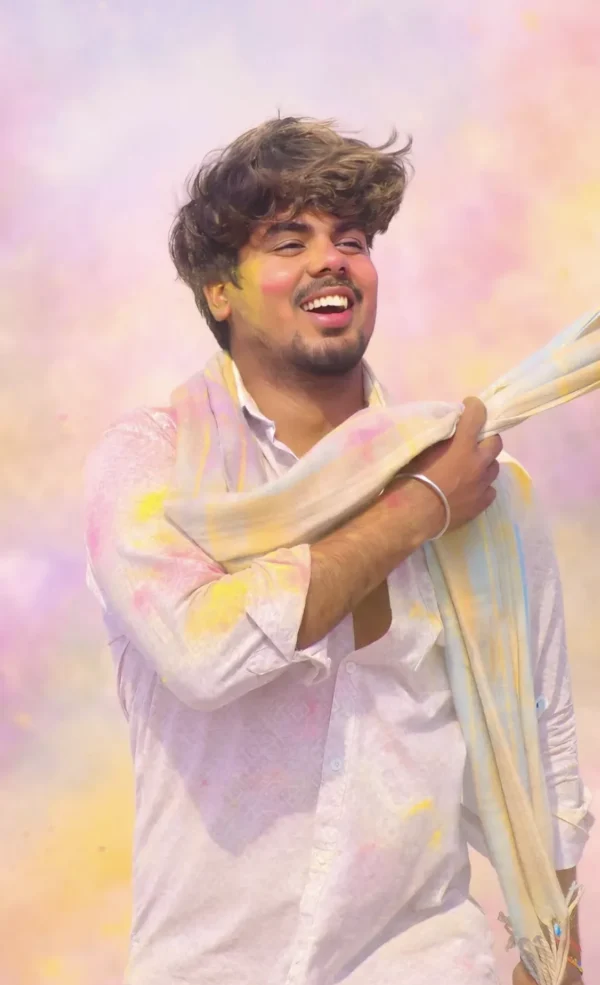 Boys Holi Gulal Festival AI Photo Prompt for Boys
💬 Comments