Curly Hair AI Prompt

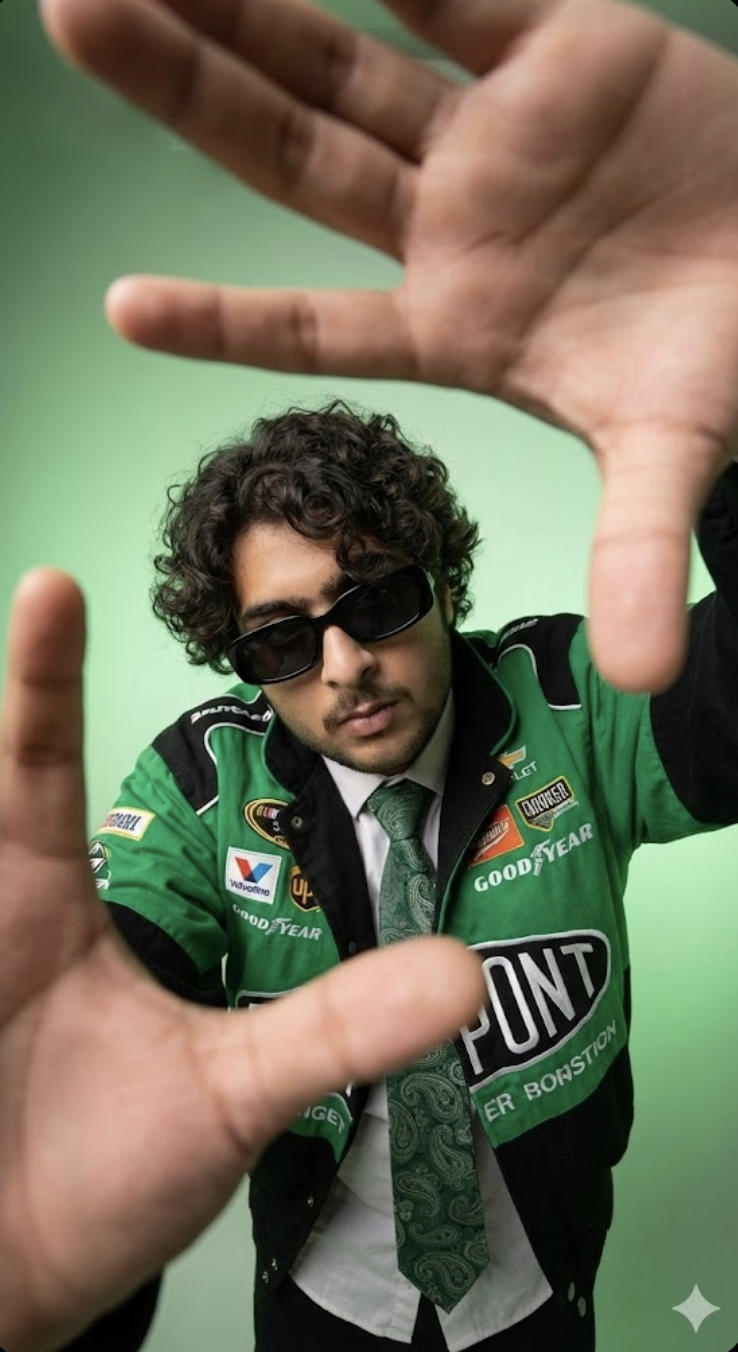
Curly Hair AI Prompt: What Is This Look?
This curly hair portrait style is a cinematic edit that turns a subject’s look bold, modern, and eye-catching. It usually uses close-up or low-angle perspective with styling, lighting, and background all combining for a dramatic fashion-photo feel.
Read Also: Cinematic Realistic Portrait AI Prompt | 2026 New Year AI Prompt
This look is perfect for anyone who wants to make their profile photo, social media post, thumbnail, or AI-generated portrait stylish. Curly hair naturally adds texture and volume, and when combined with a sharp outfit, soft light, and a clean background, the result feels premium and high-fashion.
The main purpose isn’t just making a photo — it’s creating a strong visual identity. Expression, hair detail, clothing contrast, and composition are all equally important, so the final image feels both realistic and artistic.
What’s Special About This Photo Style
Hair texture is the first thing that grabs attention. Natural curls give the image volume and movement, and lighting makes them look even more defined. Soft diffused light keeps hair edges clean, while shadows give the face depth and dimension.
The visual feel is usually bold and slightly cinematic. A low angle or wide perspective makes the subject look stronger and more dominant. If the outfit has a white shirt, patterned tie, or racing jacket, the image blends streetwear and editorial styles.
Color palette matters too. A green gradient background, muted tones, or a monochromatic studio look make the image feel modern and polished. Realism improves when face details stay sharp, sunglasses or accessories look clean, and skin tones don’t feel over-edited.
- Lighting: soft, diffused, evenly defines the face
- Mood: stylish, confident, dramatic, fashion-forward
- Colours: green tones, neutral clothing, subtle contrast
- Composition: low angle, close framing, strong foreground hands or pose
- Realism: face match, hair texture, and natural shadows must stay believable
How to Use This Curly Hair Prompt
Even beginners can use this style easily on mobile. Choose your best reference photo first, with the face clear and curly hair well visible. Avoid blurry, dark, or heavily filtered photos, since the AI can struggle understanding facial details.
Apply the prompt style properly in your editor or AI image tool — pose, hair type, outfit, lighting, and background all matter. For accuracy, keep the reference photo’s facial angle and hairstyle similar to your desired result.
- Select a clear curly hair photo.
- Make sure the face is front-facing or slightly angled.
- Upload an image with good lighting.
- Apply the desired style/prompt in your editor.
- Preview to match background and outfit tone.
- If the image looks over-sharp or unnatural, soften settings a bit.
- Check face match and hair detail before final export.
Which Photos Work Best
The best photos have curls clearly visible and enough light on the face. Extreme dark lighting or heavy shadows can hide hair texture, so daylight or soft indoor lighting is better. A simple background helps the AI isolate the subject easily.
Angle matters a lot too. A straight front-facing photo, a slight low-angle portrait, or a mild side pose usually works best. Clothing should be simple but distinct, so final edit layers show clearly.
- Angle: front, slight side, or mild low-angle portrait
- Resolution: sharp, clear, high-quality image
- Lighting: soft daylight, studio light, or evenly lit indoor shot
- Background: plain, clean, distraction-free
- Clothing: well-defined shirt, jacket, or fashion outfit
- Hair visibility: curls open with texture clearly visible
Pro Tips for the Best Results
Curly texture is already naturally rich, so with the right pose, lighting, and outfit, the output’s impact increases a lot. Keep the image balanced: face clear, curls defined, and overall composition not overdone.
- Use soft diffused lighting to highlight hair texture so curls’ natural shape shows clearly.
- Keep clutter away from the face — a clean background gives the subject a more premium look.
- Choose outfit colors in contrast with hair and background, so curly hair pops even more.
- If using a close-up or ultra-wide look, keep hands and pose natural, or the frame looks awkward.
- Keep expression confident — attitude and styling both matter in curly hair portraits.
Common Mistakes That Weaken the Output
- Over-editing the hair: curls’ natural bounce and softness can get lost.
- Wrong background choice: a busy background distracts and reduces image impact.
- Unbalanced pose: a too-rigid pose suppresses curly hair’s natural flow.
- Harsh contrast: too much contrast makes skin tones and hair strands both look unnatural.
- Outfit mismatch: a style that doesn’t match the hair’s mood makes the overall look inconsistent.
Best Use Cases
- Instagram profile picture: a clear face + defined curls make the profile instantly standout.
- Thumbnails: a bold pose and dramatic framing boost click-through appeal.
- Reel covers: clean composition and strong expression make short-form content attractive.
- Portfolios: a stylish portrait for a model, stylist, or photographer.
- Personal branding: fits well if your online identity is modern and fashionable.
Variations You Can Try
- Mood variations: Confident, calm, serious, playful, or editorial vibes.
- Color variations: Green, black, grey, blue, beige, or warm earthy tones.
- Setting variations: Studio background, outdoor street style, urban portrait, or minimal backdrop.
- Seasonal variations: Summer fresh look, winter fashion vibe, rainy-day cinematic style.
- Styling variations: Sunglasses, jackets, shirts, layered outfits, or simple clean wear.
Conclusion: Try This Curly Hair Style
Curly hair is already a naturally strong visual feature, and with the right editing, it can look even more premium and striking. Balance composition, lighting, and outfit, and the final image becomes far more impactful than a simple portrait.
FAQ: Curly Hair
How do I use the "Curly Hair" prompt?
Copy the prompt above, open Gemini or ChatGPT, upload a clear photo of yourself and paste the prompt. Generate the image and adjust the outfit or background if you want a variation.
Is this prompt free?
Yes. This prompt is free to copy and use for Instagram, reels, WhatsApp DP and profile pictures.
Which photo works best?
A sharp, front-facing, well-lit photo with no filter. A clear face helps the AI keep your identity in the final image.
Last updated: 10 September 2026
More Boys AI photo prompts
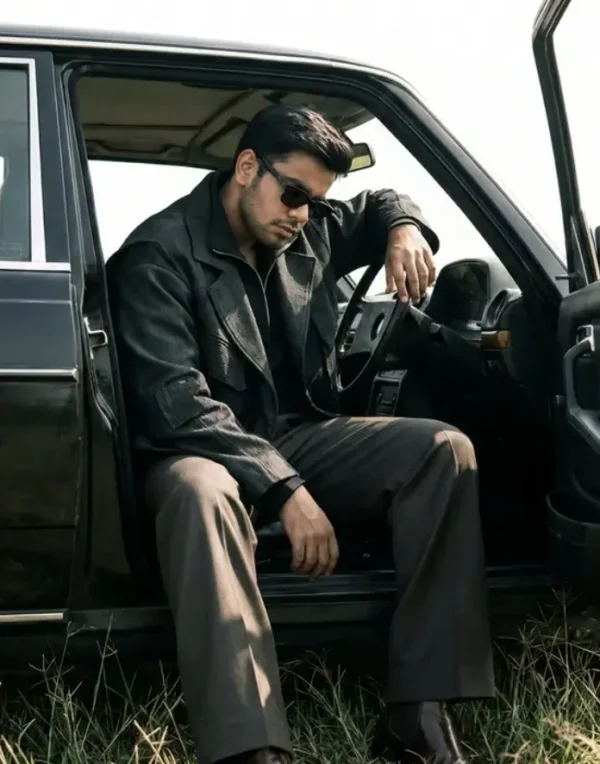 Boys Cinematic Minimalist Car Editorial Portrait
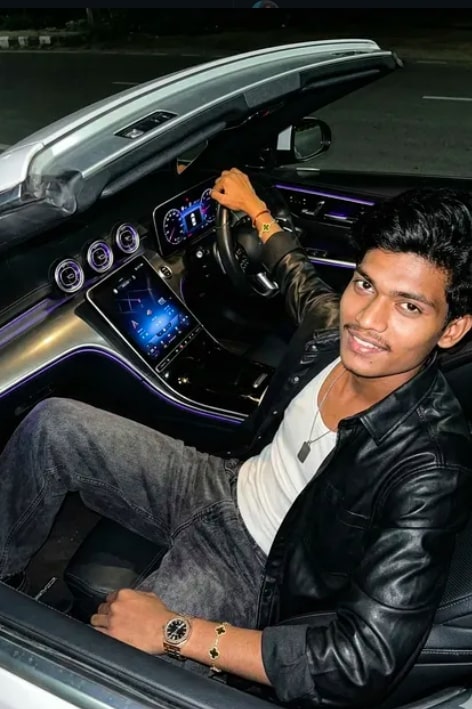 Boys Ultra-Realistic 8K Mercedes Convertible Portrait
 Boys Around the head and hair
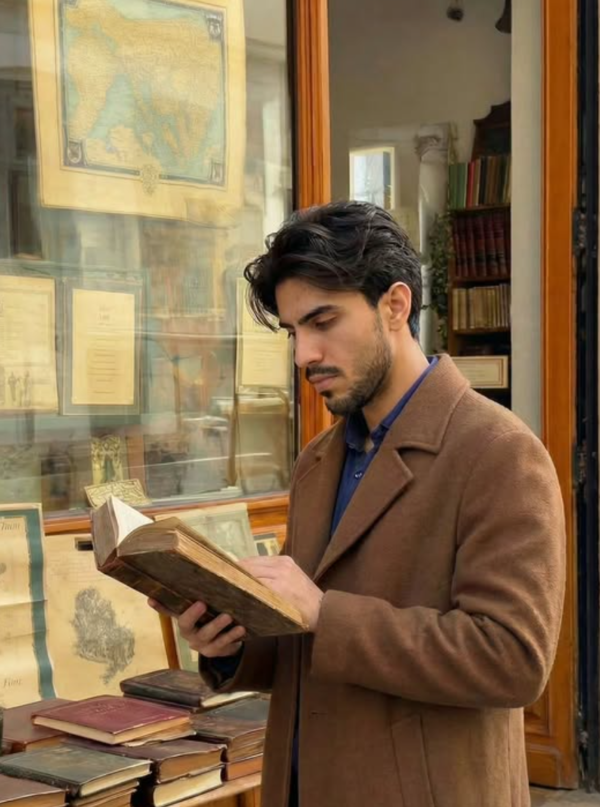 Boys Cinematic European Bookstore Portrait
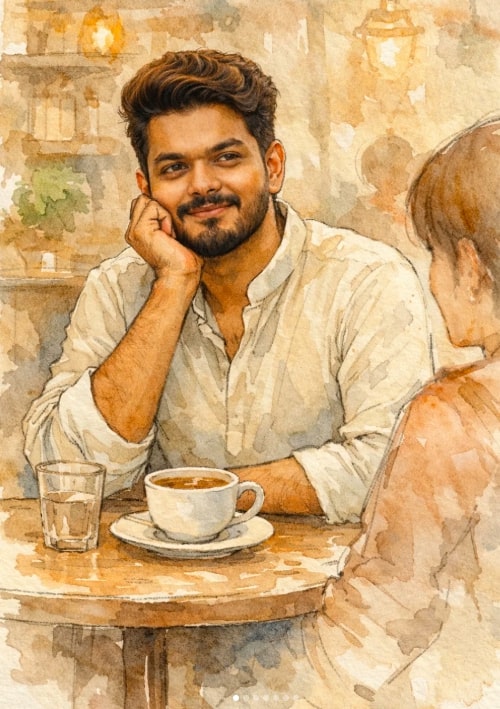 Boys Soft Watercolor Café Portrait Illustration
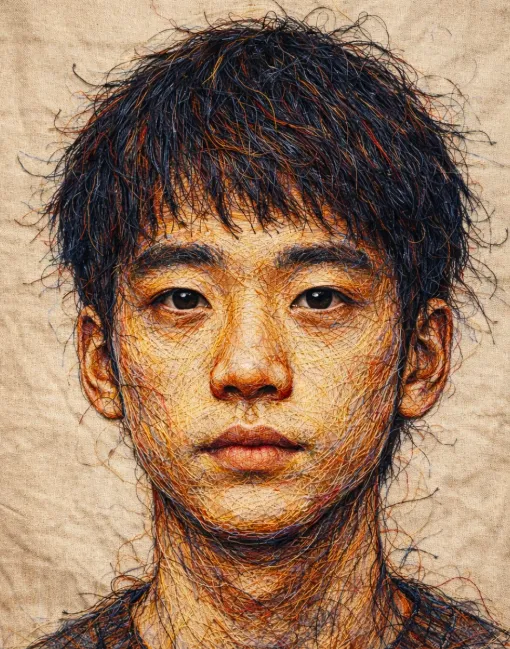 Boys Threaded Identity
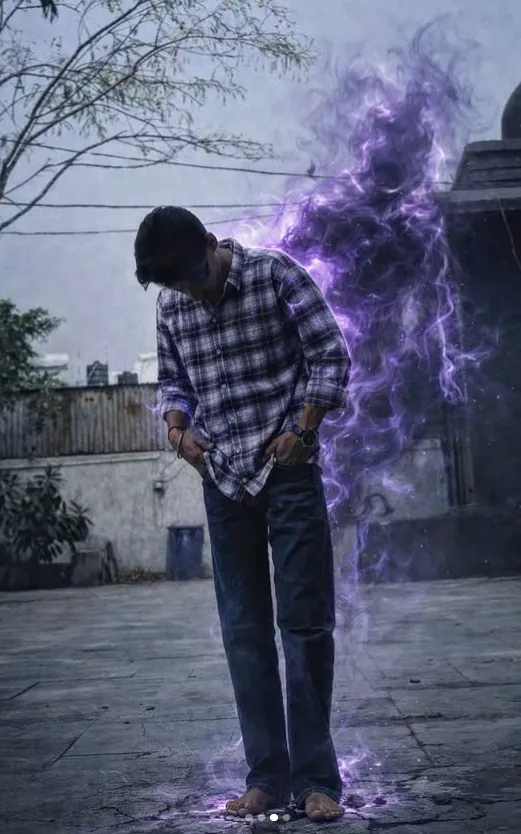 Boys purple energy entity
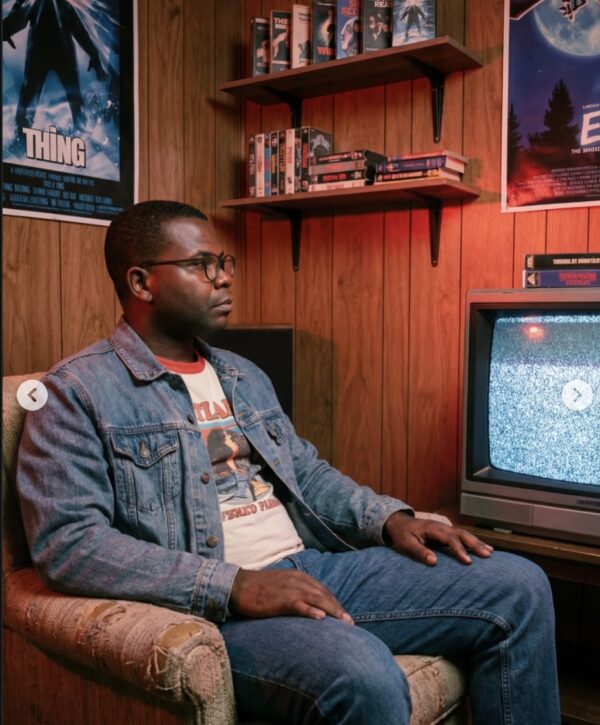 Boys Stranger Things Sitting
💬 Comments