Couple Love AI Prompt
Couple Love AI Prompt: What Does It Mean?
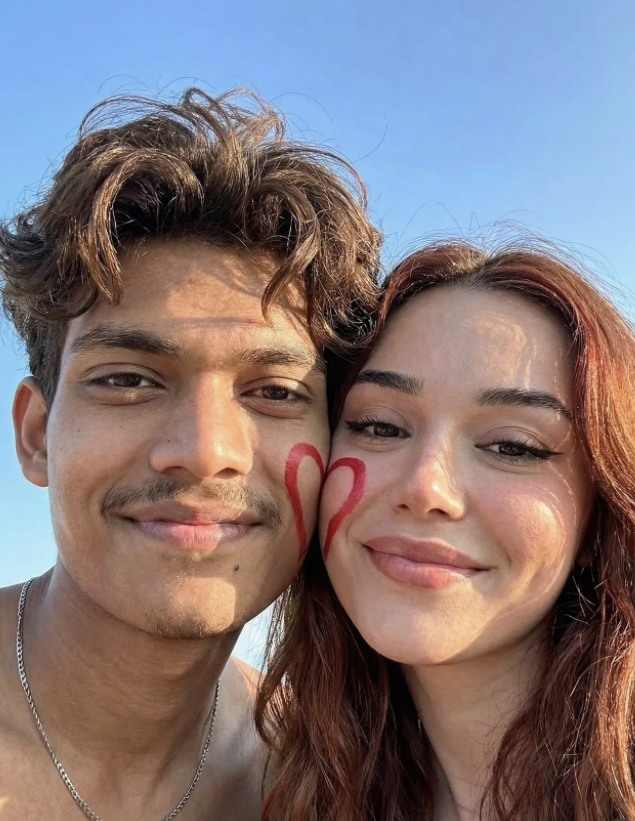
The main charm of this couple love AI prompt style is a natural, romantic, highly realistic selfie look. It’s perfect for anyone who wants to turn a simple couple snap into a polished, social-media-ready visual.
Read Also: Cinematic Realistic Portrait AI Prompt | 2026 New Year AI Prompt
This kind of edit is usually built around close-up face composition, bright outdoor light, and a soft emotional mood. The result feels casual and cinematic at once, with the couple’s chemistry clearly coming through.
Whether it’s for Instagram, a WhatsApp DP, a Facebook post, or an anniversary/couple reel cover, this prompt style is beginner-friendly too, focusing on simple but effective detailing: real skin texture, natural expressions, and a clean summer background.
What This Prompt Style Delivers
The result is usually a bright, cheerful, youthful portrait. Blue sky, warm sunlight, and close face framing make the image feel instantly fresh and lively. The cheek-to-cheek pose creates intimacy without feeling overly dramatic.
Small visual details, like a red heart cheek paint, make the photo playful and memorable. This kind of edit works best when skin texture stays natural, colors feel vibrant, and soft shadows fall on the face — giving it a realistic smartphone-selfie feel rather than a filtered one.
Composition matters too. Close-up framing highlights the couple’s expressions, while a clear sky background keeps the photo feeling open and airy. This look is strongest when the pose is natural and both faces sit balanced in the center of the frame.
- Lighting: warm natural daylight, preferably morning or late afternoon
- Mood: happy, romantic, youthful, playful
- Colors: blue sky, warm skin tones, red heart accent, realistic hair tones
- Composition: close-up selfie framing, faces clearly visible, cheeks pressed together
- Realism: natural skin texture, soft shadows, clean detail, no over-editing
How to Use This Style on Mobile
This style is easy for beginners — you just need to pick a photo that matches the prompt’s mood. Work step by step: select the base photo, check the composition, then match lighting and background.
The most important tip is to keep the prompt simple and the face details clear. Face match, cheek contact, blue sky, and a natural smile instantly make the image better.
- Select a clear front-facing photo of yourself or the couple.
- Make sure faces aren’t blurry and expressions look natural.
- Keep lighting bright and even so skin tones look realistic.
- Use a simple background or one that can create an outdoor-sky look.
- Upload the photo to your mobile editor or AI tool.
- Apply the romantic close-up selfie look following the prompt/style reference.
- Check the output and make small corrections, like color balance and sharpness.
Which Photos Work Best
The best photos have a clearly visible face and a close-up angle. Side-angle or distant photos don’t produce as strong a cheek-to-cheek effect — a front or slightly turned selfie angle works better.
Resolution matters — a high-resolution image preserves skin texture, hair detail, and elements like cheek paint better. Low-quality photos can lose details, making the result look flat or artificial.
Background and clothing shape the final look too. Bright sky, outdoor light, and simple outfits make the couple portrait feel clean and stylish. A busy background or dark indoor lighting can reduce this style’s freshness.
- Angle: close-up, front-facing, or slight-tilt selfie angle
- Resolution: clear HD photo with visible face details
- Lighting: natural sunlight, soft shadows, no harsh flash
- Background: open sky, outdoor setting, minimal distractions
- Clothing: casual, simple, color-coordinated outfits
- Expressions: genuine smile, relaxed face, romantic chemistry
A Quick Practical Tip
Avoid over-smoothing the face if you want a more natural output. Realistic skin texture and soft color grading give the image a premium look — the goal is polished, not plastic. Prioritizing the cheek-to-cheek pose, bright sky, and a happy expression instantly strengthens the image, which is why this style is so popular for couple anniversary posts, romantic profile pictures, and short-form content covers.
Pro Tips for the Best Results
Reference face consistency matters most. However strong the prompt style is, the final image only looks natural when face details, smile, cheek pose, and lighting all match each other.
- Keep the face angle balanced so both faces’ half-view looks clean.
- Make the cheek heart-paint design centered and symmetrical.
- Use a natural smile; avoid an overly posed expression.
- Keep extra objects minimal in the blue-sky background so attention stays on the couple.
- Lightly emphasize hair details — wavy hair, reddish tones, soft eyeliner.
Avoid over-saturating the color grading for more realism — warm sunlight, vibrant but not artificial tones, and realistic skin texture give the image a premium look.
Common Mistakes to Avoid
The most common mistake in couple-love edits is a face mismatch — when expression, scale, or angle don’t match between both faces, the image starts looking artificial. This is especially noticeable here because the selfie composition is so close-up.
- Over-editing: too much smoothing makes skin look plastic.
- Wrong lighting: hard shadows weaken the summer mood.
- Unbalanced framing: cropped faces break the selfie effect.
- Too many colors: background clutter reduces the romantic focus.
- Expression mismatch: one person smiling and the other serious loses the chemistry.
Keep prompt elements simple and consistent for the cleanest result — realistic textures, a joyful mood, and a clear summer ambience matter most.
Best Use Cases
- Instagram feed: romantic couple post or friendship-to-love vibe.
- Profile picture: a soft, happy, youthful look.
- Reel cover: bright summer aesthetic with close-up emotion.
- Thumbnails: relationship content, editing showcase, AI art examples.
- Portfolio: creative portrait edits and concept-based samples.
This style also works well for Valentine’s posts, anniversary edits, and couple highlight reels — anywhere a romantic but realistic image fits.
Variations You Can Try
- Bright summer version: clear blue sky, warm sunlight, vibrant colors.
- Golden hour version: soft orange light, dreamy romantic mood.
- Pastel version: light pink, peach, and cream tones for a soft aesthetic.
- Night glow version: subtle ambient light with a cinematic feel.
- Festival-inspired version: added color accents for a celebratory look.
Conclusion: Try This Style for a Fresh Couple Love Look
This style is an easy way to make couple-love edits realistic, bright, and emotional. Close-up selfie style, half-heart cheek paint, warm lighting, and happy smiles combine into an image that feels personal and social-media-friendly at the same time. Try small changes to create different moods — every output will feel fresh and engaging.
FAQ: Couple Love
How do I use the "Couple Love" prompt?
Copy the prompt above, open Gemini or ChatGPT, upload a clear photo of yourself and paste the prompt. Generate the image and adjust the outfit or background if you want a variation.
Is this prompt free?
Yes. This prompt is free to copy and use for Instagram, reels, WhatsApp DP and profile pictures.
Which photo works best?
A sharp, front-facing, well-lit photo with no filter. A clear face helps the AI keep your identity in the final image.
Last updated: 10 September 2026
More Couple AI photo prompts
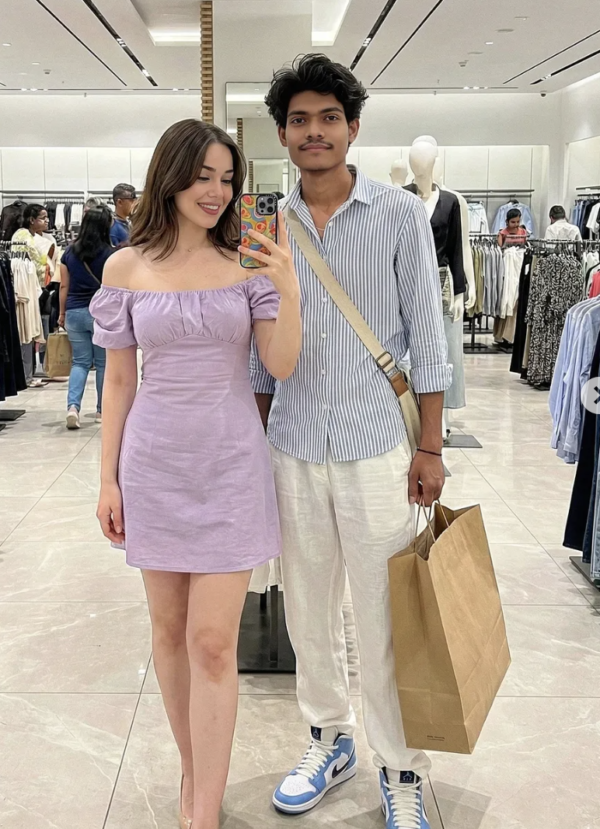 Couple Shopping with Girl AI Prompt
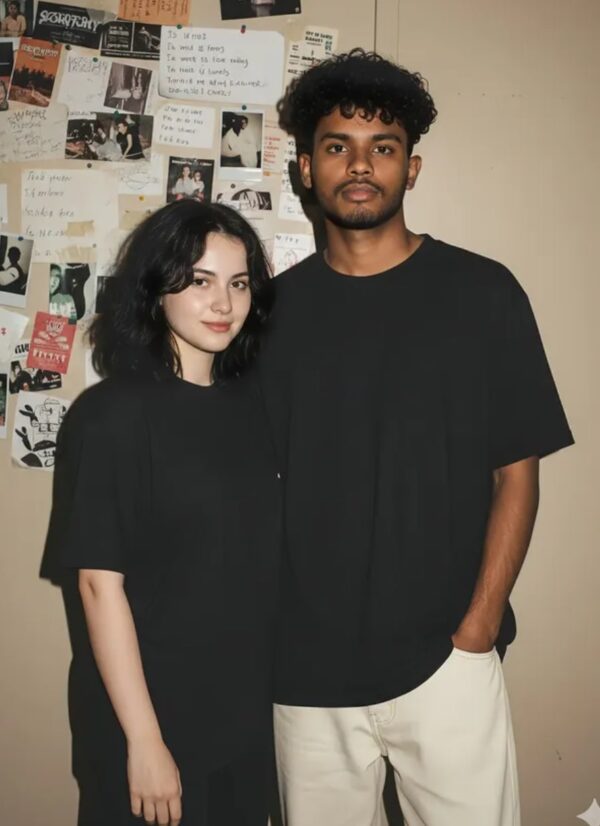 Couple Lo-Fi 90s Flash Portrait of a Young Woman & Boy
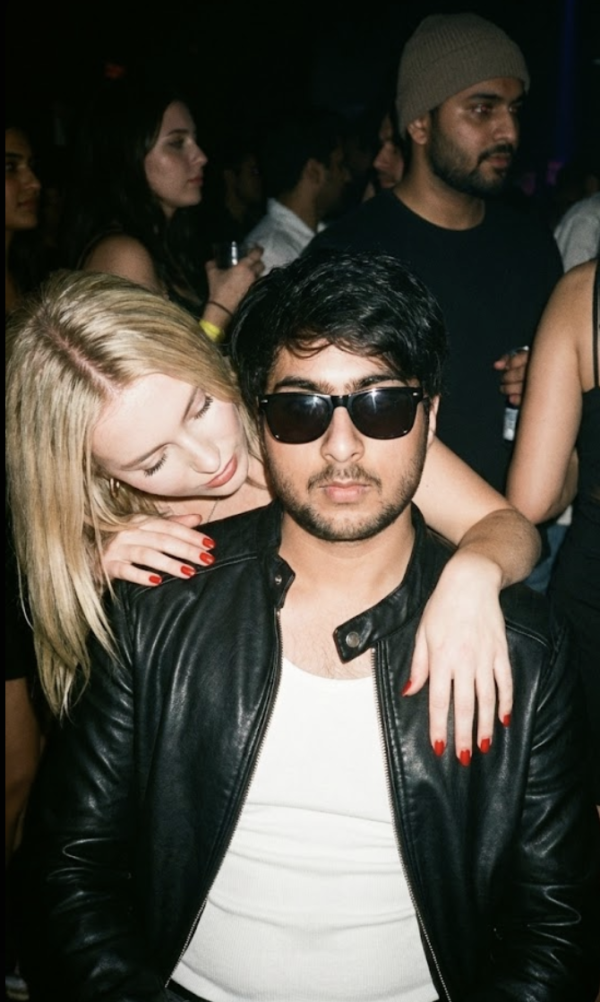 Couple Stylish Young Man AI Prompt
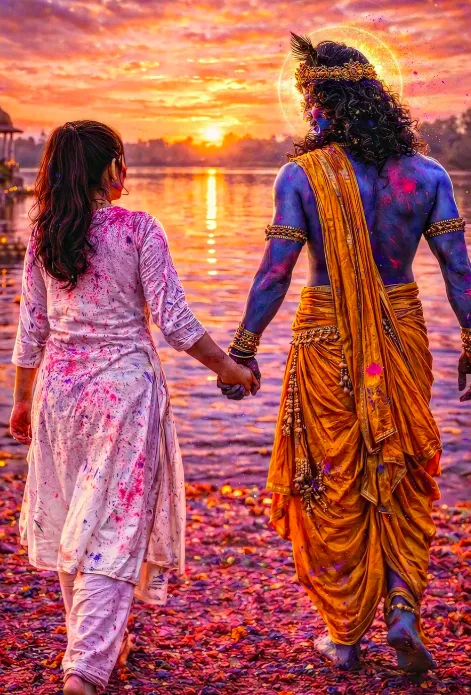 Couple krishna holi
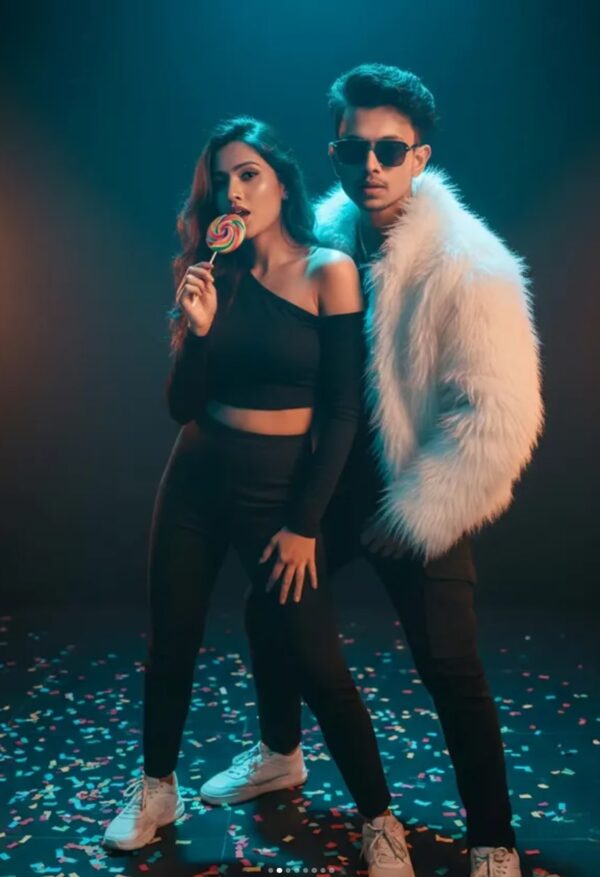 Couple Cinematic Dance Duo Portrait
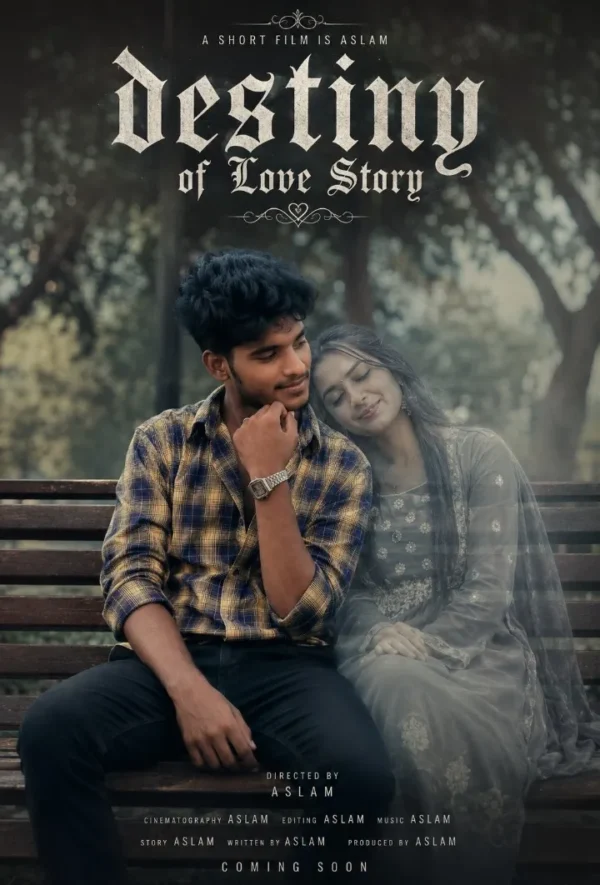 Couple Destiny of love story
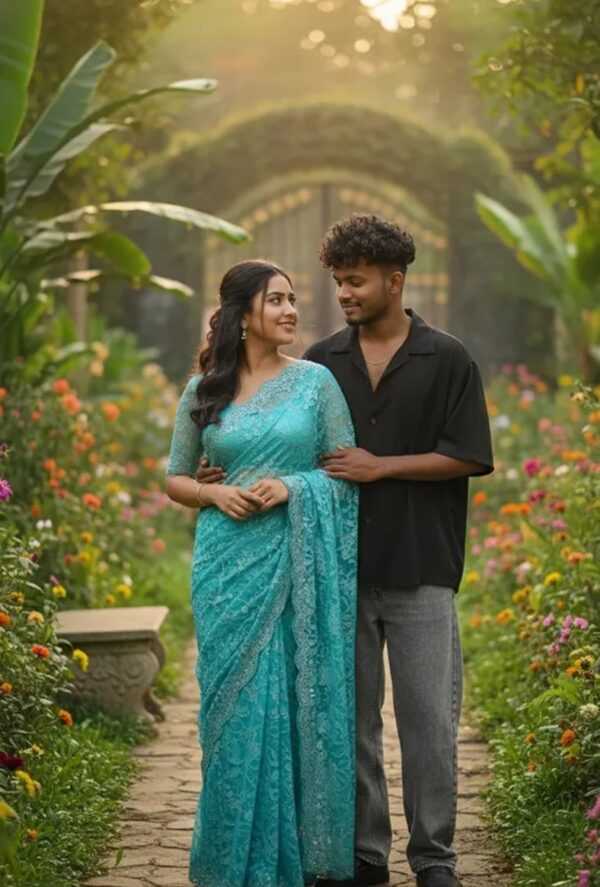 Couple Hyper-Realistic Romantic Portrait of Young Indian Couple
 Couple Mountain travel with her
💬 Comments