Enter this prompt
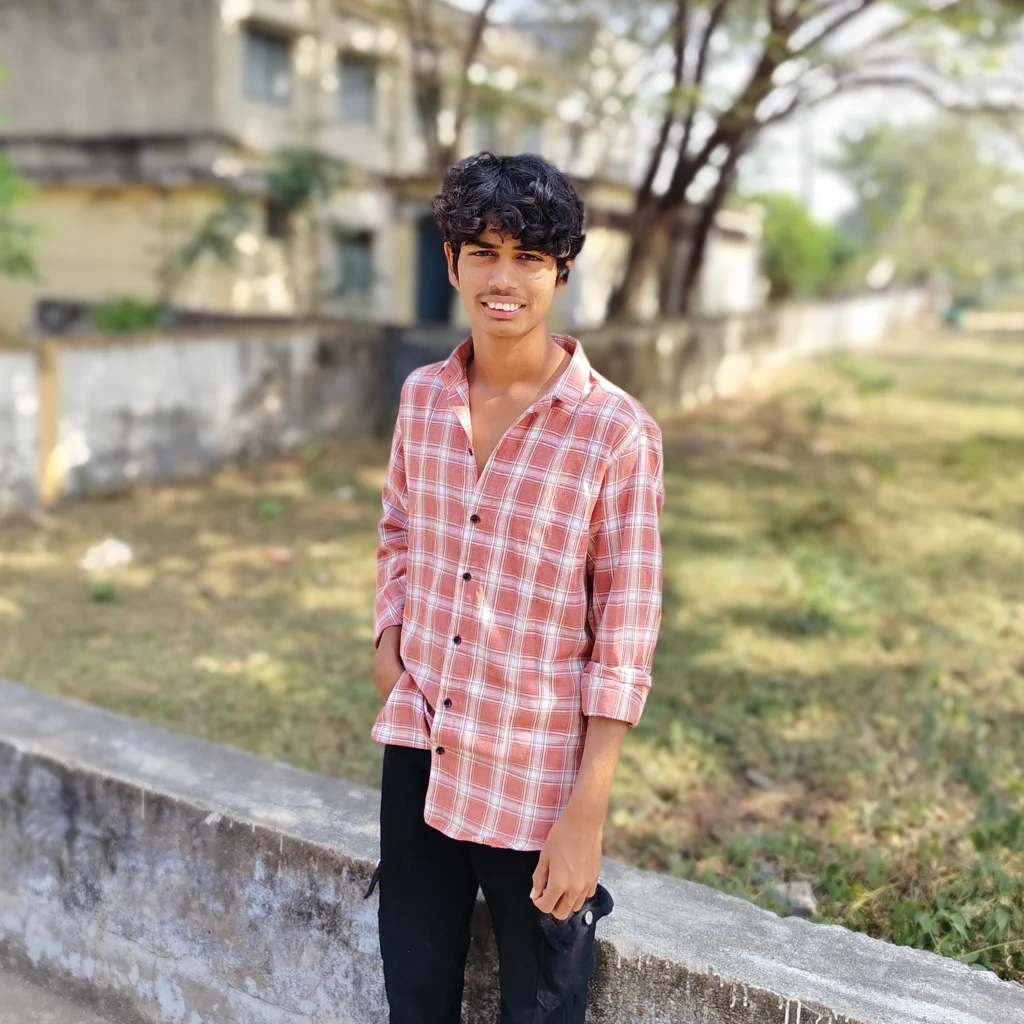
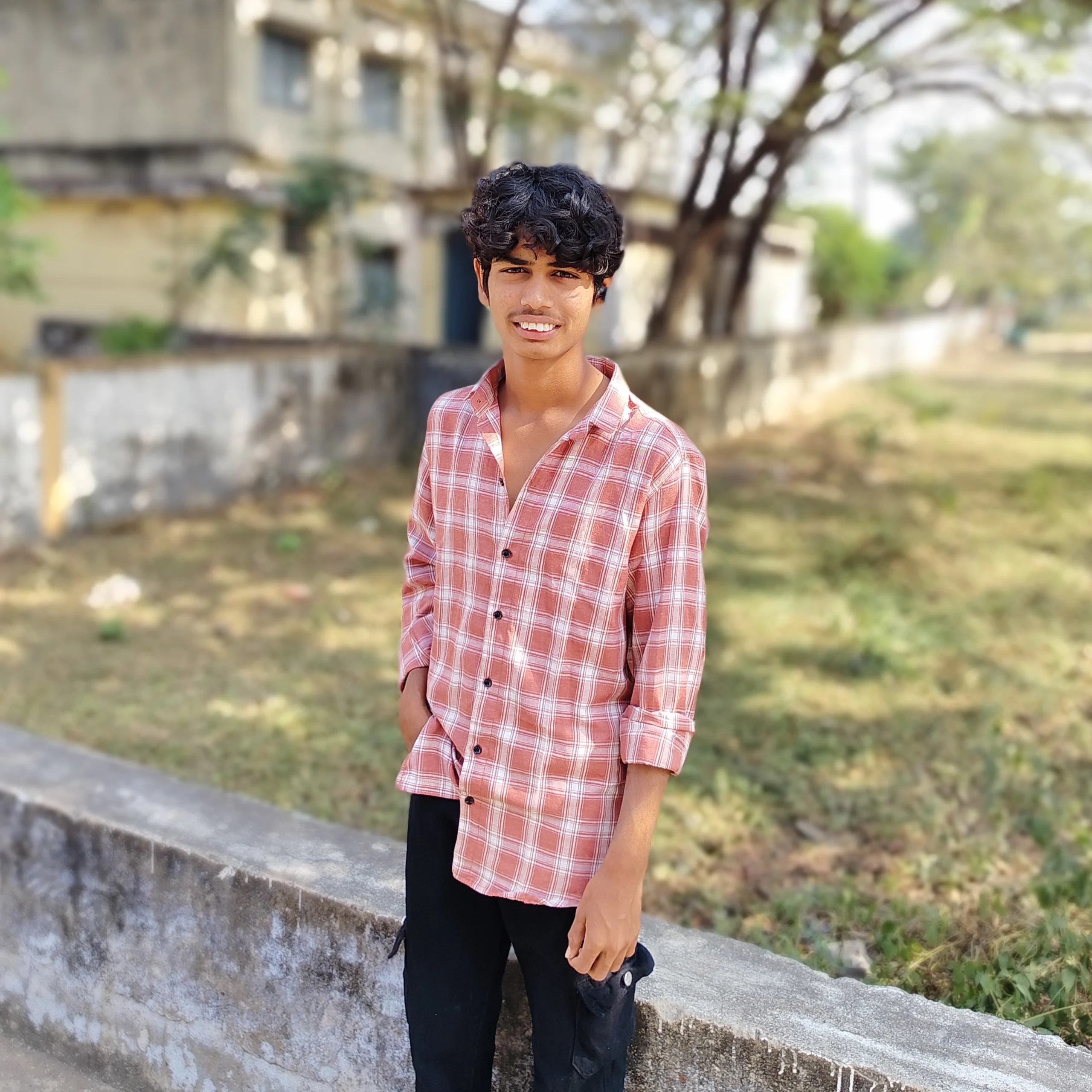
Om Editing Top के साथ lo-fi 90s flash photo style क्या है?
Om Editing Top का यह photo-editing prompt खास तौर पर उन लोगों के लिए है जो retro, candid और raw-looking portrait aesthetics पसंद करते हैं। इस style में modern polished look की जगह पुराने camera flash वाली gritty, unfiltered vibe मिलती है, जो photo को ज्यादा real, edgy और nostalgic बनाती है। यह खासकर social media creators, AI image editors, content creators, hip-hop profile makers, और उन लोगों के लिए useful है जो अपनी तस्वीरों में 90s era जैसी energy चाहते हैं।
Read Also: cinematic-style realistic portrait | 2026 New Year
इस तरह की editing आमतौर पर simple portrait को भी strong personality वाली image में बदल देती है। Harsh flash, flat shadows, muted tones, textured background और natural expression मिलकर ऐसा look बनाते हैं जो intentionally imperfect लगता है। यही वजह है कि lo-fi flash photography आज Instagram edits, profile pictures, fan edits, street-style portraits और aesthetic poster visuals में बहुत popular हो चुकी है।
अगर आप mobile पर photo edit करते हैं या AI image generation के लिए creative direction ढूंढ रहे हैं, तो Om Editing Top का यह prompt आपके लिए बहुत काम का हो सकता है। इसमें visual story सिर्फ चेहरे तक सीमित नहीं रहती, बल्कि background, mood, lighting और overall composition भी image को believable बनाते हैं।
यह prompt/photo style actually क्या देता है?
इस style की सबसे बड़ी पहचान उसकी flash-lit realism है। Image में lighting soft नहीं बल्कि direct और थोड़ी harsh होती है, जिससे skin texture, hair strands और facial contours ज्यादा visible हो जाते हैं। यही effect photo को cinematic glamour से हटाकर raw documentary feel देता है।
Color palette usually warm, dull, beige, grey, and slightly faded होती है। Background में cluttered walls, old posters, handwritten notes, concert stubs, taped photos या rough textures जैसे details image को depth देते हैं। Composition भी casual होती है, जैसे photo accidentally click की गई हो, लेकिन फिर भी subject clearly centered या slightly off-centered दिखाई दे।
यह style उन लोगों के लिए perfect है जो polished beauty edits से अलग कुछ unique चाहते हैं। इसमें slight frizz, imperfect posture, subtle smirk, unposed expression और natural body language image को authentic बनाती है। अगर आप boy + girl duo look, solo portrait, or underground music vibe create करना चाहते हैं, तो यह prompt उस direction में बहुत strong output दे सकता है।
- Harsh flash lighting with flat but dramatic shadows
- Lo-fi 90s aesthetic with gritty realism
- Muted, faded, beige or warm-toned background
- Natural expression instead of perfect posing
- Textured wall, posters, notes, or candid indoor setting
- Retro, edgy, and slightly rebellious visual mood
This Style prompt को step-by-step कैसे use करें?
अगर आप beginner हैं, तो सबसे पहले अपनी base photo choose करें। ऐसी photo लें जिसमें face clearly visible हो, lighting बहुत harsh न हो, और background simple या editable हो। मोबाइल users के लिए यह important है क्योंकि clean source photo से final result ज्यादा realistic और balanced आता है।
इसके बाद AI tool या editing app में prompt डालते समय subject, mood, lighting और background details को clearly define करें। Om Editing Top style में realism बहुत important होता है, इसलिए image को over-stylized बनाने के बजाय subtle retro details पर focus रखें। अगर tool multiple prompts accept करता है, तो main portrait description के साथ atmosphere, flash effect, and background cues जोड़ें।
Beginner-friendly workflow को follow करने से आपको better control मिलेगा और output भी consistent रहेगा। आप चाहें तो एक ही prompt के कई variations बनाकर test कर सकते हैं, जैसे close-up portrait, half-body shot, या candid standing pose।
- एक साफ और स्पष्ट portrait photo चुनें।
- AI editing app या image generator खोलें।
- Focus keyword और style direction को prompt में रखें।
- Lighting, background, and mood details जोड़ें।
- Output generate करके skin, hair, और shadows check करें।
- जरूरत हो तो slight retouch करें, लेकिन realism बनाए रखें।
- Final image को social media, profile use, या creative post के लिए save करें।
Mobile पर use करते समय एक simple tip यह है कि prompt बहुत लंबा या confusing न हो। पहले core look define करें, फिर optional details add करें। Example के तौर पर आप portrait mood, flash vibe, retro wall background, और natural expression जैसी बातें highlight कर सकते हैं। इससे AI को समझने में आसानी होती है कि आपको किस तरह की image चाहिए।
कौन-सी photos इस style के लिए सबसे अच्छी रहती हैं?
Om Editing Top वाले lo-fi flash look के लिए सबसे अच्छे results तब मिलते हैं जब original photo में face angle clear हो और subject बहुत ज्यादा blur न हो। Slight side angle, front-facing portrait, या relaxed standing pose इस aesthetic में अच्छी तरह काम करती है। बहुत ज़्यादा wide-angle distortion या extreme close-up कभी-कभी realism को बिगाड़ सकता है।
Resolution जितनी अच्छी होगी, final output उतना साफ दिखेगा। कम-से-कम high-quality mobile image लें जिसमें eyes, hairline, and facial details clearly visible हों। अगर lighting already soft है, तो AI flash effect बाद में add किया जा सकता है। लेकिन source photo में बहुत ज्यादा darkness या overexposure होगी, तो gritty 90s look के बजाय image muddy लग सकती है।
Background और clothing भी बहुत matter करते हैं। Plain wall, indoor room, poster-covered wall, studio corner, or casual street backdrop इस style के लिए best रहते हैं। Clothes में simple tees, dark jackets, oversized shirts, or vintage-inspired outfits ज्यादा natural दिखते हैं। Very shiny fabric, heavy filters, और overly formal outfits इस lo-fi aesthetic को कमजोर कर सकते हैं।
- Angle: front or slight side angle best रहता है
- Resolution: high-quality, clear face details वाली image चुनें
- Lighting: natural light या balanced indoor light ideal है
- Background: beige wall, posters, notes, cluttered room, textured surface
- Clothing: casual, vintage, streetwear, or simple dark tones
- Expression: subtle smirk, neutral face, or candid attitude
अगर आप boy portrait, duo edit, or music-inspired profile image बना रहे हैं, तो pose को relaxed रखना बेहतर होगा। Arms crossed, hands in pockets, or standing casually जैसी poses इस visual language के साथ naturally fit होती हैं।
Overall, this style का यह style उन photos पर सबसे अच्छा काम करता है जिनमें personality already मौजूद हो। जब source photo simple, expressive, और slightly candid होती है, तब flash effect, retro texture, and lo-fi mood मिलकर image को genuinely striking बना देते हैं।
This Style: Pro Tips for the Best Results
This prompt जैसे prompt-based images में सबसे अच्छे results तभी आते हैं जब आप subject, mood, lighting, और background को clearly define करते हैं. अगर आप style को simple रखते हुए भी detailing strong करेंगे, तो output ज्यादा realistic और polished लगेगा.
एक अच्छा edit सिर्फ face पर depend नहीं करता, बल्कि whole composition पर depend करता है. इसलिए pose, expression, clothing, and background elements को balanced रखना जरूरी है. इससे image Instagram-ready, thumbnail-friendly, और profile picture-friendly बनती है.
- Subject description short but specific रखें, ताकि AI unnecessary changes न करे.
- Lighting को clearly mention करें, जैसे flash, soft light, warm glow, या moody shadow.
- Background में 2-3 visible details जोड़ें, लेकिन overcrowd न करें.
- Face expression natural रखें, ताकि output fake या over-edited न लगे.
- Color palette एक ही direction में रखें, जैसे beige, vintage brown, pastel, or muted tones.
- अगर boy और girl दोनों चाहिए, तो composition में spacing और placement साफ रखें.
- Clothing aur hairstyle को mood ke according match करें, ताकि visual story strong बने.
This look में consistency सबसे बड़ा secret है. अगर आप हर element को loosely नहीं बल्कि intentionally set करेंगे, तो final image ज्यादा cinematic और share-worthy बनेगी. खासकर जब आप retro, lo-fi, or flash-photo style चाहते हैं, तब small details बहुत फर्क डालती हैं.
This Style: Common Mistakes to Avoid
कई लोग prompt में बहुत ज्यादा details डाल देते हैं, जिससे output confused हो जाता है. जब scene में too many objects, colors, और instructions एक साथ आ जाते हैं, तो AI focus खो देती है और image messy दिख सकती है.
दूसरी common problem है unclear subject placement. अगर आप boy, girl, background, aur expression को properly define नहीं करेंगे, तो image का main subject weak पड़ सकता है. Yeh style style में clarity हमेशा important रहती है.
- बहुत लंबा और overloaded prompt लिखना — इससे image inconsistent हो सकती है.
- Lighting mention न करना — flash, shadow, या soft glow missing रह सकता है.
- Background details को vague रखना — इससे scene flat या generic लगेगा.
- Too much beauty retouching मांगना — इससे natural lo-fi feel खत्म हो सकती है.
- Subject count साफ न बताना — boy/girl placement गलत हो सकता है.
- Style mixing करना — retro, studio, cinematic, aur cartoon vibes एक साथ डालने से output weak हो सकता है.
अगर आपका goal realistic and aesthetic output है, तो simplicity ज्यादा effective होती है. Prompt को clean रखने से AI को सही direction मिलती है और this edit style में better consistency आती है. यही वजह है कि छोटे लेकिन precise instructions अक्सर बड़े prompts से बेहतर काम करते हैं.
This Style: Best Use Cases and Creative Ideas
This style style images का use कई जगह किया जा सकता है, especially जहाँ a bold but artistic visual चाहिए. Instagram posts में ये images instantly attention grab करती हैं, क्योंकि इनमें vintage mood और modern edit का अच्छा mix होता है.
Profile pictures के लिए भी ये style बहुत effective है, खासकर तब जब आप clean face framing और subtle expression चाहते हैं. Thumbnails में इसका flash-photo look strong click appeal देता है, और reels covers में यह instantly recognizable aesthetic build करता है.
- Instagram carousel posts for aesthetic storytelling
- Profile pictures for a stylish and unique identity
- YouTube thumbnails with lo-fi or retro mood
- Reels covers for music, fashion, or lifestyle content
- Digital portfolios to show creative editing style
- Fan pages or artist pages for a distinctive visual theme
अगर आप couple edits, solo portraits, or mood-based content बनाते हैं, तो this prompt prompt style को अलग-अलग contexts में use कर सकते हैं. Beige wall, flash effect, handwritten textures, and old photo elements इसे memory-like feel देते हैं, जिससे image more personal and artistic लगती है.
This Style: Variations You Can Try
एक ही base style को आप कई moods में बदल सकते हैं. सिर्फ color palette, background texture, और lighting tweak करके image का पूरा vibe बदल जाता है. यही flexibility this look को so useful बनाती है.
अगर आप softer look चाहते हैं, तो pale tones, daylight flash, and minimal background use करें. अगर darker or more dramatic result चाहिए, तो stronger shadows, grunge textures, and muted contrast try करें. Seasonal variations भी बहुत अच्छे लगते हैं, जैसे summer warmth, rainy-day gloom, winter haze, or festive glow.
- Mood variations: calm, moody, nostalgic, confident, playful
- Color variations: beige, sepia, faded red, muted black, pastel cream
- Setting variations: bedroom wall, street corner, studio wall, concert-style backdrop
- Seasonal variations: summer flash, rainy evening, winter indoor light, autumn tones
- Style variations: lo-fi photo, retro flash, grainy portrait, editorial snapshot
आप small changes के साथ multiple outputs test कर सकते हैं, ताकि best version मिले. कभी-कभी सिर्फ expression बदलने से image की personality पूरी तरह shift हो जाती है. Yeh style के साथ experiment करना easy है, क्योंकि यह style detail-rich होते हुए भी flexible रहता है.
This Style: Final Thoughts
This edit उन लोगों के लिए best choice है जो stylish, realistic, and edit-friendly image look चाहते हैं. सही prompt structure, clear subject definition, और balanced background के साथ आप बहुत strong visual results पा सकते हैं.
अगर आप retro flash aesthetic, lo-fi portrait vibe, या social-media-ready edit बनाना चाहते हैं, तो this style style definitely try करने लायक है. छोटे tweaks, different moods, और smart composition के साथ आप हर बार नया look बना सकते हैं.
अब अपने next edit में this prompt को try करें और देखिए कैसे simple instructions भी striking, memorable, and shareable images बना सकते हैं.
FAQ: Enter this prompt
How do I use the "Enter this prompt" prompt?
Copy the prompt above, open Gemini or ChatGPT, upload a clear photo of yourself and paste the prompt. Generate the image and adjust the outfit or background if you want a variation.
Is this prompt free?
Yes. This prompt is free to copy and use for Instagram, reels, WhatsApp DP and profile pictures.
Which photo works best?
A sharp, front-facing, well-lit photo with no filter. A clear face helps the AI keep your identity in the final image.
Last updated: 17 August 2026
More Boys AI photo prompts
 Boys New Year's Eve celebration
 Boys Cinematic Fire Ring Editorial Portrait
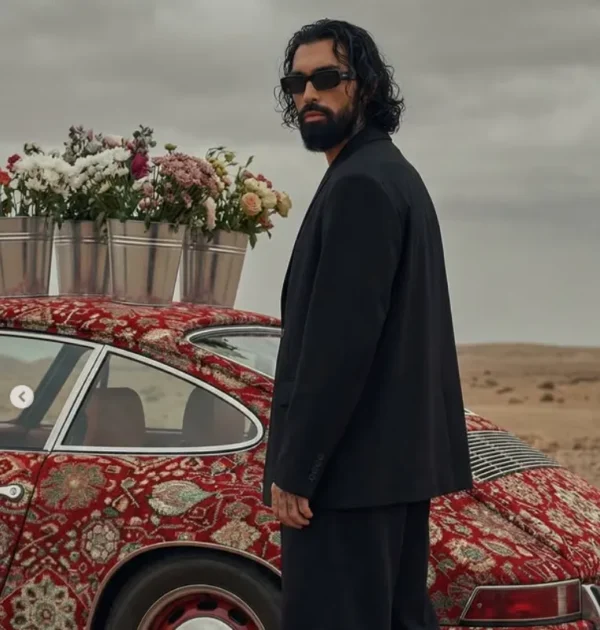 Boys Ultra-Realistic Editorial Portrait with Carpet Porsche 964
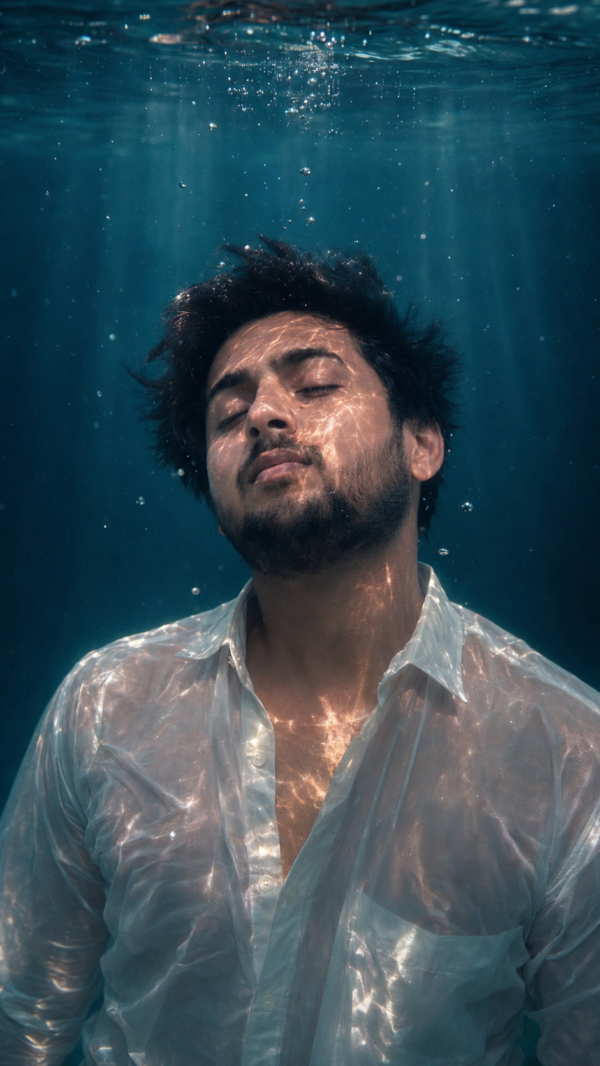 Boys Underwater wallpaper prompt
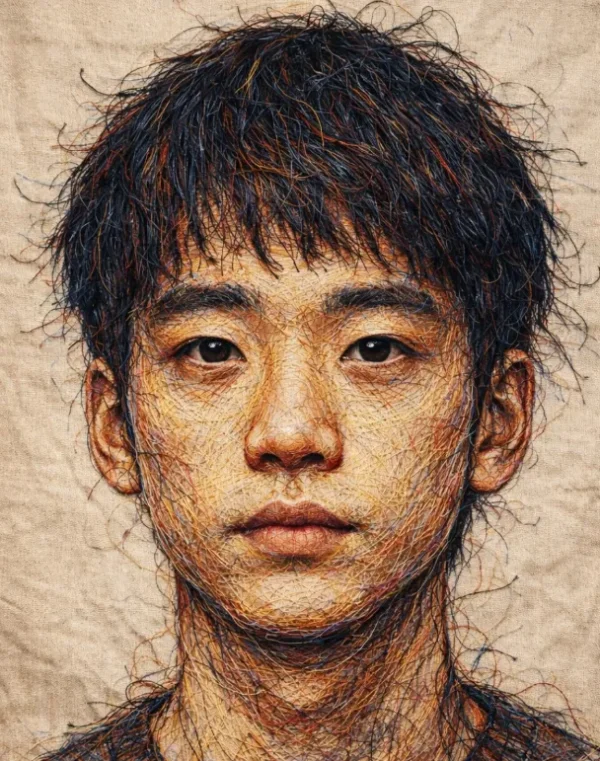 Boys Hand-Embroidered Thread Portrait of a Man
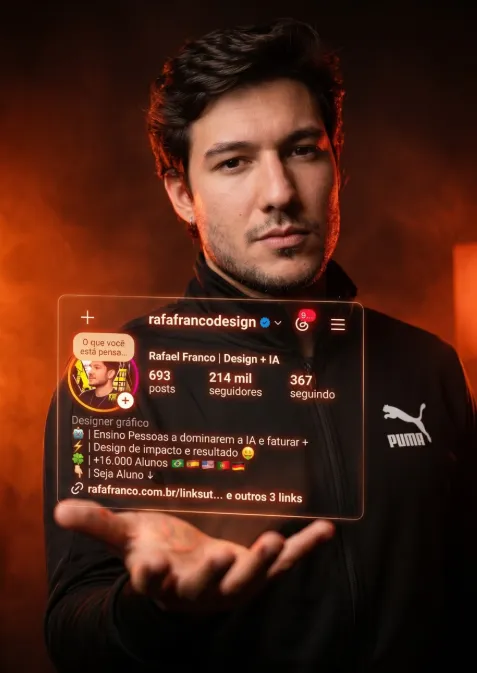 Boys Dark cinematic portrait
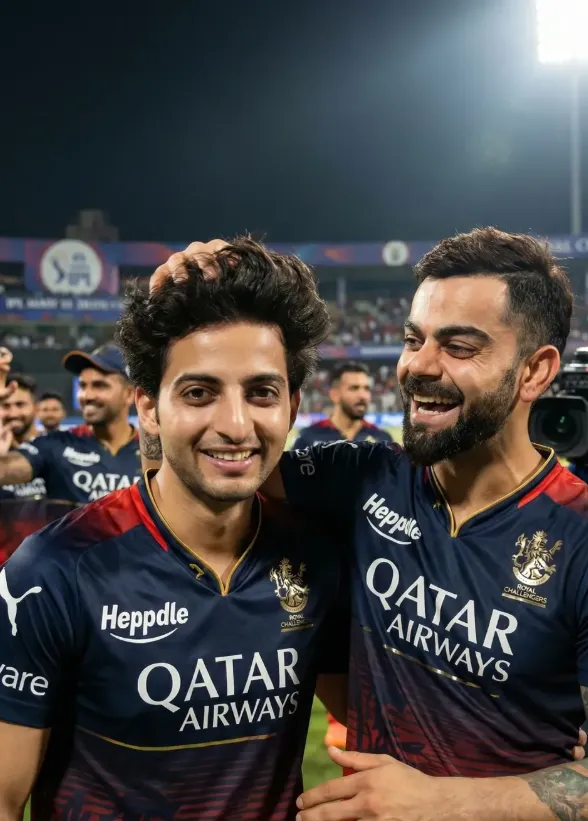 Boys RCB Celebration with Kohli
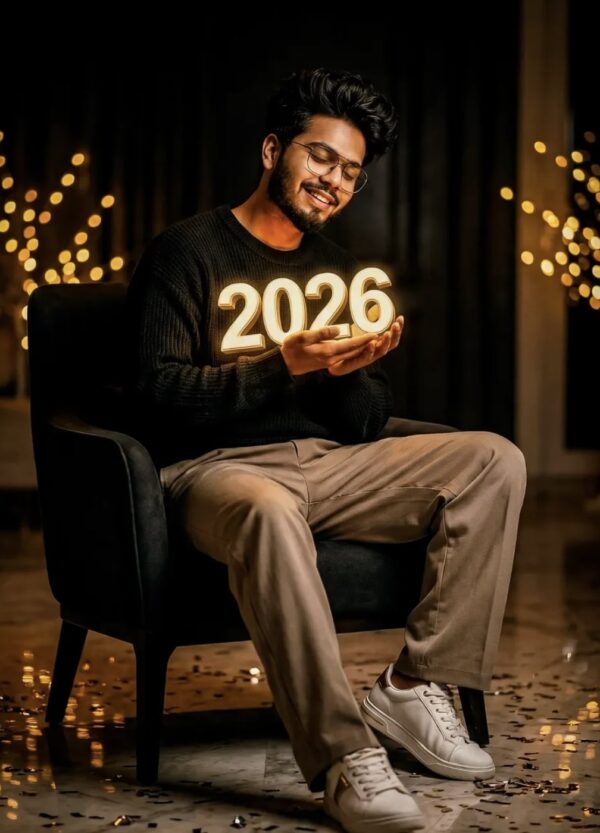 Boys HAPPY NEW YEAR 2026
💬 Comments