Cinematic Sunglasses AI Prompt
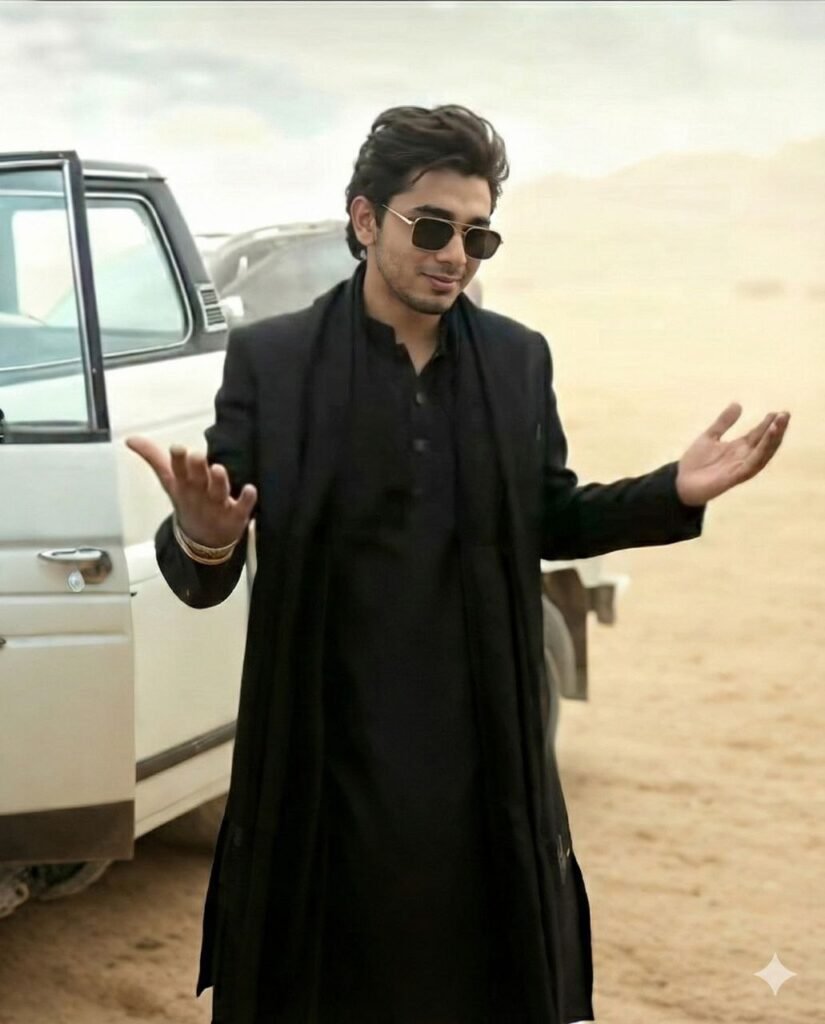
Cinematic Style Photo AI Prompt: What Is This Editing Style?
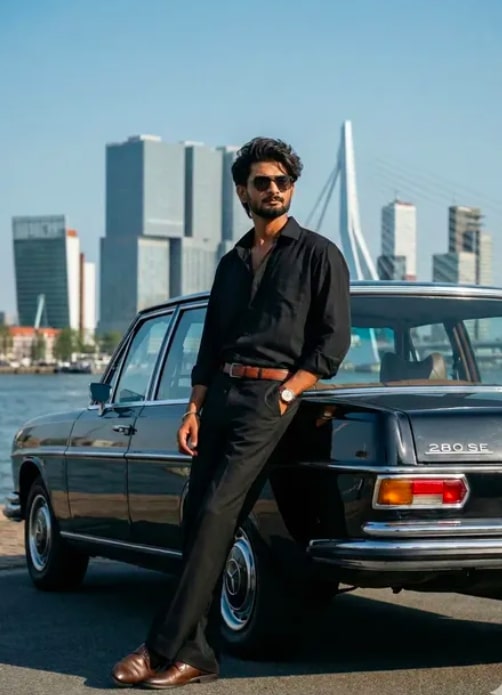
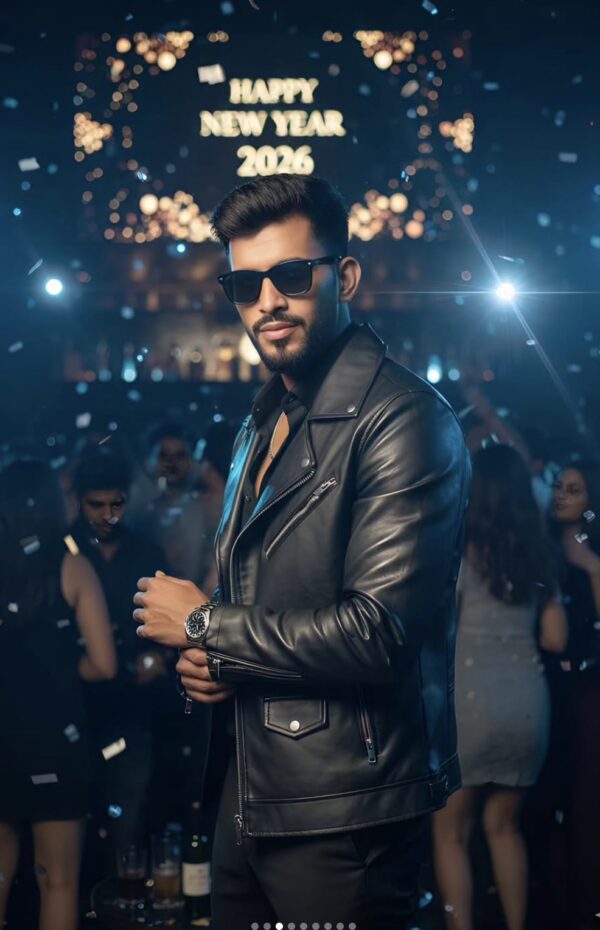
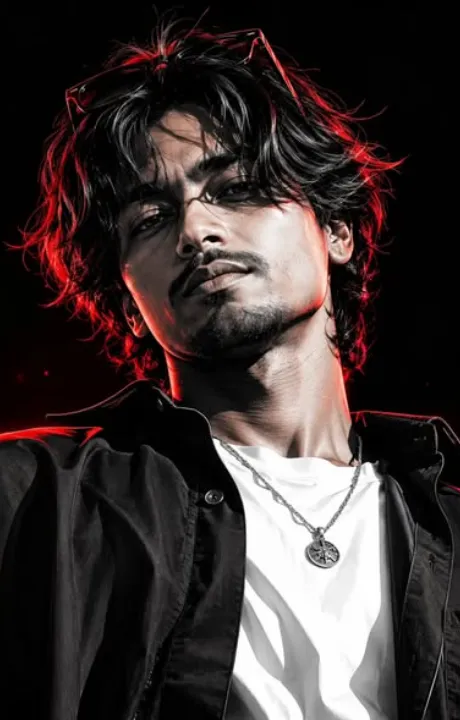
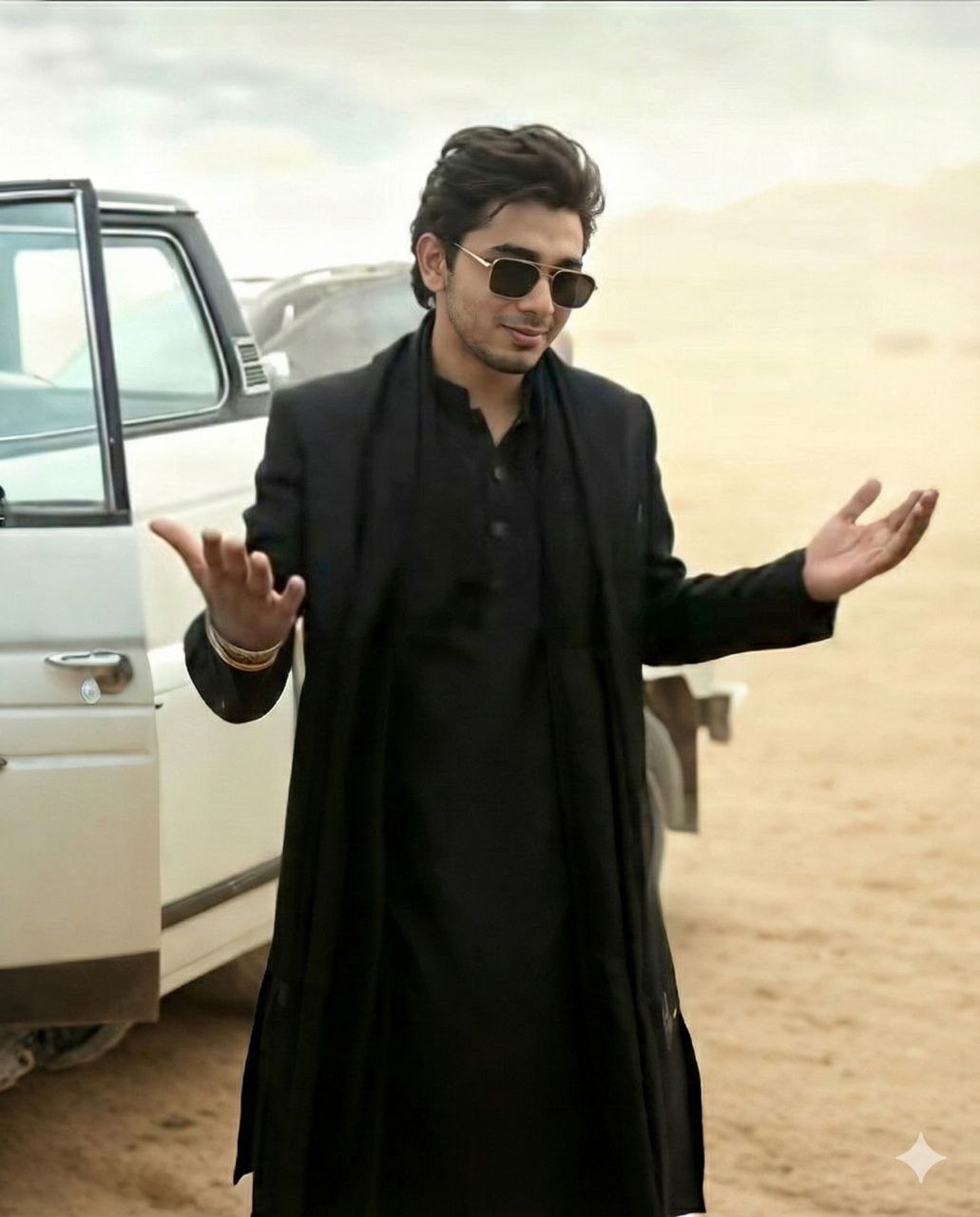
This style is for anyone who wants to turn a normal photo into a cinematic, stylish, trending look. It’s especially useful if you want to share a bold, clean, movie-like photo on social media — usually built around sunglasses, a confident expression, smooth lighting, a strong pose, and a premium background vibe.
Read Also: Cinematic Realistic Portrait AI Prompt | 2026 New Year AI Prompt
This style is popular because it makes even a simple portrait look powerful and attractive. With the right prompt or editing approach, a clear mobile photo can turn into something that feels like a fashion shoot, hero look, or film-poster vibe. It’s popular with creators, stylish profile users, and Instagram reels/profile picture lovers.
In this guide you’ll learn what kind of output this style gives, how to use it on mobile, and which photos give the best results — so even a beginner can make their photo sharper and more cinematic without confusion.
What This Style Delivers
The biggest advantage of this editing style is its clean yet dramatic visual effect. Focus usually stays on the face, while the background feels soft, blurred, or stylishly cinematic. Lighting often looks bright but controlled, keeping skin tone natural while still giving the image a premium feel. Sunglasses, a neat hairstyle, and a confident pose make the whole look more fashionable.
Color tone typically leans warm, rich, and slightly glossy. Shadows stay balanced, contrast is a touch stronger, and the overall image carries a movie-poster impact. With the right angle, the face looks sharper, the jawline more defined, and the vibe more expressive.
This style keeps a real-photo feel while upgrading the look — the result doesn’t look over-edited, but like it was professionally shot. That’s why people use it for profile photos, DPs, status posts, and Instagram showcases.
- Confident and stylish expression
- Clean sunglasses look
- Natural skin tone with premium polish
- Cinematic background and balanced lighting
- Hero-type framing and strong posture
How to Use This Style: Step-by-Step Guide
This style is easy for beginners. Select a good photo, then run it through the right editing workflow. Choose an image where your face is clear and the quality isn’t blurry — a clearer photo always gives a better final output.
On mobile, small steps like cropping, adjusting brightness, and removing unnecessary background clutter help a lot. Uploading a low-quality image directly can make sunglasses, expression, and face outline come out wrong, so strengthen your input photo first.
- Choose a clear portrait photo from your gallery.
- Check that the face is forward-facing and the eyes are visible.
- If the background is distracting, prefer a plain or simple photo.
- Keep brightness balanced, not too dark.
- Upload the photo to the editing style or prompt workflow.
- Once the result appears, zoom in to verify face, sunglasses, and pose details.
- Try a different similar photo if needed and save the best version.
Lightly rotating, cropping, and sharpening the photo before applying the edit gives a crisper output with more natural face details.
Which Photos Work Best
Photo selection matters a lot for this style. If the source image is weak, the final result can have a weak expression, a distorted face, or an off vibe. The best photo has a clear face structure, a relaxed pose, and proper lighting.
Angle matters too — slightly front-facing or 3/4-angle photos usually give the best output since facial features stay naturally defined. A very extreme side angle or a very low camera angle can confuse the style.
Background and clothing affect the output a lot too. A simple background, a solid-colored shirt, a jacket, or neat casual wear match this cinematic edit better. A very busy background or extremely bright clothing can sometimes pull focus away from the face.
- Angle: Front-facing or a slight 3/4 angle works best
- Resolution: High-resolution photo, avoid blurry images
- Lighting: Natural daylight or soft indoor light works best
- Background: Plain wall, clean outdoor background, or simple setting
- Clothing: Solid color shirt, jacket, or smart casual outfit
- Expression: Slight smile, confident look, relaxed face
For a more professional-looking result, make sure there’s no shadow on the face and the eyes are clearly visible — sharp glasses, hairstyle, and posture help the cinematic vibe come through naturally.
Pro Tips for the Best Results
The quality of your reference photo matters just as much as the prompt. A clean, bright, well-lit photo preserves facial details better, so when you’re matching hairstyle, sunglasses, pose, and background, a cleaner input gives a smoother result.
Balance your style reference and identity photo. If face details are too busy or lighting is too dark, realism can drop in the final image. Try to keep the identity photo front-facing or slightly angled, and make sure the style reference’s pose, mood, expression, and outfit are clearly visible.
- Use high-resolution photos to keep facial details sharp.
- Keep a natural expression in the identity photo — avoid heavy tilt or blur.
- Make sure lighting and background are clear in the style reference.
- Choose a single-subject photo for a better face match.
- Use photos with a similar angle when possible.
- Let outfit, sunglasses, and pose follow the reference naturally.
Common Mistakes to Avoid
Many people copy a prompt and expect a perfect result, but small mistakes can weaken the output. The most common issue is a low-quality photo — face shape, smile, and skin tone don’t read properly. A big angle mismatch between reference and identity photos can also cause issues.
- Using a blurred image: loses face details, making the output look soft or distorted.
- Mixing different angles: pose and face alignment stay unnatural.
- Requesting too many style changes: makes the result inconsistent.
- Uploading dark photos: makes lighting harder to match.
- Overly cluttered background: reduces focus on the subject.
Best Use Cases
- Instagram profile picture: a bold, stylish first impression.
- Reel cover: a trending, click-worthy cover.
- Thumbnail design: makes content more eye-catching.
- Portfolio display: showcases editing skills.
- Story post: boosts short-term engagement.
- Fan edit or concept post: a cinematic, premium vibe.
Variations You Can Try
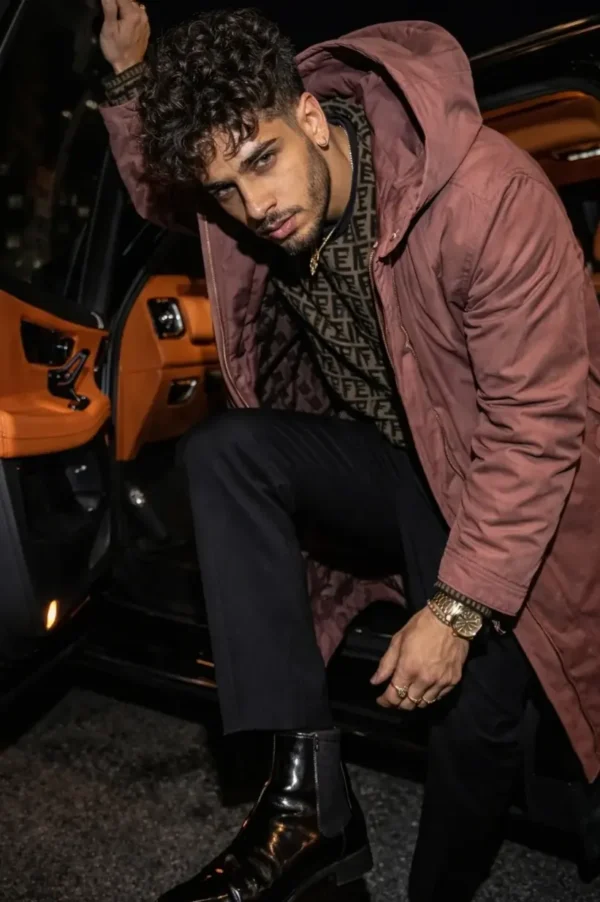
If you’re bored of one style, try different variations — change the mood to cool, classy, romantic, or powerful. Color palette plays a big role too: warm tones soften the photo, while dark or moody tones give it a dramatic look.
- Mood variations: cool, confident, dreamy, romantic, intense, relaxed
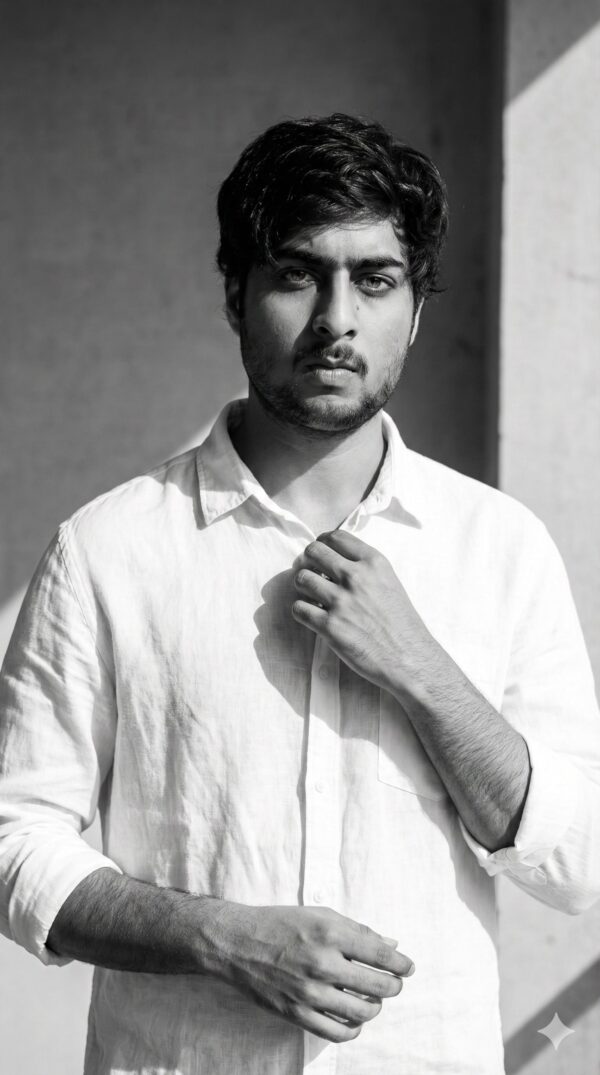
- Colour variations: black & white, warm golden, neon, pastel, deep blue
- Setting variations: street style, rooftop, studio, café, sunset background
- Season variations: summer glow, rainy vibe, winter look, festive theme
- Accessory variations: sunglasses on/off, jacket, cap, minimal jewellery
Conclusion: Try This Style for a Natural Stylish Look
If you want images that feel both natural and stylish, this is a strong editing idea. With the right photo selection, a clear reference, and balanced instructions, you can get a high-quality result that’s easy to use across social media, portfolios, and creative posts.
FAQ: Cinematic Sunglasses
How do I use the "Cinematic Sunglasses" prompt?
Copy the prompt above, open Gemini or ChatGPT, upload a clear photo of yourself and paste the prompt. Generate the image and adjust the outfit or background if you want a variation.
Is this prompt free?
Yes. This prompt is free to copy and use for Instagram, reels, WhatsApp DP and profile pictures.
Which photo works best?
A sharp, front-facing, well-lit photo with no filter. A clear face helps the AI keep your identity in the final image.
Last updated: 8 October 2026
💬 Comments