Classic 1980s Retro AI Photo Editing Prompt
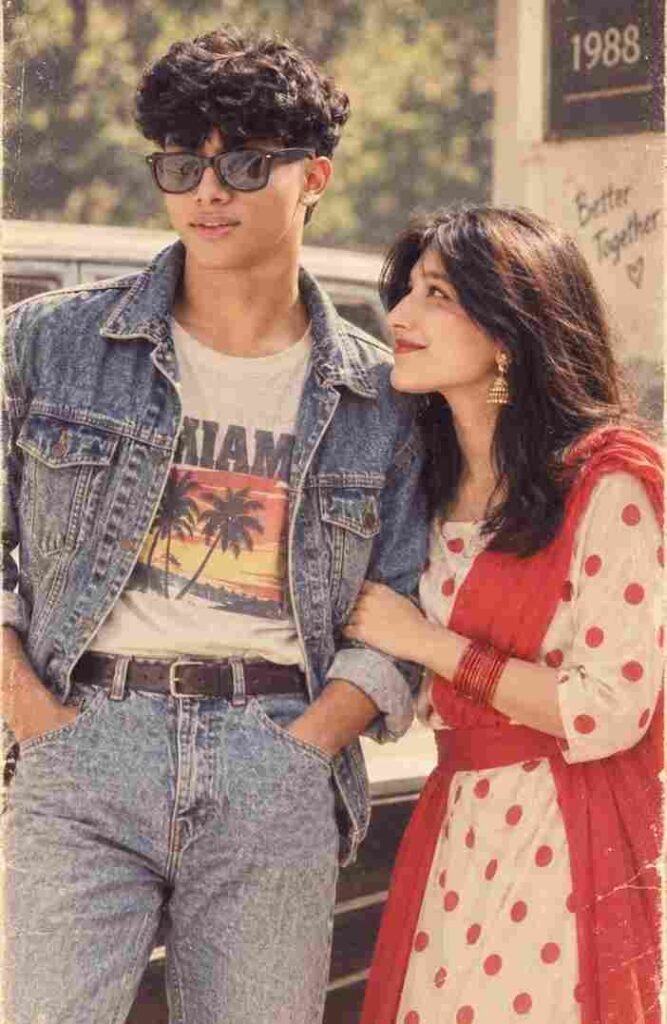
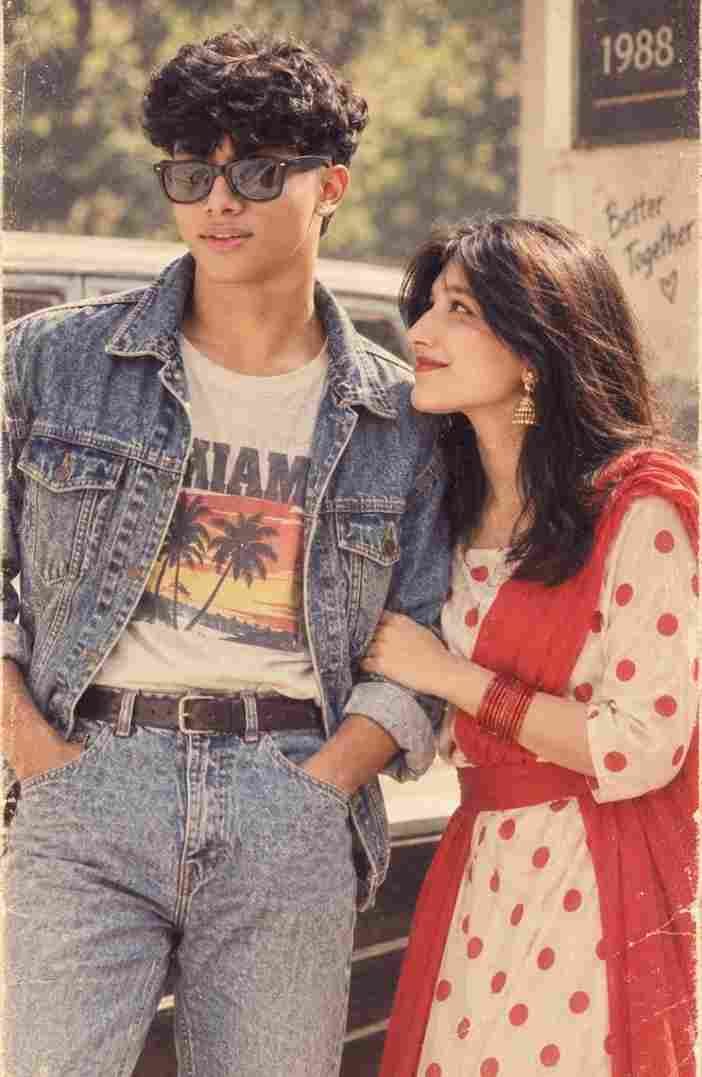
Classic 1980s Retro AI Photo Editing Prompt
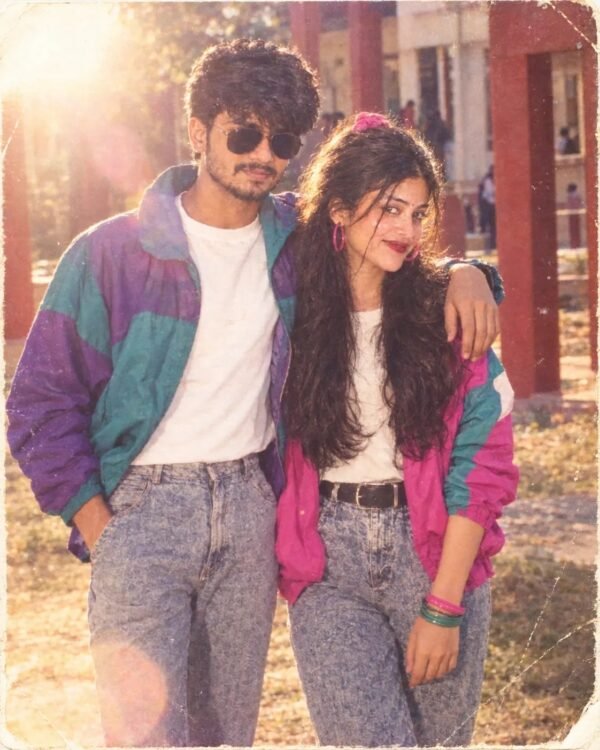
This classic 1980s retro AI photo editing prompt transforms your photo with an authentic vintage hairstyle, classic accessories, warm lighting and subtle film grain — a genuine old-camera aesthetic while your exact face, expression and skin tone stay untouched.
Perfect if you’re searching for a simple, reliable 80s retro photo prompt that focuses purely on authentic vintage atmosphere without changing who you are.
What This AI Photo Prompt Delivers
- Realistic 1980s hairstyle: period-correct volume and texture.
- Vintage fashion & classic accessories: subtle, believable retro styling.
- Warm analog lighting: soft shadows and natural highlights.
- Faded colors & film grain: genuine old-camera texture.
- Untouched facial identity: your original appearance stays fully accurate.
This prompt keeps things simple and authentic — ideal as a dependable go-to 80s style.
How to Use This Classic Retro Prompt: Step-by-Step
- Choose a clear, front-facing photo with even lighting.
- Upload it into your AI photo/prompt tool.
- Paste the full prompt text.
- Generate and review the hairstyle, fashion and lighting result.
- Regenerate if the film grain feels too strong or too subtle.
Tip: this prompt works well as a quick, reliable option when you want an authentic retro look without heavy scene-building.
Which Photos Work Best for This Prompt
- Angle: front-facing or a slight turn.
- Lighting: natural or soft indoor light.
- Resolution: a sharp, high-resolution photo preserves the most detail.
Pro Tips for the Best Results
- Keep your original expression calm and natural for an authentic vintage feel.
- Use a plain background so the AI can focus purely on hairstyle and clothing changes.
- Try a couple of regenerations to compare different grain and fade levels.
Common Mistakes to Avoid
- Low-resolution source photos: soften the vintage detail too much.
- Overly bright, flat lighting: removes the warm analog mood.
- Busy backgrounds: distract from the retro styling changes.
Best Use Cases for This Classic Retro Style
- Everyday profile pictures: a simple, reliable retro upgrade.
- Throwback captions: a fast option for nostalgic posts.
- Testing before bigger prompts: a good baseline before trying more detailed 80s styles.
Variations to Try
- Stronger or lighter film grain.
- Warmer or cooler color grading.
- Black-and-white version for a timeless finish.
Conclusion: Try This Classic 1980s Retro Prompt
This prompt is a simple, dependable way to get an authentic 1980s photo look — vintage hair, classic accessories and real film grain — while your face stays exactly as it is. Try it with a clear, well-lit photo for a clean retro result.
More Couple AI photo prompts
 Couple Realistic Couple AI Prompt
 Couple Couple Love AI Prompt
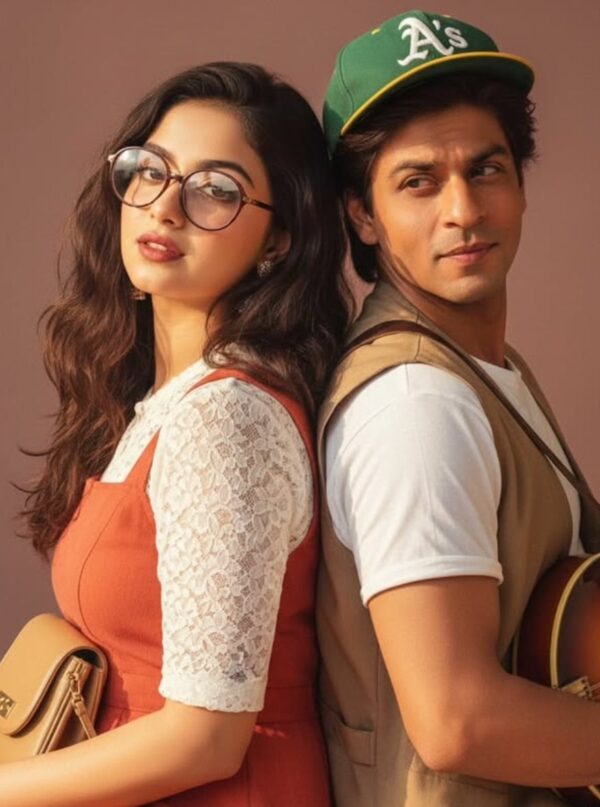 Couple SRK Photorealistic 1990s Vintage Studio Portrait
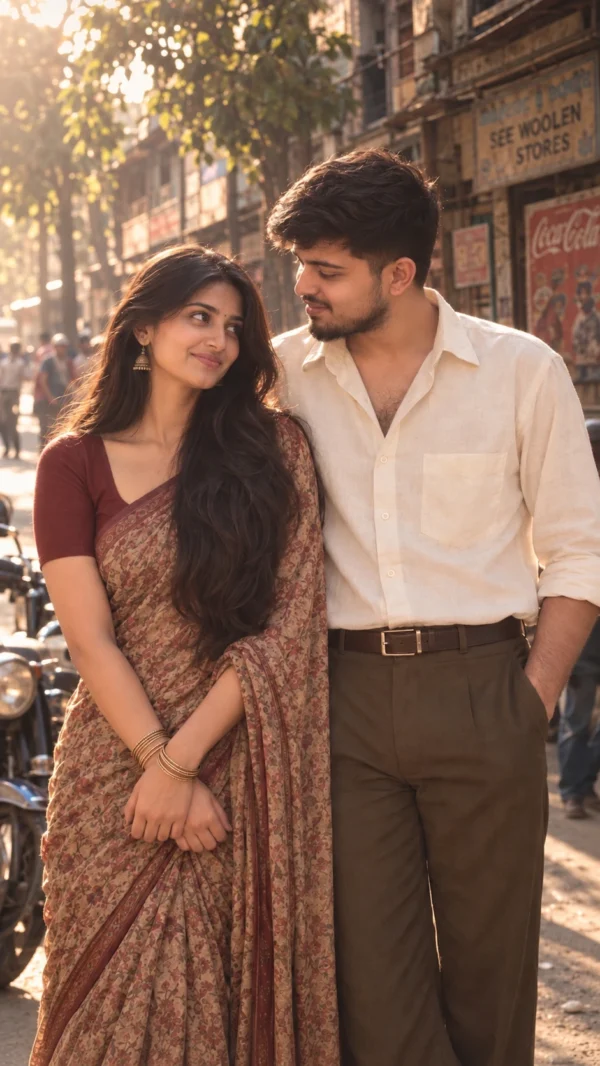 Couple 1980s Vintage Couple AI Photo Prompt
 Couple Two children in calm
 Couple portrait of stylish adults standing
 Couple 1991 Retro Couple AI Photo Editing Prompt
 Couple Couples in Cricket Stadium
💬 Comments