Child version style image
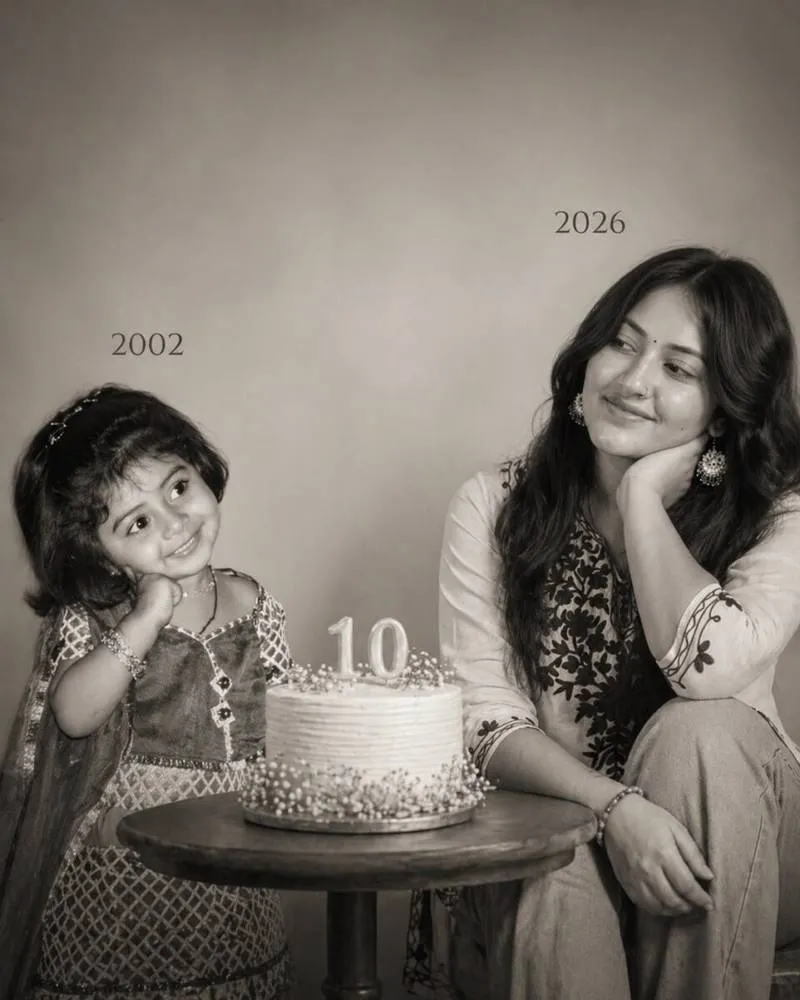
Om Editing Top: Child Version Style Image kaise kaam karta hai
Om Editing Top style ka child version image trend aaj kal kaafi popular hai, kyunki isme ek hi frame mein past aur present dono ko emotionally connect kiya jata hai. Yeh style un logon ke liye perfect hai jo apni childhood memories ko ek modern, artistic, aur cinematic way mein dikhana chahte hain.
Read Also: cinematic-style realistic portrait | 2026 New Year
Is type ki editing mostly un users ke liye useful hoti hai jo birthday post, memory edit, transformation concept, ya emotional portrait banana chahte hain. Ek side childhood version hota hai aur doosri side present version, aur beech mein simple props ya minimal composition se poora photo meaningful lagta hai.
Om Editing Top ka goal sirf photo banana nahi hota, balki ek soft visual story create karna hota hai. Black and white mood, clean studio look, aur balanced composition is style ko aur bhi premium bana dete hain. Isliye yeh prompt-style image social media reels, profile posts, aur special occasion edits ke liye bahut effective hoti hai.
Is photo style mein kya-kya milta hai
Child version style image ka sabse strong point uska emotional contrast hota hai. Ek taraf innocent childhood expression hota hai, aur doosri taraf grown-up calm smile. Yeh difference photo ko instantly meaningful bana deta hai, especially jab lighting aur framing soft ho.
Black and white treatment is style ko timeless feel deta hai. Colours na hone ke baad bhi image boring nahi lagti, kyunki focus face expression, pose, shadows, aur subject connection par shift ho jata hai. Studio background isme distraction kam karta hai aur viewer ka dhyan directly subject par rehta hai.
Compositional setup bhi is image ko unique banata hai. Left side par child version, right side par present version, aur center mein birthday cake ya simple table — yeh arrangement visual balance create karta hai. Agar prompt sahi tarah follow kiya jaye, to output real photoshoot jaisa clean aur polished lagta hai.
- Soft, cinematic lighting jo skin aur expression ko gentle dikhati hai
- Minimal studio background jo photo ko clutter-free rakhta hai
- Black and white tone jo emotional feel ko strong banata hai
- Balanced left-right composition jo story telling ko clear banata hai
- Realistic face details jo image ko artificial look se bachate hain
Om Editing Top style ko mobile par kaise use karein
Agar aap beginner hain, to is type ki image banana surprisingly simple ho sakta hai. Sabse pehle aapko do photos ready rakhni hoti hain — ek childhood photo aur ek recent photo. Dono clear aur face-visible honi chahiye, taaki final image mein identity consistent rahe.
Mobile par kaam karte waqt photos select karne ke baad unhe us editing tool ya AI image generator mein upload karein jahan child version style prompt use hota ho. Phir layout direction ka dhyan rakhein: left side par childhood version, right side par current version, aur center mein birthday cake ya table. Ye structure output ko instantly understandable banata hai.
Process ko easy banane ke liye steps follow karein aur har detail ko ek-ek karke set karein. Om Editing Top style mein patience important hai, kyunki face likeness aur pose balance sahi hona chahiye. Agar first result perfect na ho, to prompt ya photo selection ko refine karke better version nikala ja sakta hai.
- Ek clear childhood photo aur ek recent photo select karein.
- Dono images mein face ache se visible ho, yeh check karein.
- Mobile editor ya AI tool open karke images upload karein.
- Composition set karein: left par child version, right par present version.
- Background ko plain aur soft studio style rakhne ka option choose karein.
- Black and white ya monochrome look apply karein.
- Soft cinematic lighting aur realistic face details ko prioritize karein.
- Generate karne ke baad preview check karein aur zarurat ho to regenerate karein.
Kaunsi photos is style ke liye best hoti hain
Is type ki editing ke liye photo quality bahut important hoti hai. Childhood image mein face frontal ya slightly angled hona chahiye, taaki AI usse present version ke saath better match kar sake. Agar face blur ya bahut zyada shadow mein hoga, to final output utna natural nahi लगेगा.
Recent photo ke liye bhi clear lighting aur simple pose best rehti hai. Hands under chin, gentle smile, aur stable camera angle is style ke emotional mood ko support karte hain. Background jitna plain hoga, editing utni hi clean dikhegi.
Clothing aur resolution bhi matter karte hain. High-resolution images se skin texture aur facial features better preserve hote hain. Neutral ya simple clothing zyada useful hoti hai, kyunki busy patterns image ke minimal aesthetic ko disturb kar sakte hain.
- Angle: front-facing ya slightly side-facing photos best rehti hain
- Resolution: clear, high-quality images use karein
- Lighting: soft natural light ya even indoor light preferred hai
- Background: simple, plain, aur clutter-free background choose karein
- Clothing: minimal, solid colour, aur non-busy outfits zyada achhe lagte hain
- Expression: innocent smile, calm smile, ya soft emotional look best hota hai
Pro tips for the best results with Child version style image
To get the strongest Child version style image, the biggest tip is to choose photos that already match each other in angle, lighting, and expression. When both the childhood photo and the recent photo have similar face direction, the final composition looks more natural and emotionally connected. This helps the edited image feel like a real photoshoot instead of two separate pictures placed together.
It also helps to keep the background in both source photos simple and clear. Even if the final output is a studio-style scene, clean input photos make face details easier to preserve. For a more polished look, use images where the face is visible, the eyes are sharp, and the subject is not covered by hands, hair, or heavy shadows.
- Use high-quality source photos with clear facial features.
- Pick images where the face is turned in a similar direction.
- Choose a recent photo with a calm expression for a softer emotional result.
- Make sure the childhood photo shows the eyes and smile clearly.
- Keep the pose simple so the final composition feels balanced and elegant.
- Use a clean 4:5 crop when you want it to work better for social media posts.
Another useful tip is to think about the emotional story you want the picture to tell. A Child version style image works best when the two versions seem to be looking at each other naturally, almost like a memory meeting the present. That feeling becomes stronger when the expressions are gentle, the background stays minimal, and the overall edit keeps the focus on the connection between the two versions.
Common mistakes to avoid in Child version style image editing
One common mistake is using blurry or low-resolution photos. When the source images are unclear, the final result can lose important face details and the output may look less realistic. Since this style depends on emotional realism, sharp eyes, clean skin texture, and good facial structure make a big difference.
Another mistake is choosing photos with very different lighting or pose angles. If one photo is bright and front-facing while the other is dark and side-facing, the edit may look mismatched. The final image becomes harder to blend, and the visual storytelling between childhood and present self may not feel smooth.
- Blurry images: reduce face clarity and make the final result less realistic.
- Busy backgrounds: distract from the emotional composition and can clash with the studio look.
- Extreme facial angles: make it harder to create a natural side-by-side comparison.
- Overly dramatic expressions: can break the soft, calm mood of the design.
- Low face visibility: hides key features and weakens the “same person, different age” effect.
- Too many edits at once: can make the image feel artificial instead of cinematic and minimal.
It is also better not to overload the image with extra objects or heavy effects. The strength of this style comes from simplicity, emotional balance, and the visual conversation between the child and adult versions. If the scene becomes too crowded, the cake, dates, and expressions can lose their impact.
Best use cases and ideas for Child version style image
A Child version style image can be used in many creative ways, especially when you want something personal, memorable, and visually striking. It works beautifully for social media because it tells a story at a glance. People often use this style to celebrate birthdays, milestones, and personal transformation posts, especially when the “before and now” concept matters.
This edit style is also popular for profile pictures, display images, and special highlight covers. Since the composition is emotional and minimal, it stands out well in feeds without looking too busy. It can also be a powerful choice for creative portfolios, where you want to show a unique photo concept with strong visual storytelling.
- Instagram posts: perfect for birthday posts, memory posts, and transformation themes.
- Profile pictures: gives a soft, artistic, and personal identity image.
- Thumbnails: useful for reels, edits, or story videos about growth and childhood memories.
- Portfolios: works well for showcasing creative portrait editing concepts.
- Reels covers: helps create a clear and emotional visual hook.
It can also be used for anniversary-style content, family memory edits, or “then and now” storytelling posts. Because the layout naturally compares two life stages, it creates an instant emotional connection. That makes the Child version style image a strong option when you want your content to feel thoughtful, artistic, and personal.
Variations you can try with Child version style image
One of the best things about this style is how many small changes you can make while keeping the core idea the same. You can experiment with different moods, colours, and settings to match the feeling you want. Even a soft shift in tone can change the whole emotional meaning of the image.
If you want a more dreamy result, try softer shadows and a lighter background. If you want something more dramatic, use deeper contrast and a more serious facial expression. For a warmer memory-like feel, a gentle glow can make the final edit look nostalgic. Even though the main concept stays the same, these variations help you create multiple versions for different uses.
- Mood variations: calm, nostalgic, dreamy, emotional, or elegant.
- Colour variations: pure black and white, soft sepia, muted tones, or warm monochrome.
- Setting variations: studio background, minimal room setup, soft curtain backdrop, or clean neutral space.
- Season variations: birthday theme, winter mood, festive memory style, or soft summer warmth.
- Expression variations: innocent smile, gentle calm, thoughtful look, or subtle happy connection.
You can also try changing the table decor, cake style, or placement balance to create slightly different visual stories. Some versions may feel more formal, while others may feel more personal and intimate. That flexibility is what makes Child version style image so useful for creative editing and social media content.
Conclusion: try Child version style image for a meaningful visual story
The Child version style image is a beautiful way to show growth, memory, and emotional connection in one frame. With the right photos, a clean composition, and a soft studio-style look, it can feel like a real moment between the past and present versions of the same person.
If you want an image that feels personal, artistic, and highly shareable, this style is a strong choice. Try different expressions, moods, and settings until the final result feels right, and you will get a Child version style image that looks meaningful and memorable.
FAQ: Child version style image
How do I use the "Child version style image" prompt?
Copy the prompt above, open Gemini or ChatGPT, upload a clear photo of yourself and paste the prompt. Generate the image and adjust the outfit or background if you want a variation.
Is this prompt free?
Yes. This prompt is free to copy and use for Instagram, reels, WhatsApp DP and profile pictures.
Which photo works best?
A sharp, front-facing, well-lit photo with no filter. A clear face helps the AI keep your identity in the final image.
Last updated: 31 July 2026
More Girls AI photo prompts
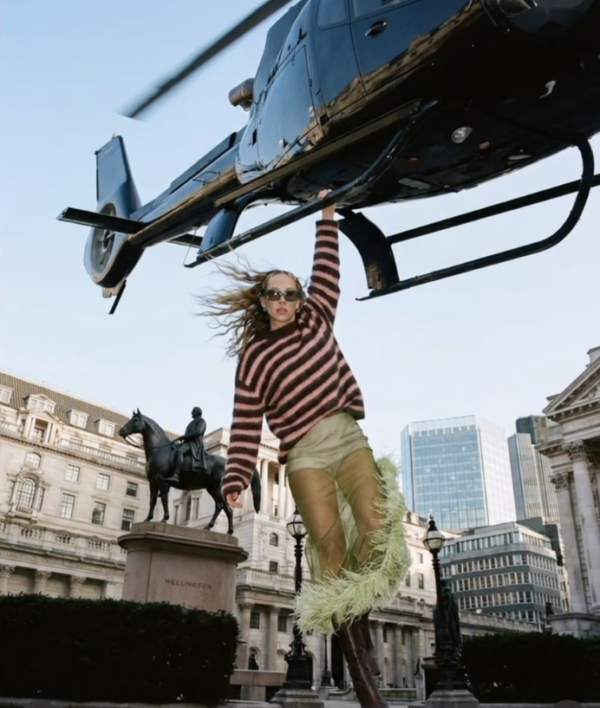 Girls Helicopter AI Prompt
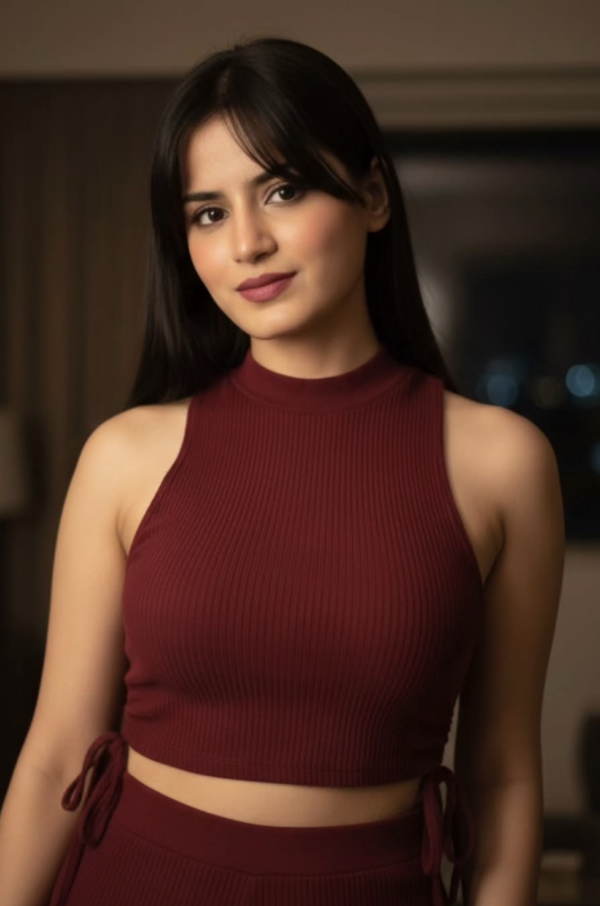 Girls Red Wear Beauty Girl AI Prompt
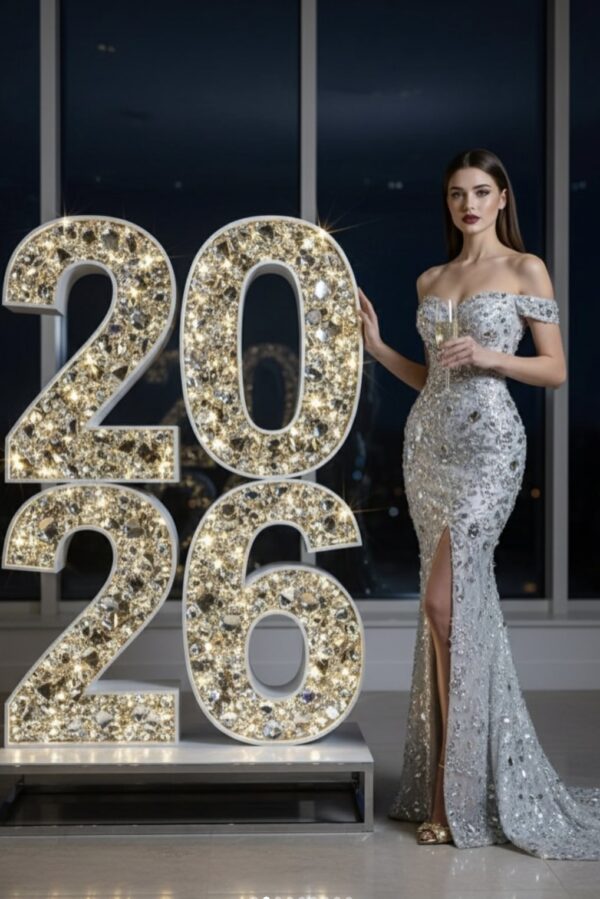 Girls New Year 2026 AI Photo Prompt for Girls
 Girls Girl in Glasses
 Girls Ganpati Bappa Devotional Saree Portrait AI Prompt
 Girls 1980s Bollywood Heroine AI Photo Prompt for Girls
 Girls cinematic dreamy night portrait
 Girls Korean Broadcast cam
💬 Comments