Nauvari Saree Ganesha Studio Portrait AI Prompt For Girls
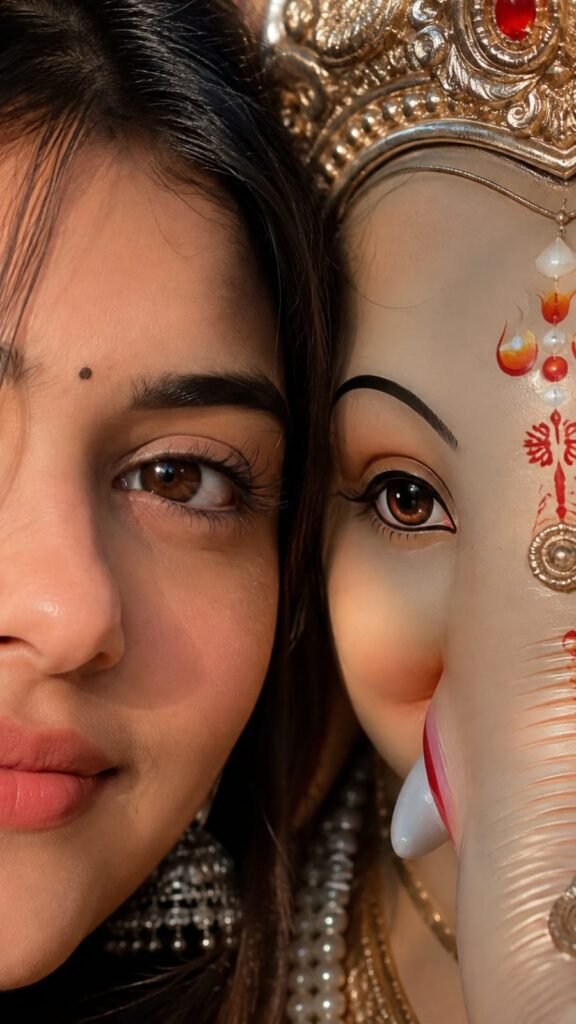
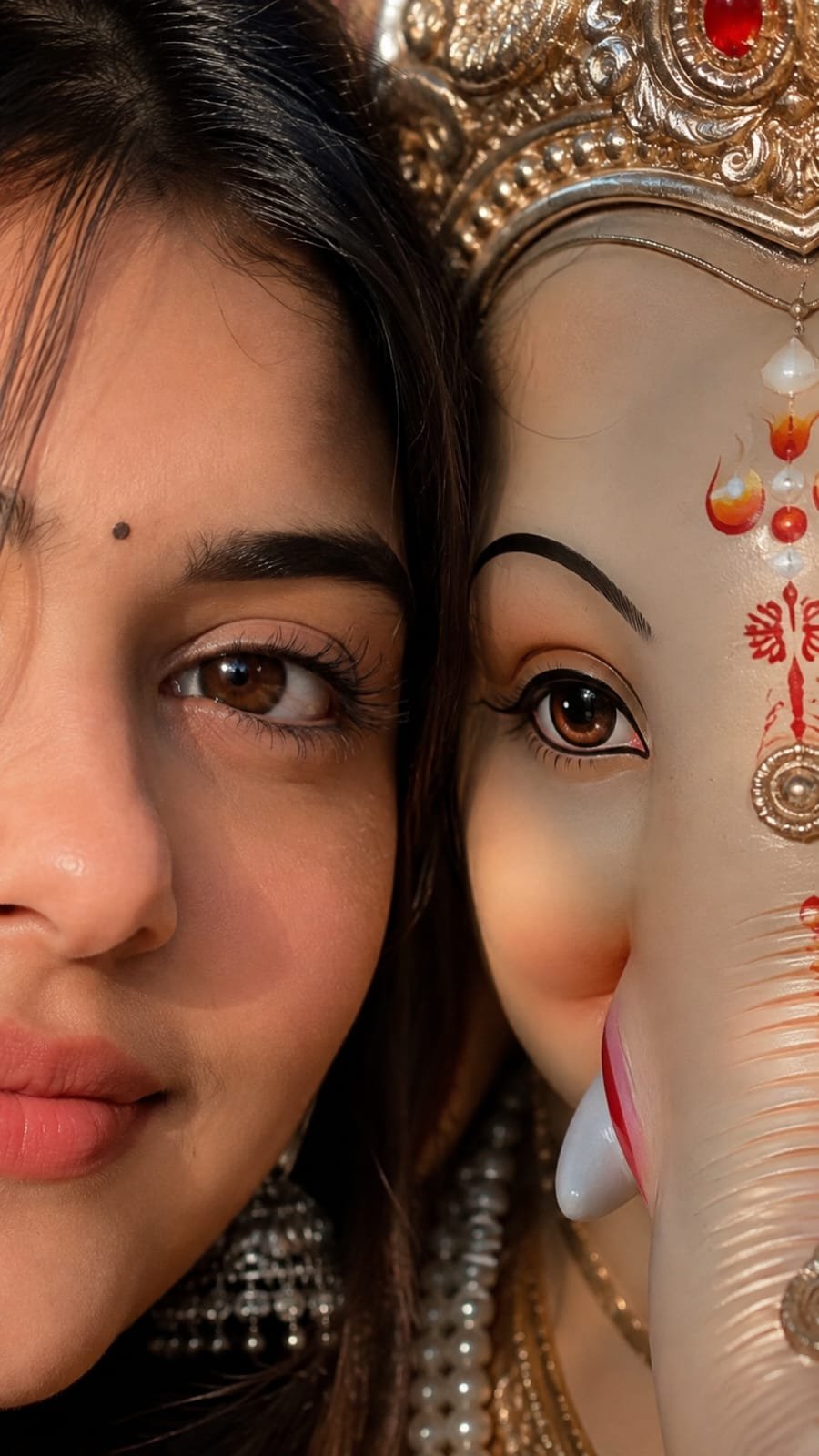
A high-quality studio portrait of a young Indian woman, same person as uploaded image, holding a colorful Lord Ganesha idol during Ganesh Chaturthi celebration. She is wearing a vibrant yellow Nauvari saree with a rich red and gold embroidered blouse. She is adorned with traditional gold jewelry, including a heavy choker necklace, a 'Nath' (nose ring), and red and gold bangles, standing against a dramatic dark studio background.
🌐 Language:
Nauvari Saree Ganesha Studio Portrait AI Prompt For Girls
This Nauvari saree Ganesh Chaturthi prompt creates a rich, traditional Maharashtrian studio portrait — vibrant yellow Nauvari saree, red and gold embroidered blouse, heavy gold jewelry and a nath, holding a colourful Ganesha idol.
What This AI Photo Prompt Delivers
- Authentic Nauvari saree styling: a signature Maharashtrian festive look.
- Heavy traditional jewelry: choker necklace, nath and bangles.
- Colourful Ganesha idol: held naturally in your hands.
- Dramatic studio background: for a premium, polished finish.
How to Use This Prompt: Step-by-Step
- Choose a clear, front-facing photo with good lighting.
- Upload it to your AI image tool.
- Paste the prompt exactly as written.
- Regenerate if the saree draping looks unnatural.
Which Photos Work Best
- Lighting: even lighting gives the most accurate face and jewelry detail.
- Angle: front-facing or a slight turn works best.
Pro Tips
- Ask the AI to refine the saree drape specifically if it looks stiff.
- Higher resolution photos keep the fine jewelry detail sharp.
Common Mistakes to Avoid
- Obscured facial features: make it harder for the AI to preserve identity alongside detailed jewelry.
- Skipping a regenerate if the draping or jewelry placement looks slightly off.
Best Use Cases
- Profile pictures and printed festival photos.
- Instagram posts celebrating Ganesh Chaturthi in traditional style.
Variations to Try
- Different saree colours instead of yellow.
- Simpler jewelry for a more understated look.
Conclusion
This prompt captures a rich, traditional Maharashtrian Ganesh Chaturthi look. Use a clear, well-lit photo for the best facial and jewelry detail.
💬 Comments