Mid-1985 Look AI Photo Editing Prompt
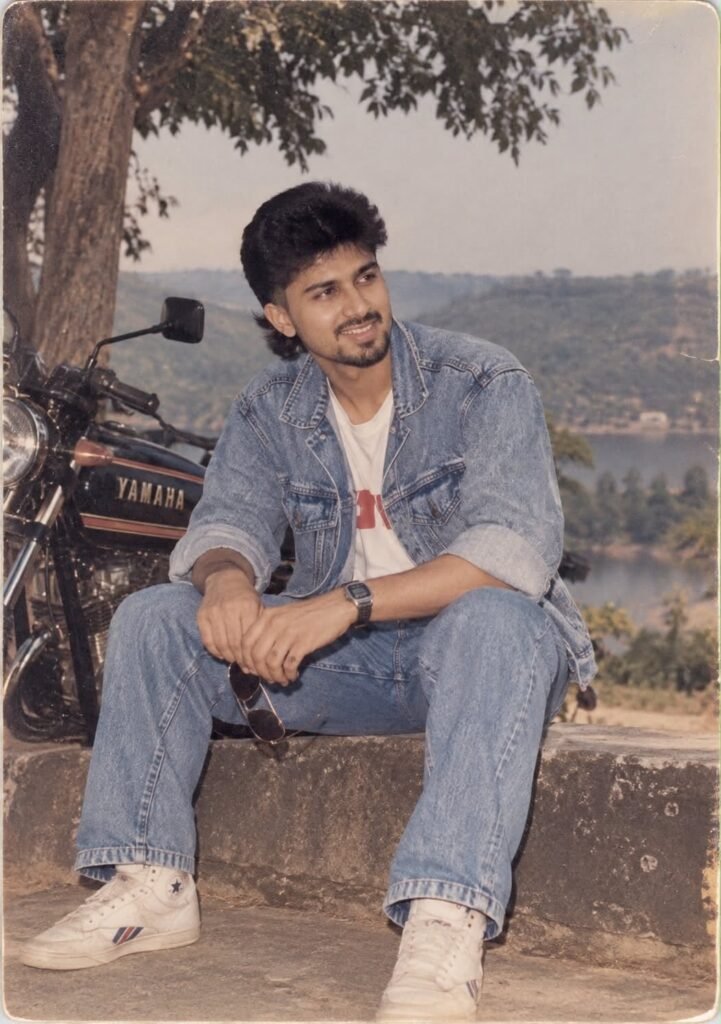
Mid-1985 Look AI Photo Editing Prompt
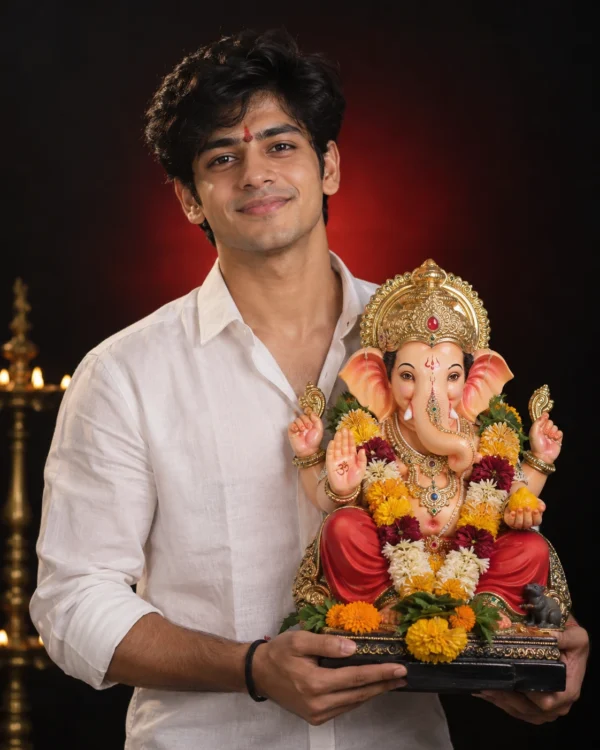
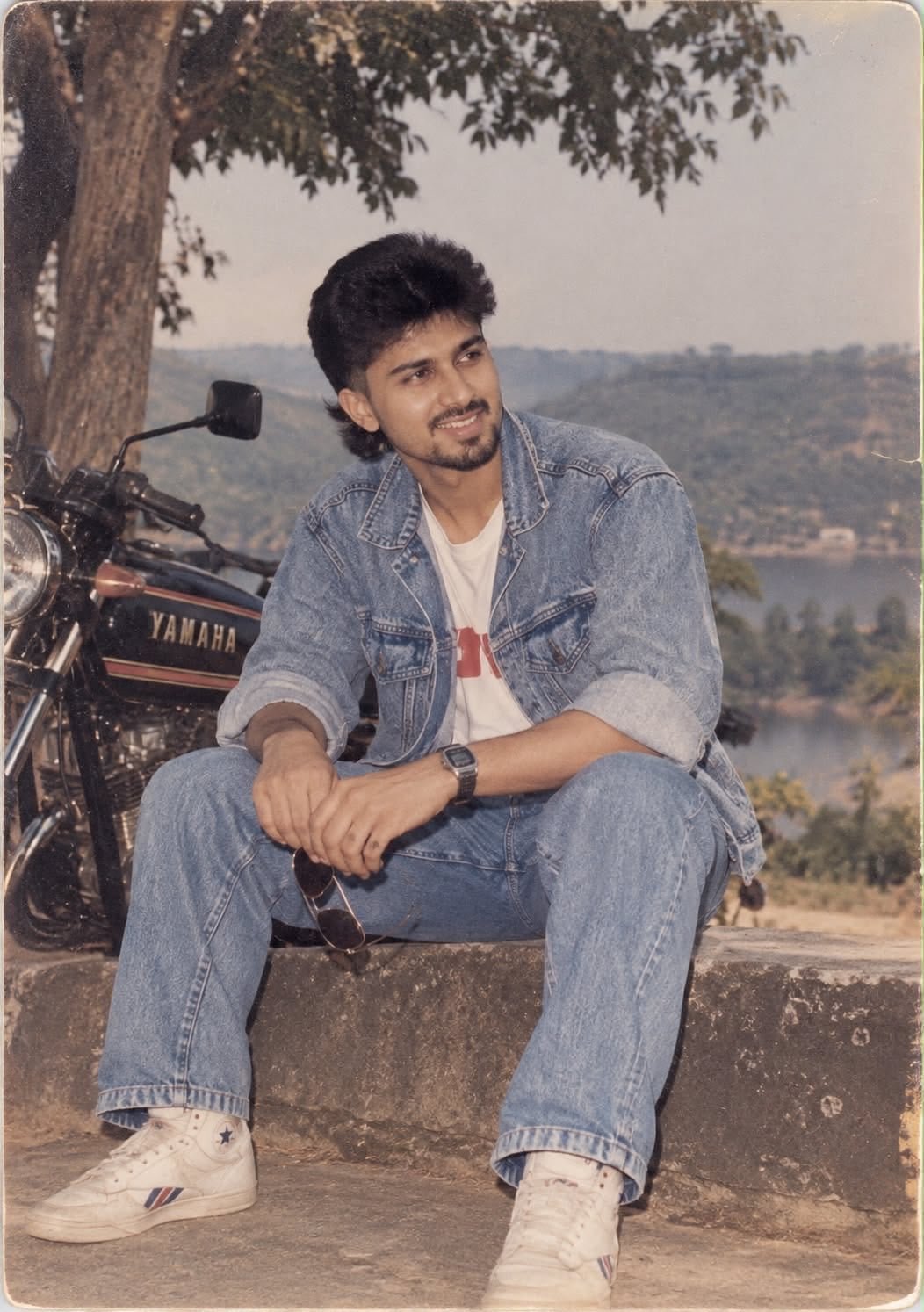
This 1985 AI photo editing prompt reimagines your hair, clothing, accessories and surroundings with bold, unmistakably mid-80s styling — expressive silhouettes, statement accessories and distinctive colours — finished with genuine analog grain, faded colour and direct-flash texture, while your identity stays fully preserved.
Great if you’re searching for a “what would I look like in 1985” AI prompt, a bold mid-80s style transformation, or a fun way to see your alternate retro self.
What This AI Photo Prompt Delivers
- Bold mid-80s hairstyle: expressive volume and shape.
- Statement clothing & accessories: distinctive colours and layered details.
- Preserved identity: your face, features, skin tone and age stay accurate.
- Genuine analog grain: authentic film-photo texture.
- Direct-flash, faded-colour finish: a real 1985 snapshot feel.
This prompt gives the AI more creative freedom on styling while locking down your real identity as the top priority.
How to Use This 1985 Look Prompt: Step-by-Step
- Choose a clear, well-lit front-facing photo.
- Upload it as the identity reference into your AI tool.
- Paste the full prompt text.
- Generate and review how your hair, outfit and accessories have been reimagined.
- Regenerate a few times to see different bold 80s styling options.
Tip: because this prompt allows more creative freedom, trying two or three generations often gives noticeably different (and interesting) results.
Which Photos Work Best for This Prompt
- Angle: front-facing photos work best.
- Lighting: even lighting keeps your identity accurate as the styling changes around it.
- Resolution: higher resolution photos preserve more facial detail through the transformation.
Pro Tips for the Best Results
- Use a sharp, recent photo so your identity carries through clearly.
- Try multiple regenerations — this prompt is designed to give varied, bold results each time.
- Keep your expression natural; let the styling do the dramatic work.
Common Mistakes to Avoid
- Low-resolution source photos: weaken identity accuracy once styling changes are applied.
- Expecting one fixed look: this prompt intentionally varies — regenerate to explore options.
- Heavily filtered original photos: can clash with the authentic 1985 film treatment.
Best Use Cases for This Mid-1985 Style
- “What would I look like in the 80s” content: a fun personal transformation post.
- Throwback profile pictures: a bold, standout retro look.
- Creative experimentation: a great prompt to explore different 80s aesthetics.
Variations to Try
- Multiple regenerations to compare different hairstyle and outfit combinations.
- Different lighting moods in your source photo for varied results.
- Black-and-white version for a more classic film feel.
Conclusion: Try This Mid-1985 Look Prompt
This prompt is a fun, flexible way to imagine yourself in bold mid-80s style, complete with authentic analog texture, while your real identity stays the anchor of every result. Try it with a clear photo and a few regenerations to find your favourite look.
💬 Comments